







- Home
- All modules
- Search & content
- Search Console quick wins
Search & content
Search Console quick wins
The searches you nearly win on Google, and what to change first
From your own Search Console data: searches you nearly win, searches seen but rarely clicked and pages losing clicks, each with the next step and the tool that does it.
Illustration of the screen, without data.
Why it matters
From the problem to what SEOmise does
The easiest clicks are hidden in a spreadsheet
Search Console knows which searches you nearly rank for and which pages are slipping, but finding them means exporting, filtering and sorting thousands of rows, and then working out what to do about each one.
The searches you nearly win on Google, and what to change first
- Seen but rarely clicked. Searches where your page is in positions 8 to 20, shown often, but clicked by less than half as many people as pages in that position usually are.
- Close to the top. Searches in the same positions with a normal click rate: a few links from your own pages and fresher content can lift them onto the first page.
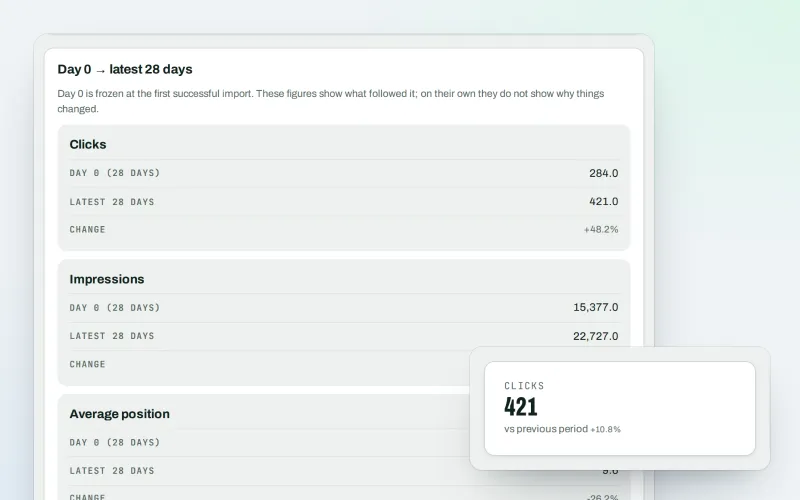
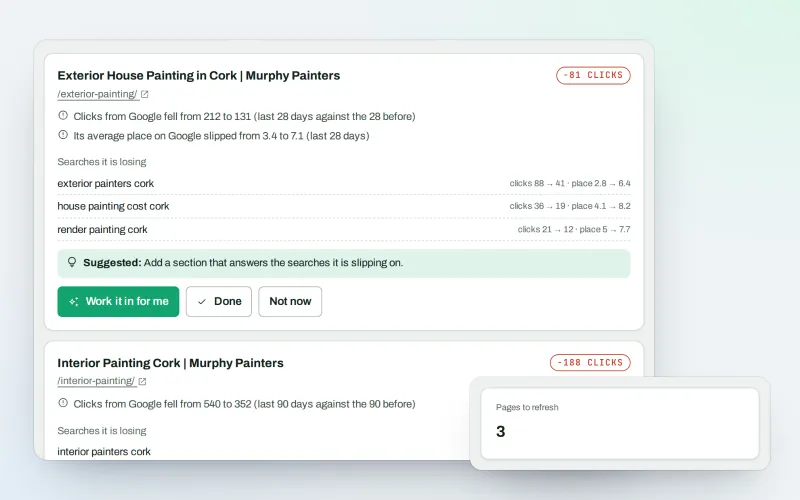
- Pages losing clicks. Pages whose clicks from Google fell by 30% or more against the four weeks before.
How it works
Four steps, start to finish
- Connect Search ConsoleGoogle Search Console is Google's free report of how your site does in search. Connect it once under Visitors → Google data; it is read-only.
- See the quick winsA card on your project overview shows the first few; Search → Quick wins has the full list, ranked by how often Google showed each search.
- Follow the next stepEach row says what to do: rewrite the title and description, add internal links, or refresh the content, with a button that opens that tool.
- Check it workedThe list is worked out again after every Search Console import, so a search that moved up leaves the list by itself.
Features
What you get with Search Console quick wins
Seen but rarely clicked
Searches where your page is in positions 8 to 20, shown often, but clicked by less than half as many people as pages in that position usually are.
Close to the top
Searches in the same positions with a normal click rate: a few links from your own pages and fresher content can lift them onto the first page.
Pages losing clicks
Pages whose clicks from Google fell by 30% or more against the four weeks before.
A new title for the search
"Work it in for me" opens on the page with the search already chosen, and writes a title, description and text for you to approve.
Internal links
Links from your own pages that already rank for related searches, to the page that needs a lift.
Nothing paid for
Everything comes from your own Search Console data: no look-ups from other providers and no credits.
Before and after
What changes with Search Console quick wins
Before: without quick wins. After: with quick wins. Drag the handle, or use the arrow keys, to compare.
Without quick wins
- Thousands of rows to export and sort
- Near misses go unnoticed
- No clear next step for each search
With quick wins
- The near misses and slipping pages in one list
- Ranked by how often Google showed them
- The next step and the tool for each
Illustration of the difference, not a measured result.
What it needs
No surprises after you sign up
Turn a card over for the detail.
Google Search Console
Google Search Console
Connected under Visitors → Google data. The first list appears after the first import, usually within a day.
A scan of your site
A scan of your site
So each row can open the right page in SEOmise.
AI credits (optional)
AI credits (optional)
Only for "Work it in for me". The list itself needs none.
Every platform
Whatever your site runs on
What Search Console quick wins does on each kind of website, from SEOmise's site connectors to step-by-step guidance.
WordPress
WordPress and WooCommerceNew titles, descriptions and links are published through the connector after you approve them.
Laravel
Sites built on LaravelNew titles, descriptions and links are published through the Laravel connector after you approve them.
Any PHP site
Custom PHP, CodeIgniter, Symfony, Drupal, JoomlaA paired PHP connector changes titles and descriptions. Links and text are added by hand.
Every other platform
Shopify, Wix, Squarespace, Webflow, static sites and the restThe list works the same for any site. Copy the suggested title or links into your site; the next scan checks them.
Where Search Console quick wins is included
Search Console quick wins is not part of a public plan at the moment.
See pricingNot sure it fits?
Ask Mise, our assistant, in the help centre, or book a call and we will show you Search Console quick wins on a site like yours.
Questions
Search Console quick wins: common questions
Do I need Google Search Console?
Yes. The list is made from the clicks, impressions and positions Google reports for your site. Connect it under Visitors → Google data.
Does it cost anything to use?
No credits are used to make the list: it reads data you already own. "Work it in for me", if you use it, uses AI credits.
Why positions 8 to 20?
They are the bottom of the first page and the second page, where a better title or a few links make the biggest difference. Staff can change the range.
Is the usual click rate a promise?
No. It is a rough guide from published click-through studies. Results also change for reasons outside your site.
Does it work on sites that are not WordPress?
Yes. Finding the quick wins uses Google's data, so it works for any site. Changes are published through a connector where you have one, or copied in by hand.
Which plans include Search Console quick wins?
Plans and add-ons are on the pricing page. If Search Console quick wins is not listed there yet, ask us how to get it.
Works well with
Related modules
-
Google data
Your own Search Console and Analytics figures, imported every day
Explore -
Content refresh alerts Beta
Catch pages losing visitors before they drop off Google
Explore -
Keywords and rankings
See where you show up on Google, and which searches to go after
Explore -
Content SEO checks
Page-by-page checks for your titles, keyphrases and readability
Explore -
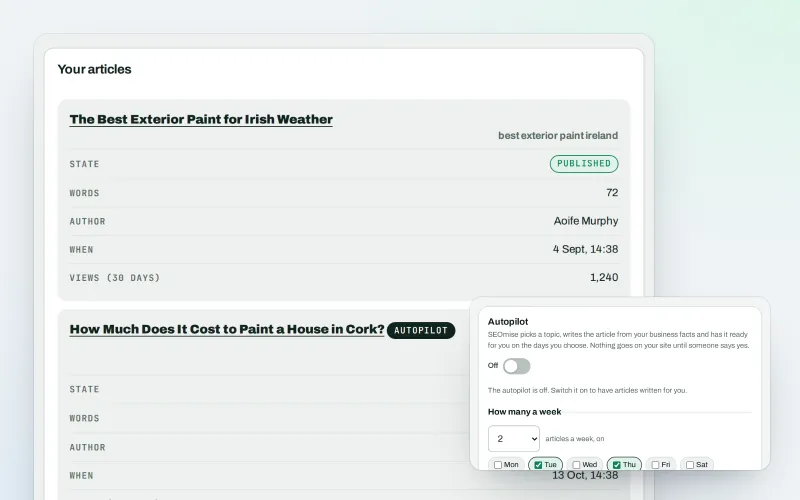
Articles
Blog articles written from your own business facts
Explore -
Domain Explorer Beta
Look up any website's search and link figures, each with its source
Explore -
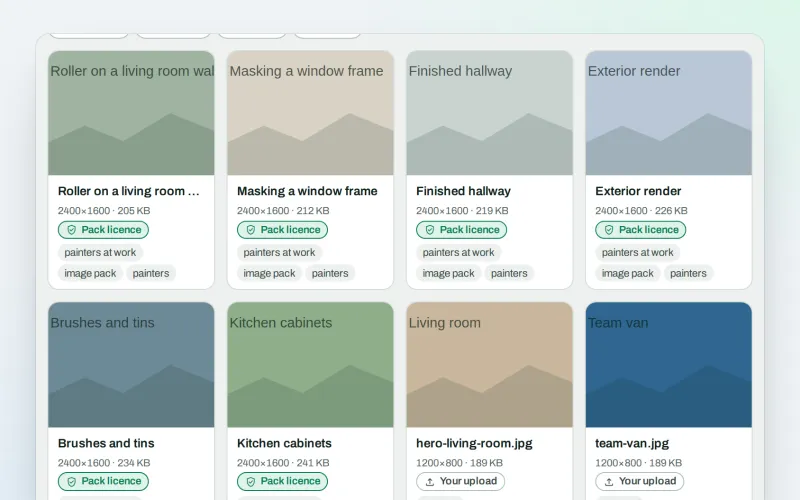
Image packs Beta
Ready-made photo sets for your pages and articles
Explore -
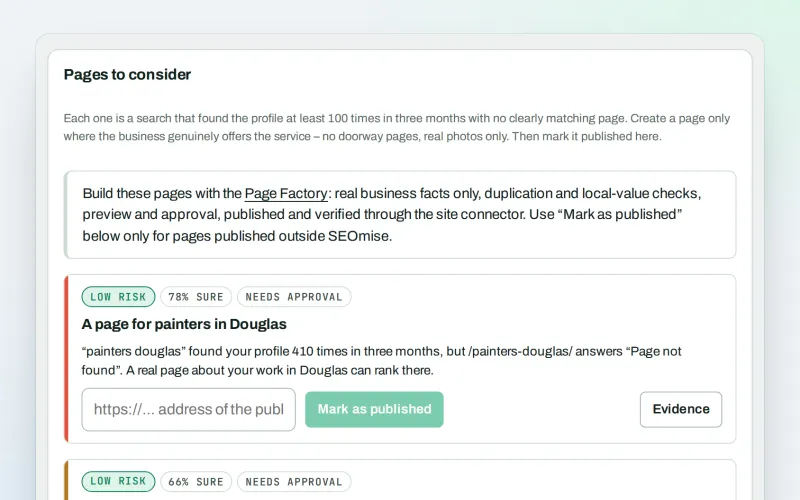
Local pages
Find the local searches your website has no page for
Explore
Try Search Console quick wins on your own site
Add your site; your first scan becomes your Day 0 baseline. Nothing is bought or published without your approval.
No ranking guarantees: just clear work, with the evidence.
