

- Home
- All modules
- Visitors & reports
- Client reports
Visitors & reports
Client reports
White label SEO reports as a PDF, e-mailed every week or month
White label SEO reports with the score, growth since Day 0, the work done and what comes next. Download each one as a PDF, or have it e-mailed every week or month.

A screen from the SEOmise demo, with sample data.
Why it matters
From the problem to what SEOmise does
Reporting takes time away from the work
Copying figures from several tools into a document every month is slow, and the numbers rarely agree. Clients want to know three things: is it working, what was done, and what happens next.
White label SEO reports as a PDF, e-mailed every week or month
- The SEOmise score. The overall score and the score for each category, with the change since Day 0.
- Day 0 to today. The key figures at the start and now, side by side, with the wins and the setbacks.
- Work completed. The tasks finished in the period, so clients see what was done for them.
How it works
Four steps, start to finish
- SEOmise gathers the figuresThe score, growth since Day 0, finished tasks and the AI plan come from what SEOmise already measures for the project.
- Choose the periodThe last 7, 30 or 90 days. Read the report on screen or download it as a PDF.
- Schedule itSend it weekly (Monday morning), monthly (on the 1st) or both, each to up to 20 people. Press Send now to see what they will get.
- Clients open itEach person gets an e-mail with a link to the PDF. The link works for 30 days, with no sign-in needed.
Features
What you get with Client reports
The SEOmise score
The overall score and the score for each category, with the change since Day 0.
Day 0 to today
The key figures at the start and now, side by side, with the wins and the setbacks.
Work completed
The tasks finished in the period, so clients see what was done for them.
Planned next
The next tasks from the AI plan, with why each one matters.
Changes in the period
The changes made to the site, on a timeline, and the ones that were followed by an improvement. The report never claims a change caused it.
PDF download
The same report as a PDF, ready to send or print.
Report history
Every report sent, with its period and how many people received it.
Your brand on it
On plans with white-label reports, the report carries your workspace name, or your agency's brand when you have set one up.
Report templates
Start from a ready-made template
SEO, rankings, links, local, analytics, AI and leads: each template shows what it includes, the data it needs and a sample on demo data.
Before and after
What changes with Client reports
Before: by hand. After: with Client reports. Drag the handle, or use the arrow keys, to compare.
By hand
- Figures copied from several tools each month
- Numbers that do not match between documents
- Reports sent late, or not at all
With Client reports
- One report built from the same figures as the app
- The screen, the PDF and the e-mail always agree
- Sent on schedule to the people you choose
Illustration of the difference, not a measured result.
What it needs
No surprises after you sign up
Turn a card over for the detail.
The AI plan
The AI plan
Client reports are built on the SEOmise score and the AI plan, so both need to be part of your plan.
Data to report on
Data to report on
Site scans and Google data fill the report. A category with no data says "not connected" instead of showing a guess.
Nothing on your website
Nothing on your website
Reports use what SEOmise already measures. No connector is needed.
Every platform
Whatever your site runs on
What Client reports does on each kind of website, from SEOmise's site connectors to step-by-step guidance.
WordPress
WordPress and WooCommerceWorks the same on every site: the report is built from what SEOmise measures.
Laravel
Sites built on LaravelWorks the same on every site: the report is built from what SEOmise measures.
Any PHP site
Custom PHP, CodeIgniter, Symfony, Drupal, JoomlaWorks the same on every site: the report is built from what SEOmise measures.
Every other platform
Shopify, Wix, Squarespace, Webflow, static sites and the restNothing to install. Sites on any platform get the same report.
Where Client reports is included
Included in these plans. Limits, such as pages per scan or credits a month, are on the pricing page.
See pricingNot sure it fits?
Ask Mise, our assistant, in the help centre, or book a call and we will show you Client reports on a site like yours.
Questions
Client reports: common questions
Do my clients need an account?
No. The scheduled e-mail has a link to the PDF that opens without signing in. For safety, the link stops working after 30 days.
When do scheduled reports go out?
Weekly reports go out on Monday morning and cover the last 7 days. Monthly reports go out on the 1st and cover the last 30 days.
Can I put my own brand on the report?
Yes, on plans with white-label reports. The report then shows your workspace name, or your agency's brand when you have set one up, instead of SEOmise.
Does the report claim our work caused the growth?
No. It lists changes that were followed by an improvement and says so plainly. Other things, such as the season or Google updates, also move the numbers.
How is this different from an SEO audit report?
A client report shows a project's progress over time: score, growth, work done and next steps. An SEO audit report is a graded check of one web address at one moment, often used for prospects.
Which plans include Client reports?
Client reports is included in the Personal, Business and Agency plans. Prices and limits are on the pricing page.
Guides
Client reports: how-to guides
Works well with
Related modules
-
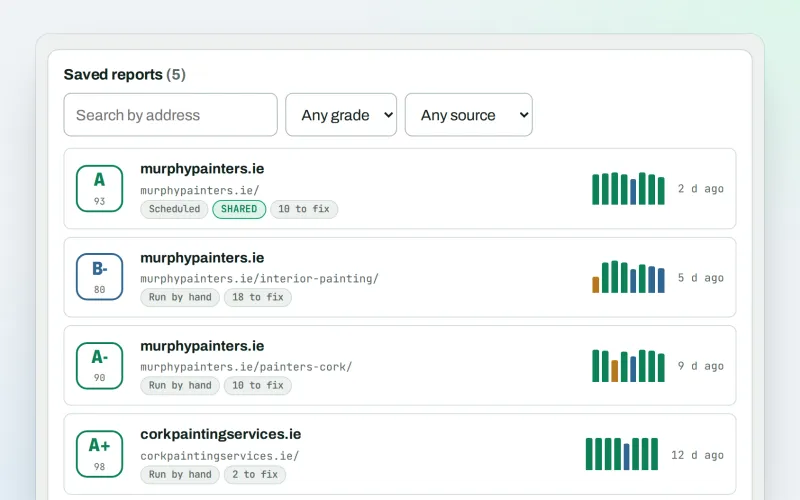
SEO audit reports
A graded SEO audit of any web address, ready to share or send
Explore -
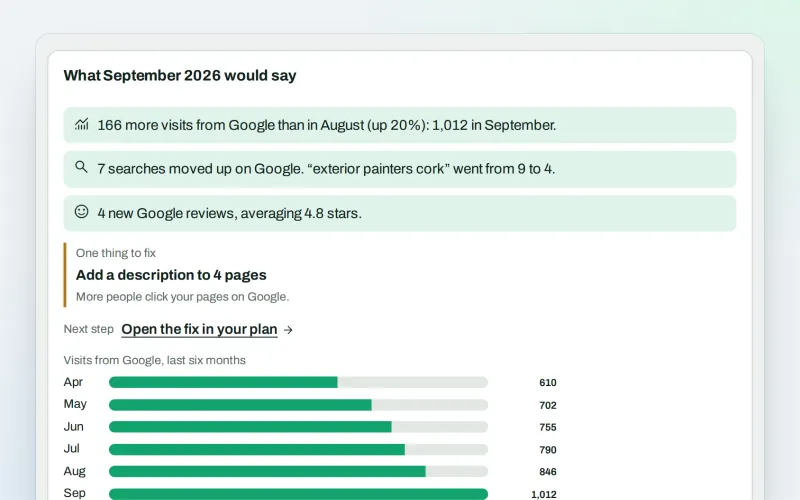
Monthly owner digest Beta
A monthly SEO summary in plain words, by e-mail, without signing in
Explore -
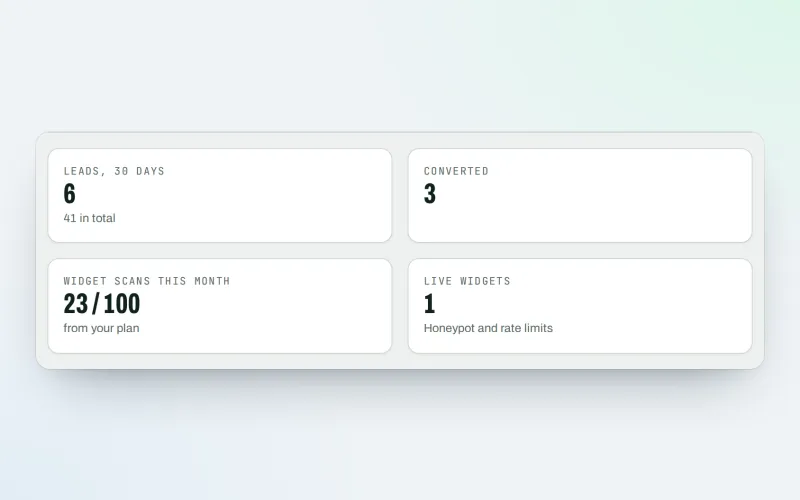
Agency tools
SEO agency software: win clients, work under your brand, give each client a portal
Explore -
Live client report links
Live SEO reports: send clients one private link that is always up to date
Explore -
Client update e-mails
Client SEO updates by e-mail: rankings up, rankings down and the work done
Explore -
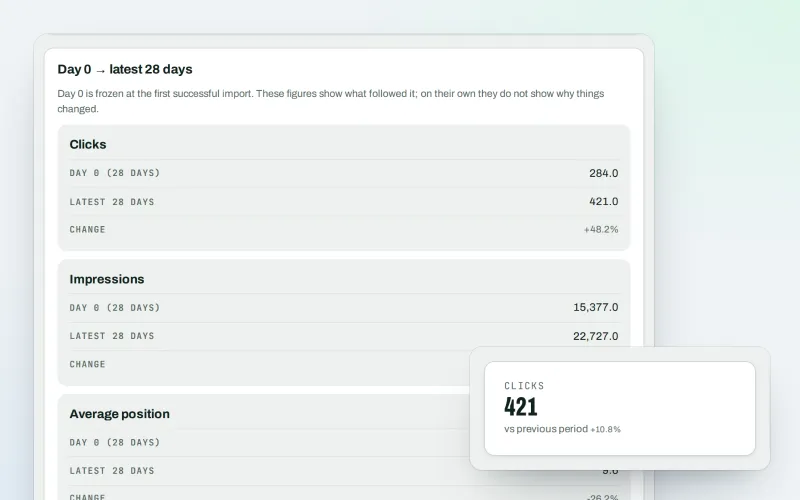
Google data
A Search Console dashboard with your Analytics figures, imported every day
Explore -
Live view
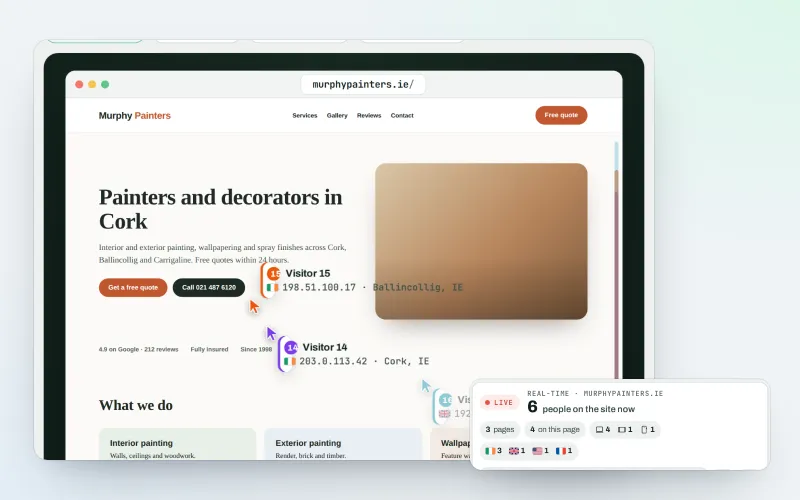
See real-time website visitors, right now, and where they click
Explore -
Proof of Progress
An SEO progress report: show a client what changed since the work started
Explore
Try Client reports on your own site
Add your site; your first scan becomes your Day 0 baseline. Nothing is bought or published without your approval.
No ranking guarantees: just clear work, with the evidence.
