

- Home
- All modules
- Local
- Map rank grid
Local
Map rank grid
A Google Maps rank tracker: see where your business appears across your area
This Google Maps rank tracker checks your position for the searches that matter at points on a grid around your business, so you see where you show up.

A screen from the SEOmise demo, with sample data.
Why it matters
From the problem to what SEOmise does
One search shows only one spot
Google Maps results depend on where the person searching is, their device and the time. A check from your own desk shows how you appear in one place. You need to see the whole area you serve.
A Google Maps rank tracker: see where your business appears across your area
- Your position at every point. A coloured grid shows your Maps position at each point around the business, and the same figures as a table.
- Visibility out of 100. A top-3 position counts fully, 4 to 10 counts half, 11 to 20 counts a fifth, and not found counts nothing.
- Weak areas spotted. When one side of the grid (north, south, east or west) is clearly weaker, SEOmise says so and suggests looking at content and citations for customers there.
How it works
Four steps, start to finish
- Choose your keywordsStart from suggestions taken from the searches Google reports for your profile and your main category, or type your own.
- Set the gridChoose a grid from 3 × 3 up to 9 × 9 points, where the data source allows, and the distance between points. The centre comes from your Google profile, or you enter it.
- Scan now or on a scheduleRun a scan when you like, or let it repeat weekly or monthly.
- Read the mapEach point shows your position for that keyword, with a visibility score, your average position and the number of top-3 points.
Features
What you get with Map rank grid
Your position at every point
A coloured grid shows your Maps position at each point around the business, and the same figures as a table.
Visibility out of 100
A top-3 position counts fully, 4 to 10 counts half, 11 to 20 counts a fifth, and not found counts nothing.
Weak areas spotted
When one side of the grid (north, south, east or west) is clearly weaker, SEOmise says so and suggests looking at content and citations for customers there.
Earlier scans kept
Pick a recent scan from the list to see how positions looked then.
Keyword ideas from your own data
Suggestions come only from Google's search data for your profile and your main category, on its own and with your town.
Feeds your Health Score
The latest scan becomes the local visibility part of your Google Business Profile Health Score, and weak areas appear as next best actions.
Export
Download the grid positions as CSV or PDF to share.
Honest figures
Positions are measurements, not promises. Demo data, where shown, is clearly marked as not real search results.
What it needs
No surprises after you sign up
Turn a card over for the detail.
A connected Google Business Profile
A connected Google Business Profile
The grid belongs to a Business Profile location in SEOmise, which also gives the map position for its centre.
A map search data source
A map search data source
SEOmise collects grid positions from a map search data service. If none is connected, the screen says so and the rest of Local SEO works as normal.
Keywords in your plan
Keywords in your plan
How many keywords you can track on the grid depends on your plan.
Every platform
Whatever your site runs on
What Map rank grid does on each kind of website, from SEOmise's site connectors to step-by-step guidance.
WordPress
WordPress and WooCommerceMeasures Google Maps results, so nothing is installed on your website.
Laravel
Sites built on LaravelMeasures Google Maps results, so nothing is installed on your website.
Any PHP site
Custom PHP, CodeIgniter, Symfony, Drupal, JoomlaMeasures Google Maps results, so nothing is installed on your website.
Every other platform
Shopify, Wix, Squarespace, Webflow, static sites and the restWorks the same for hosted builders and every other platform.
Where Map rank grid is included
Included in these plans. Limits, such as pages per scan or credits a month, are on the pricing page.
See pricingNot sure it fits?
Ask Mise, our assistant, in the help centre, or book a call and we will show you Map rank grid on a site like yours.
Questions
Map rank grid: common questions
Why does my position differ from what I see on my phone?
Map results depend on where the search is made, the device and the time. The grid checks set points around your business, so treat the figures as measurements, not promises.
Where do the keyword suggestions come from?
From the searches Google reports for your Business Profile, and from your main category on its own and with your town. SEOmise does not suggest keywords this data does not contain.
What should I do about a weak area?
Look at the content and directory listings that serve customers there. Never add addresses or service areas you do not really serve.
How often does it scan?
Weekly, monthly, or only when you choose Scan now.
Do I need Google Business Profile in SEOmise?
Yes. The grid is set up for a Business Profile location you have connected, and its keyword ideas come from that profile.
Which plans include Map rank grid?
Map rank grid is included in the Business and Agency plans. Prices and limits are on the pricing page.
Guides
Map rank grid: how-to guides
Works well with
Related modules
-
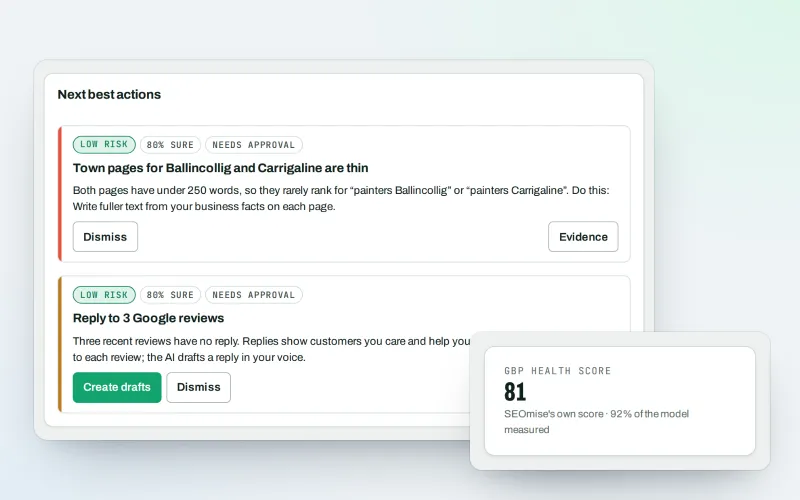
Google Business Profile
Google Business Profile management from one place, with approvals
Explore -
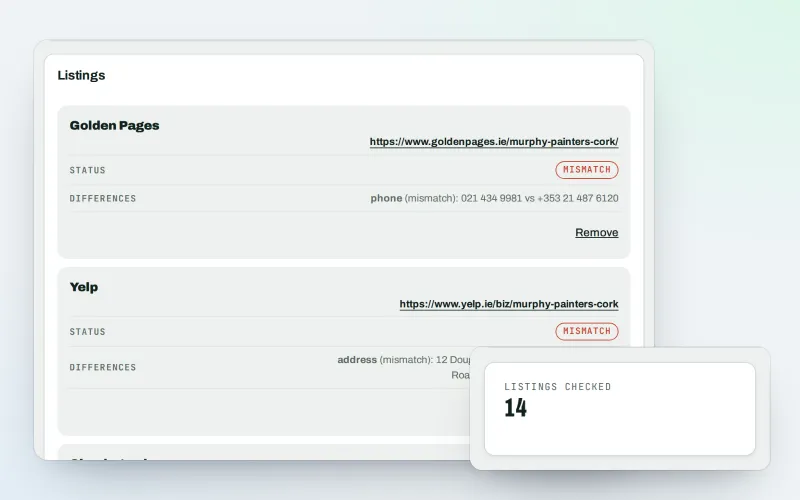
Citations and NAP
A citation checker that keeps your name, address and phone the same everywhere
Explore -
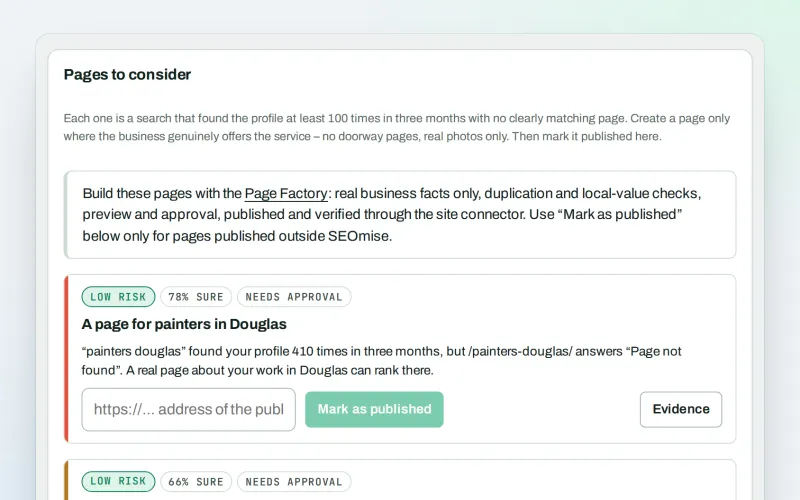
Local pages
Local landing pages for the local searches your website has no page for
Explore -
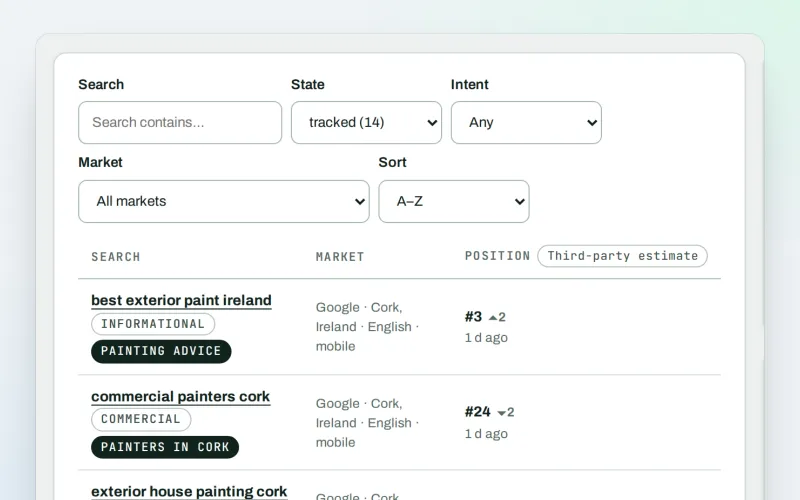
Keywords and rankings
A rank tracker: see where you show up on Google, and which searches to go after
Explore -
Listings sync Beta
Your business details on directories, Apple, Bing and more, kept the same everywhere
Explore -
Local Intelligence
Multi-location SEO: all your business locations on one screen, with access per location
Explore -
Review booster Beta
Get more Google reviews: ask every customer, fairly and in a few clicks
Explore -
Apple and Bing listings
Apple Business Connect and Bing Places, set up step by step with the same details
Explore
Try Map rank grid on your own site
Add your site; your first scan becomes your Day 0 baseline. Nothing is bought or published without your approval.
No ranking guarantees: just clear work, with the evidence.
