

- Home
- All modules
- Local
- Google Business Profile
Local
Google Business Profile connector and management
Google Business Profile management from one place, with approvals
A Google Business Profile connector for every location: connect Google once, then handle reviews, posts, photos and business details. Your team drafts; the people you trust publish.

A screen from the SEOmise demo, with sample data.
Why it matters
From the problem to what SEOmise does
Your Google profile needs regular care
Your Google Business Profile shows people your hours, reviews and contact details on Google Search and Maps. Reviews wait for replies, holiday hours need setting, and Google sometimes changes details after suggestions from the public. Doing all of this by hand, one task at a time, is easy to put off.
Google Business Profile management from one place, with approvals
- Clients invite one account. Choose which of your Google accounts receive clients' manager invitations and which one clients are shown. SEOmise checks for invitations every few minutes, accepts them, and attaches each profile to its project, or lists it for you to place.
- Reviews in one place. Every review with its rating and whether it has a reply, synced from Google every two hours. Replies go out one at a time and each is recorded.
- AI reply drafts you check. SEOmise can draft a short, polite reply using only the review and your business details. You edit and approve it first. Included on some plans.
How it works
Four steps, start to finish
- Connect your Google account, or be invitedSign in with the Google account that manages your profile, or have the business owner add your workspace's Google account as a Manager. SEOmise accepts the invitation by itself.
- Attach a location to your projectA profile that arrives by invitation is attached to the project whose website it names; otherwise pick it from a list. SEOmise brings in its details, reviews, posts, photos and performance from Google.
- Get a score and next stepsA Health Score in eight parts shows what is strong and what is missing, with the evidence behind each point and a list of next best actions.
- Draft, approve, publishYour team drafts replies, posts and profile edits. People with publishing rights send them to Google, and every change is recorded.
Features
What you get with Google Business Profile
Clients invite one account
Choose which of your Google accounts receive clients' manager invitations and which one clients are shown. SEOmise checks for invitations every few minutes, accepts them, and attaches each profile to its project, or lists it for you to place.
Reviews in one place
Every review with its rating and whether it has a reply, synced from Google every two hours. Replies go out one at a time and each is recorded.
AI reply drafts you check
SEOmise can draft a short, polite reply using only the review and your business details. You edit and approve it first. Included on some plans.
Google posts, planned ahead
Write updates, events and offers with a button such as Book or Call. Once approved and scheduled, SEOmise publishes them at the time you chose.
Profile edits with a before and after
Change opening and holiday hours, services, description and more. You see exactly what will change, with snapshots before and after, and a warning when Google shows different values from yours.
Photos
Add photos by upload or from a web address, and change or remove them. Photo changes need an approver.
Searches and performance
Daily calls, website clicks, direction requests and views on Google Search and Maps, plus the monthly search terms that found your profile.
GBP Health Score
Eight weighted parts, from profile completeness to review replies and search coverage. Parts SEOmise cannot measure yet are left out, not guessed.
Next best actions with evidence
Suggestions such as confirming holiday hours, replying to reviews or adding a category, each with the data behind it. SEOmise never invents services, hours or addresses.
Automation you control
Per location, choose off, recommend or auto-draft for reviews and posts. Auto-publish exists only for 4 and 5 star review replies, and only an approver can switch it on.
Before and after
What changes with Google Business Profile
Before: doing it by hand. After: with SEOmise. Drag the handle, or use the arrow keys, to compare.
Doing it by hand
- Each review, post and edit handled separately in Google
- Holiday hours and unanswered reviews are easy to miss
- No shared view of drafts, approvals and who changed what
With SEOmise
- Reviews, posts, photos and business details in one place
- Drafts and approvals, with snapshots before and after each change
- Suggestions for holiday hours, unanswered reviews and missing details
Illustration of the difference, not a measured result.
What it needs
No surprises after you sign up
Turn a card over for the detail.
A Google account that manages the profile
A Google account that manages the profile
An owner or manager of the Business Profile signs in with Google, or the owner adds your invitation account as a Manager. SEOmise imports the locations that account can see.
A verified location for replies
A verified location for replies
Google only accepts review replies for verified locations. SEOmise can start the verification methods Google offers, but cannot skip them.
A plan that includes it
A plan that includes it
Posts, AI reply drafts, automatic drafting and the number of locations you can attach depend on your plan.
Every platform
Whatever your site runs on
What Google Business Profile does on each kind of website, from SEOmise's site connectors to step-by-step guidance.
WordPress
WordPress and WooCommerceWorks through Google, so nothing is installed on your website.
Laravel
Sites built on LaravelWorks through Google, so nothing is installed on your website.
Any PHP site
Custom PHP, CodeIgniter, Symfony, Drupal, JoomlaWorks through Google, so nothing is installed on your website.
Every other platform
Shopify, Wix, Squarespace, Webflow, static sites and the restHosted builders and every other platform get the same features: the work happens in Google, not on your website.
Where Google Business Profile is included
Included in these plans. Limits, such as pages per scan or credits a month, are on the pricing page.
See pricingNot sure it fits?
Ask Mise, our assistant, in the help centre, or book a call and we will show you Google Business Profile on a site like yours.
Questions
Google Business Profile: common questions
Will SEOmise reply or post without asking me?
Not unless you choose it. Replies and posts are drafted for a person to check. The one exception is auto-publish for 4 and 5 star review replies with no warning signs, which only an approver can switch on, location by location. Posts never publish automatically.
Who can change the business name or address?
Anyone with drafting rights can propose a change, and you always see the before and after first. Name, address, categories and service area only change on Google once an approver (an owner, admin or approver) accepts.
Can SEOmise get my business verified?
It shows the verification methods Google currently offers for your location and lets you start and finish them from SEOmise. Verification itself is done by Google; SEOmise cannot bypass it or guarantee a method.
Can I manage several locations?
Yes. You can attach Business Profile locations to a project and switch between them on every Local screen. How many locations you can attach depends on your plan.
How do my clients give us access?
They add the e-mail address SEOmise shows them as a Manager of their Business Profile (Business Profile settings → People and access). SEOmise accepts the invitation and links the profile to their project; they do nothing else.
What happens if I disconnect Google?
SEOmise withdraws its access at Google, deletes the stored sign-in and turns scheduled posts back into drafts. You choose whether its locations stay attached until you connect again, or are detached. Your profile on Google stays as it is.
Will this get me higher on Google Maps?
No one can promise that. SEOmise helps you keep the profile complete, accurate and active, and the map rank grid can measure where you appear.
Which plans include Google Business Profile?
Google Business Profile is included in the Business and Agency plans. Prices and limits are on the pricing page.
Works well with
Related modules
-
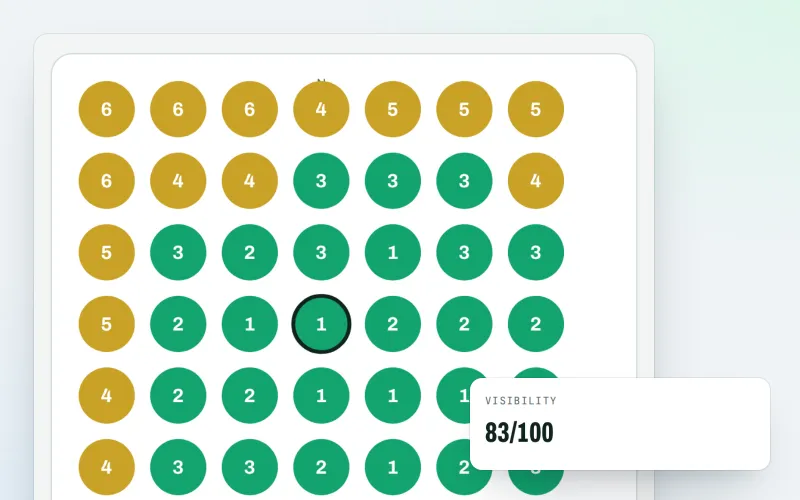
Map rank grid
A Google Maps rank tracker: see where your business appears across your area
Explore -
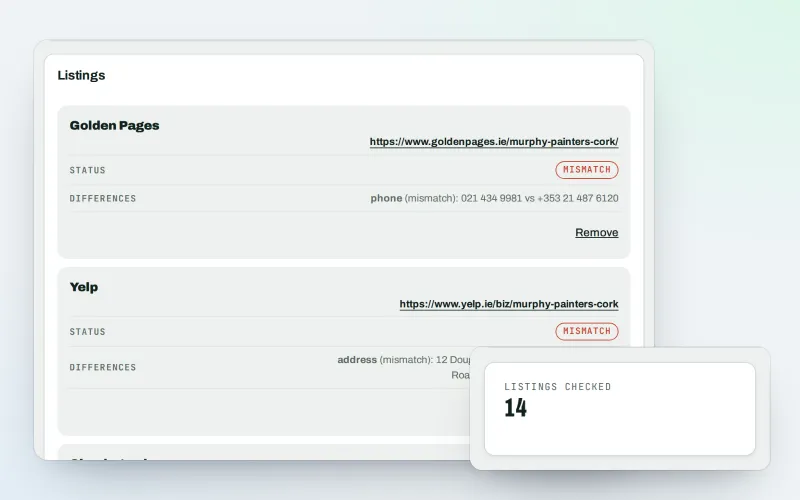
Citations and NAP
A citation checker that keeps your name, address and phone the same everywhere
Explore -
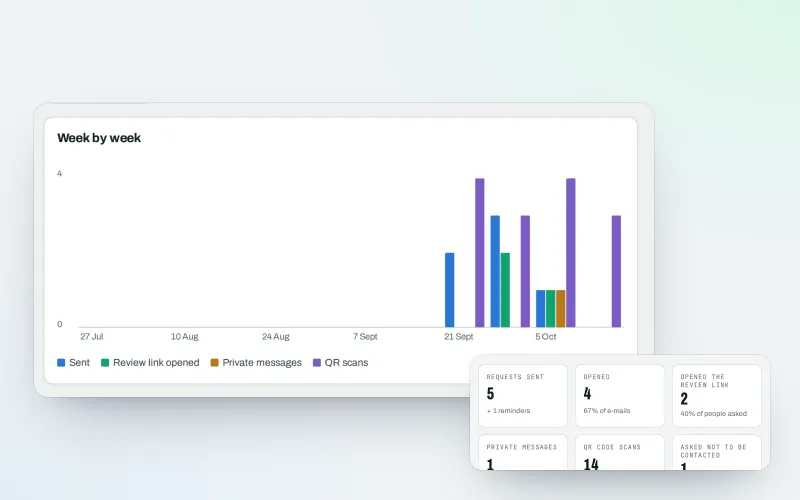
Review booster Beta
Get more Google reviews: ask every customer, fairly and in a few clicks
Explore -
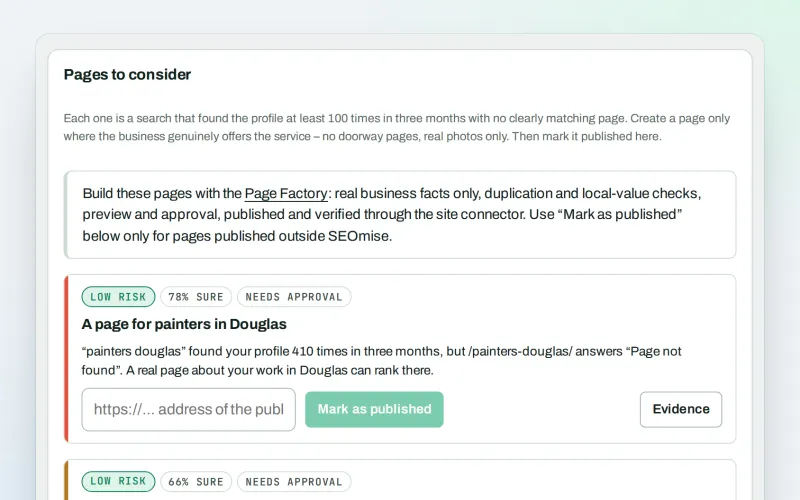
Local pages
Local landing pages for the local searches your website has no page for
Explore -
Listings sync Beta
Your business details on directories, Apple, Bing and more, kept the same everywhere
Explore -
Local Intelligence
Multi-location SEO: all your business locations on one screen, with access per location
Explore -
Apple and Bing listings
Apple Business Connect and Bing Places, set up step by step with the same details
Explore -
Business Profile import
Bring your Google Business Profile performance figures in from the report you download
Explore
Try Google Business Profile on your own site
Add your site; your first scan becomes your Day 0 baseline. Nothing is bought or published without your approval.
No ranking guarantees: just clear work, with the evidence.
