

- Home
- All modules
- Website health
- Domain health
Website health
Domain health
See whether your domain's e-mail and DNS are set up safely, with the fix
Checks your domain's e-mail and DNS from public records: SPF, DKIM, DMARC, mail encryption, registration and who provides DNS, mail and hosting, with the evidence and the fix for your DNS host.
Illustration of the screen, without data.
Why it matters
From the problem to what SEOmise does
E-mail that lands in spam, a domain about to lapse
A missing DMARC record, two SPF records or an expired transfer lock are invisible until mail stops arriving or someone takes over the domain. The records live at your DNS host, far from your website.
See whether your domain's e-mail and DNS are set up safely, with the fix
- SPF, DKIM and DMARC. Mail servers and the sending rules under the current and older standards. A DKIM key we did not find is never called "missing"; add the selector you use and check again.
- Mail transport security. Whether mail to you must travel encrypted (MTA-STS, DANE) and whether you get TLS reports, with the policy file to publish.
- Registration from the registry. Registrar, status and dates, with warnings for expiry, holds and a missing transfer lock. No owner contact details are kept.
How it works
Four steps, start to finish
- Read the public recordsSEOmise reads your domain's DNS, mail servers and the registry's data, the way anyone on the internet can. No mail server is contacted and nothing is installed.
- See each finding with its evidenceEvery finding shows what was read, where and when. What could not be checked is said in words, never shown as a problem.
- Copy the fix for your DNS hostCopy-ready records and steps for the place your DNS is managed, then press Recheck.
- Close it when a new check agreesFindings become tasks on your to-do list and close only when a new check shows them fixed.
Features
What you get with Domain health
SPF, DKIM and DMARC
Mail servers and the sending rules under the current and older standards. A DKIM key we did not find is never called "missing"; add the selector you use and check again.
Mail transport security
Whether mail to you must travel encrypted (MTA-STS, DANE) and whether you get TLS reports, with the policy file to publish.
Registration from the registry
Registrar, status and dates, with warnings for expiry, holds and a missing transfer lock. No owner contact details are kept.
Who provides what
The registrar, DNS, e-mail, CDN, network and hosting providers, each labelled confirmed, strongly indicated or uncertain.
DNS snapshots and changes
A new snapshot whenever your records change, with the changes grouped and explained, and planned migrations you can note ahead.
One proof of domain ownership
Prove the domain is yours once, with the site connector, a DNS record, a file or a meta tag. Domain health, the CDN screens and the Publisher Network all use it, and it is checked again every month.
Tasks on your to-do list
Each finding can become a task with its steps, and closes by itself once a new check shows it fixed.
A row in your SEO audit
"Email and hosting" sits under the audited domain in the SEO audit and the Health overview, with a drawer for the details.
Before and after
What changes with Domain health
Before: records nobody checks. After: with Domain health. Drag the handle, or use the arrow keys, to compare.
Records nobody checks
- Mail quietly going to spam
- A registration date nobody remembers
- No idea which company runs the DNS
With Domain health
- Each problem with its evidence and fix
- Warnings before the domain or its lock lapses
- Every provider and every DNS change on one page
Illustration of the difference, not a measured result.
What it needs
No surprises after you sign up
Turn a card over for the detail.
Your domain
Your domain
The project's website address. The checks read public records only, so they work for any domain on any host.
Access to your DNS host (to fix)
Access to your DNS host (to fix)
Fixes are records you add where your DNS is managed: your registrar, your host or your CDN.
Every platform
Whatever your site runs on
What Domain health does on each kind of website, from SEOmise's site connectors to step-by-step guidance.
WordPress
WordPress and WooCommerceChecked from public records; the connector can also prove you own the domain in one step.
Laravel
Sites built on LaravelChecked from public records; the Laravel connector can also prove you own the domain in one step.
Any PHP site
Custom PHP, CodeIgniter, Symfony, Drupal, JoomlaChecked from public records; the universal PHP connector can also prove you own the domain.
Every other platform
Shopify, Wix, Squarespace, Webflow, static sites and the restEverything is read from public records. Fixes are DNS records you add at your DNS host, with the exact values to copy, then Recheck. Prove ownership with a DNS record, a file or a meta tag.
Where Domain health is included
Domain health is not part of a public plan at the moment.
See pricingNot sure it fits?
Ask Mise, our assistant, in the help centre, or book a call and we will show you Domain health on a site like yours.
Questions
Domain health: common questions
Does SEOmise send e-mail to my domain to test it?
No. It reads public DNS records, the registry's data and the MTA-STS policy file only. No mail server is contacted.
Why does it say a DKIM key was not found rather than missing?
DKIM keys live under a name (a selector) only your mail provider knows. When SEOmise cannot find one, it says so and lets you add your selector, instead of reporting a problem that may not exist.
What is the domain ownership proof for?
Some features act on your domain, such as the CDN screens and the Publisher Network. One proof (the site connector, a DNS record, a file or a meta tag) covers them all. It is checked again every 30 days; if it fails there is a week's grace and you are told before anything pauses.
What about historical DNS and uptime imports?
Historical DNS, an uptime import and provider status pages are prepared as integrations that stay locked until SEOmise has a licensed source for them. Until then the page says they are not available.
Which plans include Domain health?
Plans and add-ons are on the pricing page. If Domain health is not listed there yet, ask us how to get it.
Works well with
Related modules
-
Website health check
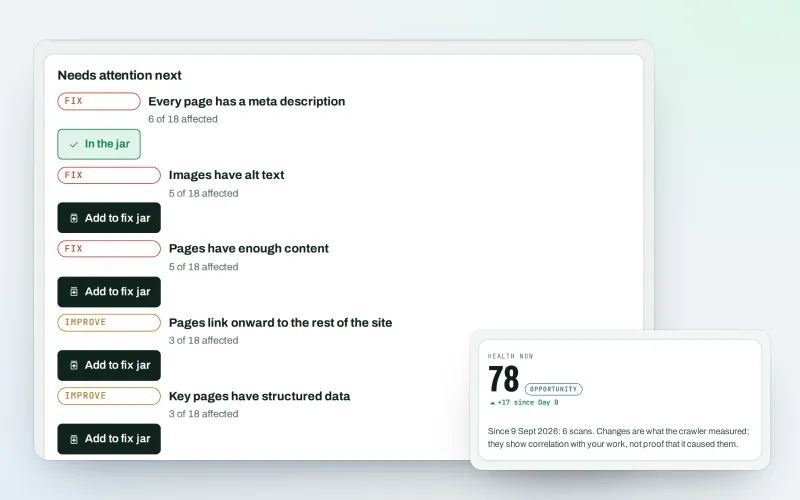
See what is wrong with your website, and what to fix first
Explore -
Website watch Beta
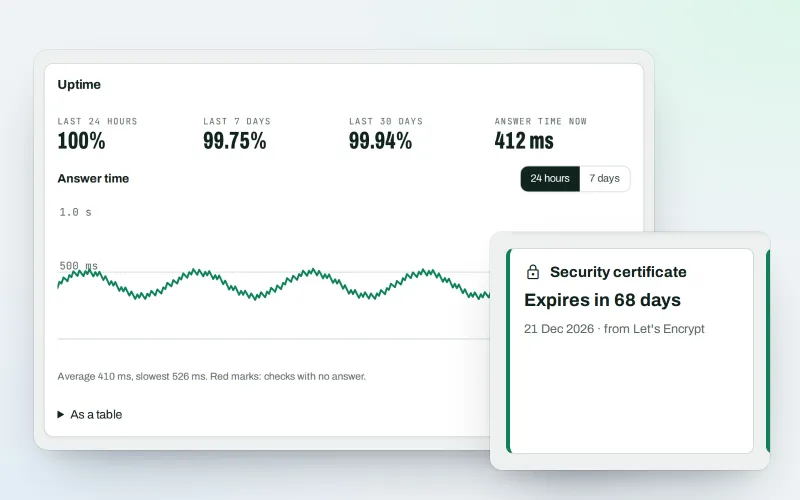
Know the moment your website goes down or looks hacked
Explore -
CDN and edge Beta
See how your CDN serves your website, with changes you approve
Explore -
Publisher Network Beta
Earn from your website with clearly labelled partner cards
Explore -
AI Plan
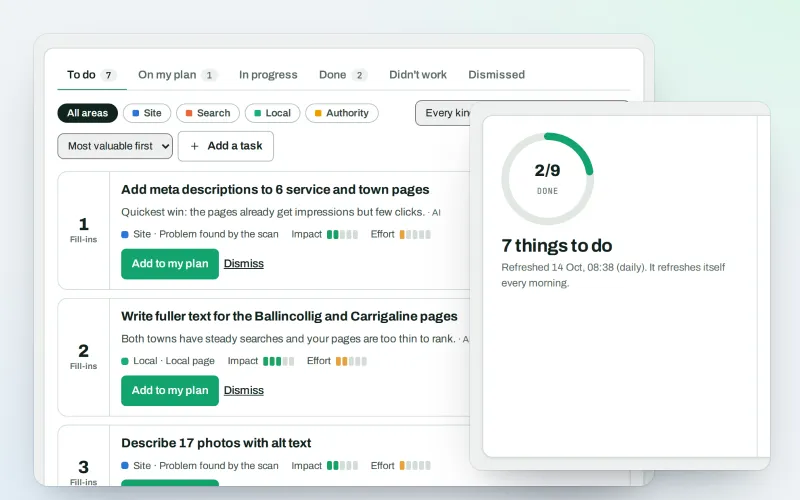
Your SEO to-do list, the biggest difference for the least work first
Explore -
Approve and publish
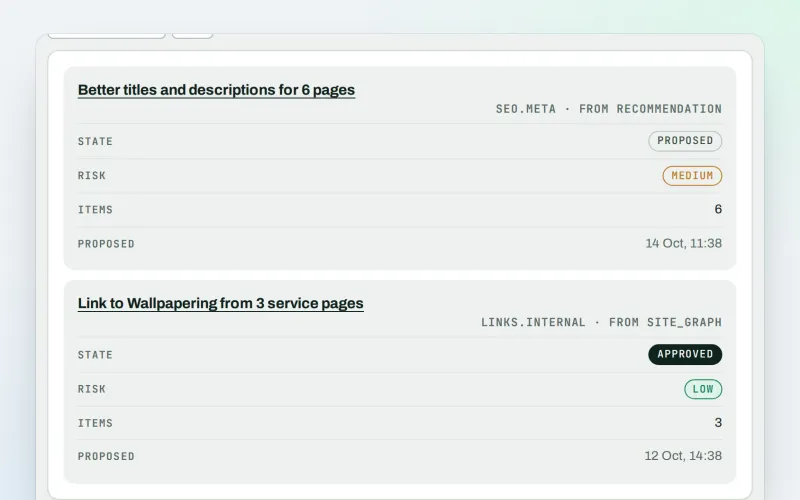
Approve a fix once. SEOmise publishes it, checks it and can undo it
Explore -
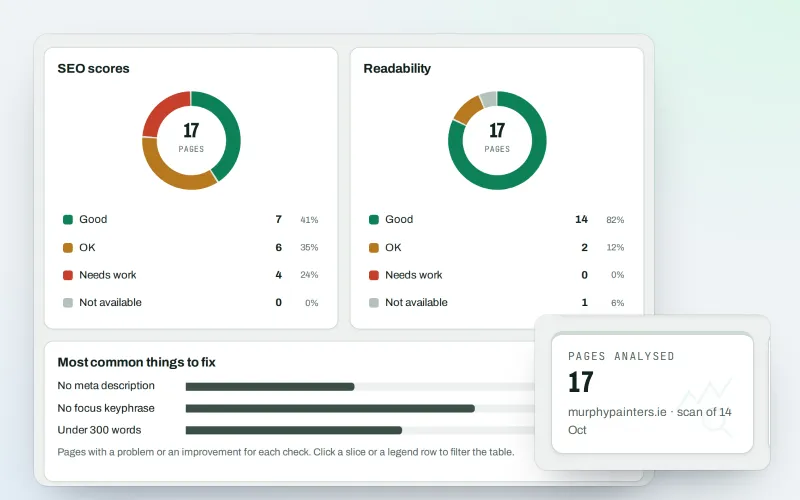
Content SEO checks
Page-by-page checks for your titles, keyphrases and readability
Explore -
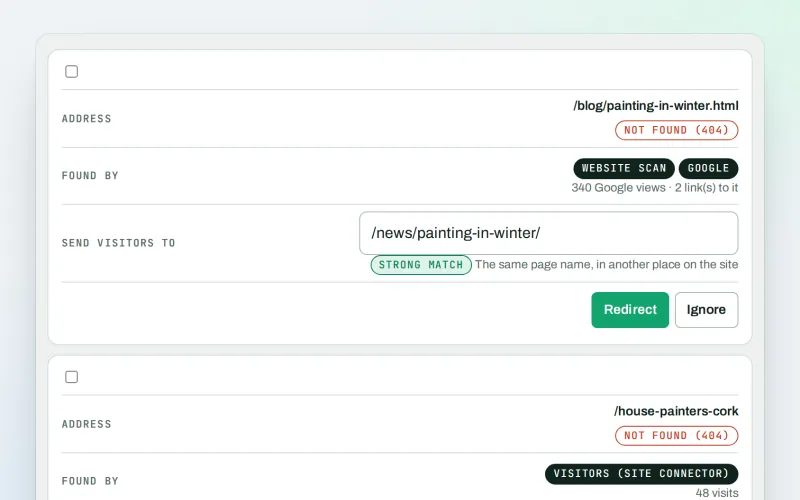
Broken links & 404 fixer Beta
Send visitors from missing pages to the right live page
Explore
Try Domain health on your own site
Add your site; your first scan becomes your Day 0 baseline. Nothing is bought or published without your approval.
No ranking guarantees: just clear work, with the evidence.
