

- Home
- All modules
- Search & content
- Image packs
Search & content
Image packs Beta
Stock photos for websites: ready-made photo sets for your pages and articles
Stock photos for websites, chosen by the SEOmise team in sets, bought once with credits and copied into your media library, ready for your articles and pages.

A screen from the SEOmise demo, with sample data.
Why it matters
From the problem to what SEOmise does
Pages without photos
New pages and articles need good photos, and many businesses do not have enough of their own. Finding pictures you are allowed to use takes time.
Stock photos for websites: ready-made photo sets for your pages and articles
- Packs by kind of business. Each pack has a name, a description and a category, so you can find photos that suit your work.
- Look before you buy. A preview of every photo in the pack. You get the full-size photos once you buy it.
- Paid once, in credits. The price is shown in credits on each pack. Buying the same pack again spends nothing.
How it works
Four steps, start to finish
- Browse the packsOpen Act → Content → Media library → Image packs, and filter them by category.
- Preview every photoSee small versions of all the photos in a pack before you buy.
- Buy it oncePay for the pack with credits. Its photos are copied into your media library straight away.
- Use the photosPick them when you write articles or build pages in the Page Factory.
Features
What you get with Image packs
Packs by kind of business
Each pack has a name, a description and a category, so you can find photos that suit your work.
Look before you buy
A preview of every photo in the pack. You get the full-size photos once you buy it.
Paid once, in credits
The price is shown in credits on each pack. Buying the same pack again spends nothing.
Into your media library
The photos are copied into your workspace's media library, tagged with the pack's name, so every project can use them.
Titles and alt text included
Photos come with the titles and alt text written for them. Alt text describes a photo for search engines and screen readers.
Pick a pack's photos quickly
The photo pickers in Articles and the Page Factory can show just the photos from one pack you bought.
No double copies
If you already have one of the photos in your library, it is tagged with the pack instead of copied again.
A clear licence
The photos are licensed to your workspace for its own websites, articles, pages and marketing.
What it needs
No surprises after you sign up
Turn a card over for the detail.
Credits
Credits
Packs are bought with the credits in your workspace. If you are short, buy more under Billing.
An owner or billing manager
An owner or billing manager
Anyone in the workspace can look at the packs. Buying one needs permission to manage billing.
Room in your media library
Room in your media library
The photos need space in your library. If there is not enough, the purchase stops before any credits are spent.
The site connector (optional)
The site connector (optional)
To send photos to your site with articles, Page Factory pages, or on their own with Put on my website. Without it, Put on my website gives you the photo, its alt text and the steps for your platform, and checks your page for it.
Every platform
Whatever your site runs on
What Image packs does on each kind of website, from SEOmise's site connectors to step-by-step guidance.
WordPress
WordPress and WooCommercePhotos go up to your site with articles and Page Factory pages, or on their own into the WordPress media library with Put on my website (connector 0.16.0).
Laravel
Sites built on LaravelPut on my website sends a photo to your app's image library or public disk (Laravel connector 0.10.0); photos also go up with pages and posts where the developer has connected the site's media.
Any PHP site
Custom PHP, CodeIgniter, Symfony, Drupal, JoomlaPut on my website writes the photo into a folder on your site (PHP connector 0.9.0, once paired); you place it on the page.
Every other platform
Shopify, Wix, Squarespace, Webflow, static sites and the restPut on my website gives you the photo to download, its alt text and the steps for your platform, then checks your page for it.
Image packs is in beta
It is not on sale yet, so there are no prices for it. Leave your name and e-mail address and we will tell you as soon as you can use it.
Questions about it?
Ask Mise, our assistant, in the help centre, or book a call and we will tell you where Image packs stands and what you can use today.
Questions
Image packs: common questions
How do I put a photo on my website?
Open it in your media library and press Put on my website. With a SEOmise connector it goes into your site's media library once the change is approved; on every other platform you get the photo, its alt text and the steps, and SEOmise checks your page for it.
What may I use the photos for?
They are licensed to the workspace that bought them, for its own websites, articles, pages and marketing. They may not be resold, shared with other businesses or put in another image library.
Who can buy a pack?
A workspace owner or someone who can manage billing. Everyone else in the workspace can browse and preview the packs.
What if I do not have enough credits?
SEOmise tells you what the pack costs and how many credits you have left. Buy more credits under Billing, then try again.
Can I use a pack on more than one website?
Yes. The photos go into your workspace's media library, which every project in the workspace can use.
What happens if a pack is taken off sale?
Packs you bought stay listed as yours, and the photos already copied stay in your media library.
Can I use Image packs now?
Image packs is in beta: it is not on sale yet. Use Ask for early access and we will e-mail you as soon as it is ready for you. Other modules and the plans are on the pricing page.
Works well with
Related modules
-
Articles
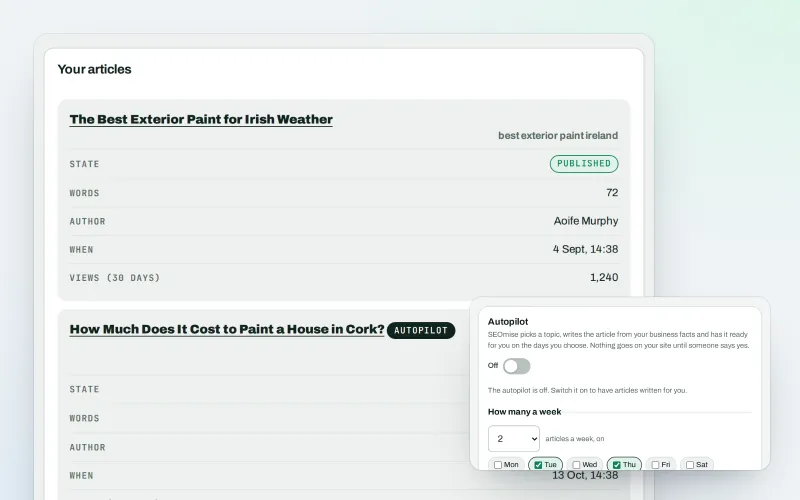
An AI blog writer that works from your own business facts
Explore -
Page Factory
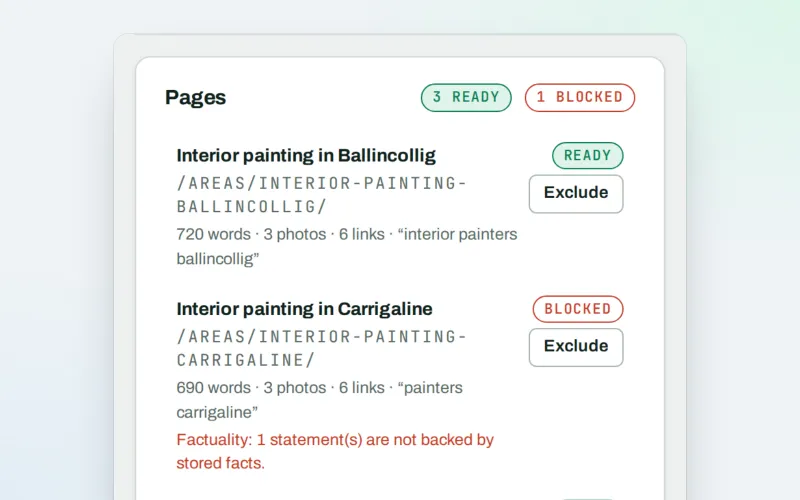
A local page generator: a page for each service in each town you cover
Explore -
Media library
Every picture for every project in one place, imported or made for it
Explore -
Landing pages Beta
A landing page builder for one service or offer, in your site's own look
Explore -
Content calendar Beta
An SEO content calendar planned from your own searches
Explore -
Domain Explorer Beta
A domain analysis tool: any website's search and link figures, each with its source
Explore -
Keywords and rankings
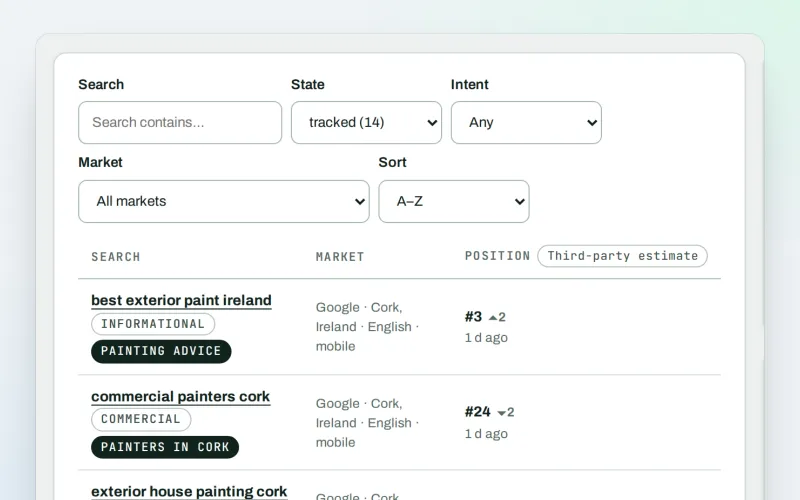
A rank tracker: see where you show up on Google, and which searches to go after
Explore -
Local pages
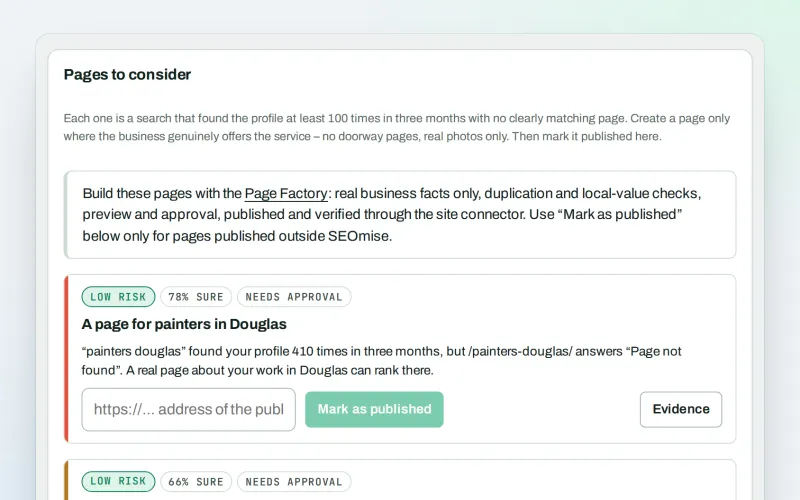
Local landing pages for the local searches your website has no page for
Explore
Be among the first to try Image packs
Image packs is in beta. Ask for early access and we will e-mail you when it is ready for you; nothing is bought.
No ranking guarantees: just clear work, with the evidence.
