

- Home
- All modules
- Search & content
- Domain Explorer
Search & content
Domain Explorer Beta
A domain analysis tool: any website's search and link figures, each with its source
This domain analysis tool looks up any domain, including ones you do not own: its keywords, estimated traffic, referring domains, top pages, competitors and linking websites.
Illustration of the screen, without data.
Why it matters
From the problem to what SEOmise does
You cannot see a competitor's figures from your own data
Your Search Console and analytics only cover your own website. To size up a competitor, a possible partner or a client you are pitching, you need figures about a site you do not run, and you need to know which of them are measured and which are estimates.
A domain analysis tool: any website's search and link figures, each with its source
- Any domain. Look up websites nobody in your workspace owns. SEOmise never visits the website for a look-up: the figures come from licensed data and from what its own crawler has already seen.
- Every figure labelled. Each figure says where it comes from, when it was seen, whether it is an estimate and until when it holds. Figures from a licensed data provider are marked "Third-party estimate"; SEOmise's own measurements say so.
- Overview and links. Keywords in Google, estimated monthly traffic, how many keywords sit in the top 3, 10 and 100, the estimated value of that traffic, then referring domains, the strongest linking websites and the links SEOmise's own crawler saw.
How it works
Five steps, start to finish
- Type a domainAny website's domain name, such as example.ie, and the market (country) you care about. A pasted address works too: only the domain is used.
- Get the overviewKeywords it ranks for, estimated traffic from Google, referring domains and the pages SEOmise's own crawler has seen.
- Open the tabsTop pages, search competitors and the websites that link to it, strongest first.
- Open it again laterRecent look-ups stay in the list. While an answer holds (up to a day), opening it again uses nothing.
- Save, compare and downloadSave the domains you follow, compare two or three side by side, follow their history and download an answer as a CSV file.
Features
What you get with Domain Explorer
Any domain
Look up websites nobody in your workspace owns. SEOmise never visits the website for a look-up: the figures come from licensed data and from what its own crawler has already seen.
Every figure labelled
Each figure says where it comes from, when it was seen, whether it is an estimate and until when it holds. Figures from a licensed data provider are marked "Third-party estimate"; SEOmise's own measurements say so.
Overview and links
Keywords in Google, estimated monthly traffic, how many keywords sit in the top 3, 10 and 100, the estimated value of that traffic, then referring domains, the strongest linking websites and the links SEOmise's own crawler saw.
Top pages and competitors
The domain's strongest pages in Google with the keywords and estimated traffic of each, and the domains that compete for the same searches.
Site graph
The pages SEOmise's own crawler has visited and the links between them, as a map, a folder tree you can turn to fit the screen, highlight and isolate branch by branch, and a table. Measured, dated, and free to open.
Your own figures for your own site
When the domain is one of your projects with a paired SEOmise connector or a verified Search Console, your own clicks, impressions and average position are added. Nobody else ever sees them.
Clear allowance
Each look-up uses one of your plan's domain look-ups for the month, then credits. A look-up the data provider could not answer is given back.
On your phone
The same look-ups, saved domains, comparisons and history in the phone app, with the figures and their sources.
Saved domains, refreshed overnight
Keep the domains you follow in one list. Switch on an overnight refresh for any of them: it uses your plan's look-ups, never credits.
Compare side by side
Two or three domains next to each other, from the answers your workspace already has. Comparing uses nothing.
History from real look-ups
A domain's figures at each look-up your workspace ran, never filled in between, where the data source's licence allows history.
Download as CSV
Every figure with its source and date, ready for a spreadsheet. Uses your plan's exports; downloading the same answer again uses nothing.
What it needs
No surprises after you sign up
Turn a card over for the detail.
A domain to look up
A domain to look up
No website of your own is needed: the Domain Explorer is a workspace screen and can be your whole plan.
Domain look-ups in your plan
Domain look-ups in your plan
Plans with the Domain Explorer include a number of look-ups a month; top-up credits pay for more.
Every platform
Whatever your site runs on
What Domain Explorer does on each kind of website, from SEOmise's site connectors to step-by-step guidance.
WordPress
WordPress and WooCommerceWorks from search and link data, so your website's platform does not matter.
Laravel
Sites built on LaravelWorks from search and link data, so your website's platform does not matter.
Any PHP site
Custom PHP, CodeIgniter, Symfony, Drupal, JoomlaWorks from search and link data, so your website's platform does not matter.
Every other platform
Shopify, Wix, Squarespace, Webflow, static sites and the restWorks from search and link data on any platform, and without a website at all.
Domain Explorer is in beta
It is not on sale yet, so there are no prices for it. Leave your name and e-mail address and we will tell you as soon as you can use it.
Questions about it?
Ask Mise, our assistant, in the help centre, or book a call and we will tell you where Domain Explorer stands and what you can use today.
Questions
Domain Explorer: common questions
Can I buy Domain Explorer on its own?
Yes. It has its own sign-up and price, with the domain look-ups that price includes; your workspace then shows only Domain Explorer. On another plan you add it from the Store instead. While it is not on sale yet the page shows Beta with Ask for early access.
Where do the figures come from?
Keywords, traffic, top pages, competitors and links come from a licensed data provider and are marked "Third-party estimate". "Pages seen" and links seen by SEOmise come from SEOmise's own crawler. Your own Search Console figures appear only for your own website.
Does SEOmise visit the website I look up?
No. A look-up never contacts the website. SEOmise's crawler is separate, follows robots.txt and honours opt-outs made at seomise.com/bot. Where the platform allows it, a look-up adds the site's home page and sitemap to the crawler's list at the lowest priority, for a later visit.
How long are the figures kept?
An answer is kept for your workspace for up to a day so you can open it again, and only where the platform allows third-party data to be kept. After that it is hidden and deleted, and looking the domain up again fetches fresh figures.
What counts as a look-up?
Each new domain and market you look up. Opening an answer again while it holds uses nothing, and a look-up the data provider could not answer at all is given back.
Can I see history or compare domains?
Yes. Save the domains you follow and compare two or three side by side. History shows a domain's figures at each look-up your workspace ran, never filled in between, and only where the data source's licence allows history; until then the screen says so.
What does the overnight refresh use?
One of your plan's domain look-ups for each saved domain it refreshes, each night it runs. It is off until you switch it on for a domain, never uses credits, and uses nothing when the earlier answer still holds.
Do I need a website?
No. You can use the Domain Explorer on its own, without adding a website.
Can I use Domain Explorer now?
Domain Explorer is in beta: it is not on sale yet. Use Ask for early access and we will e-mail you as soon as it is ready for you. Other modules and the plans are on the pricing page.
Works well with
Related modules
-
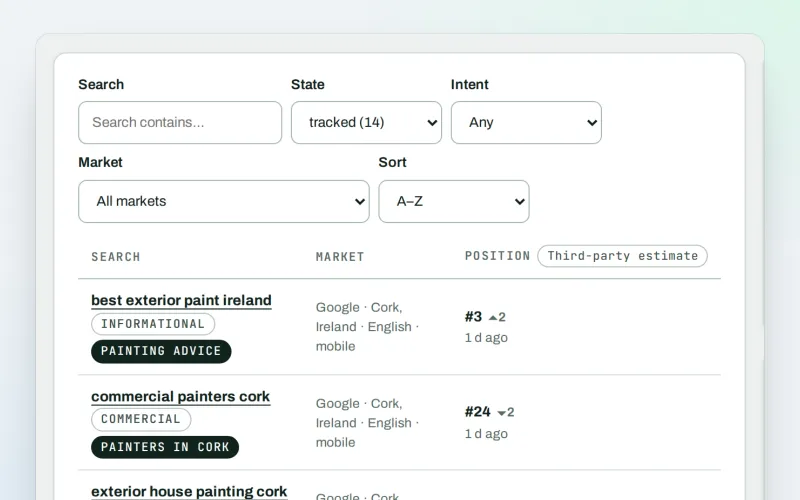
Keywords and rankings
A rank tracker: see where you show up on Google, and which searches to go after
Explore -
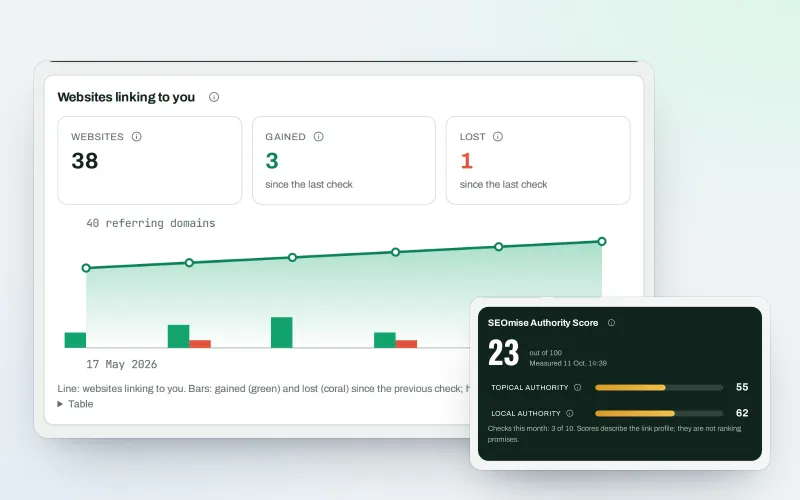
Backlinks
A backlink checker: who links to you, what it is worth and what needs a closer look
Explore -
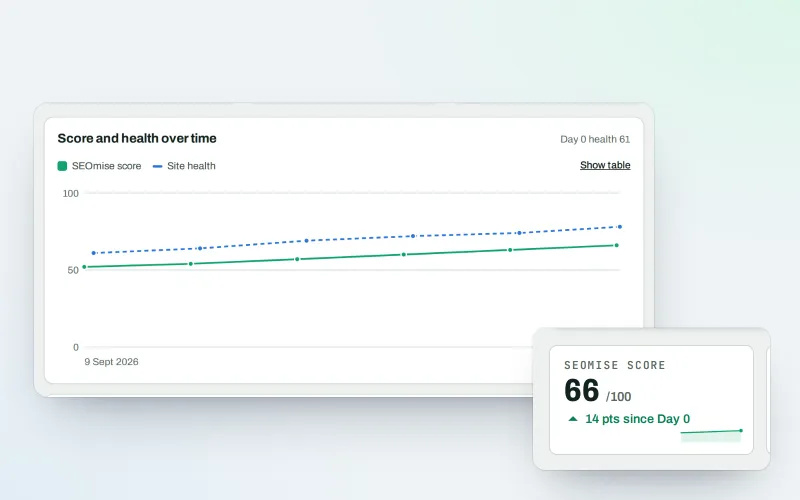
SEOWeb
Website SEO software: your site in Google, with health, content and searches in one place
Explore -
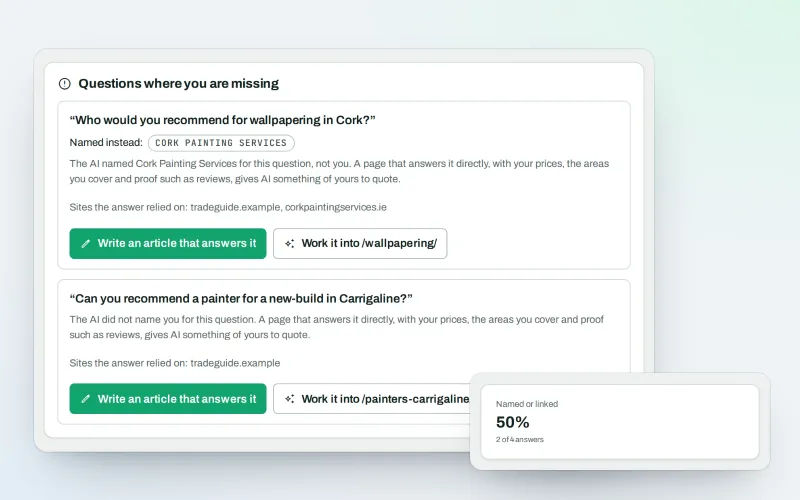
AI visibility tracker
See whether AI assistants name your business when customers ask
Explore -
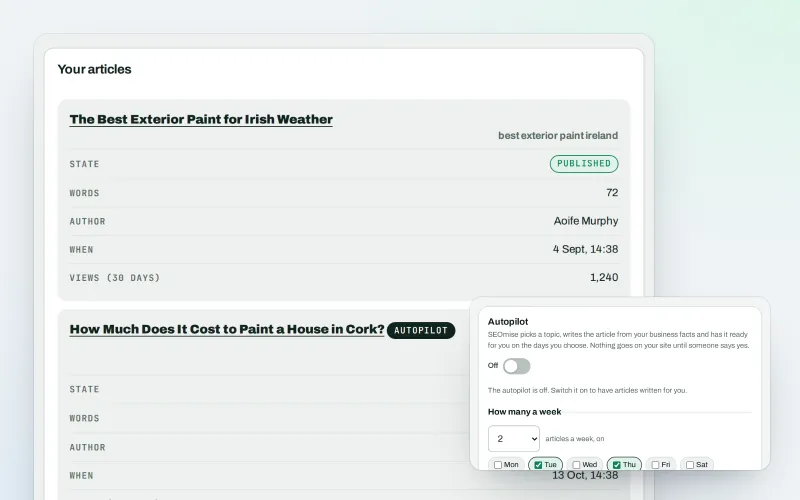
Articles
An AI blog writer that works from your own business facts
Explore -
Content calendar Beta
An SEO content calendar planned from your own searches
Explore -
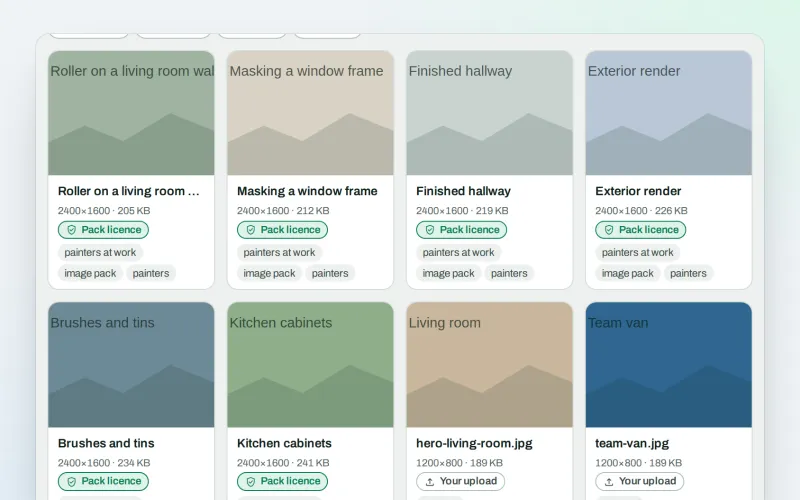
Image packs Beta
Stock photos for websites: ready-made photo sets for your pages and articles
Explore -
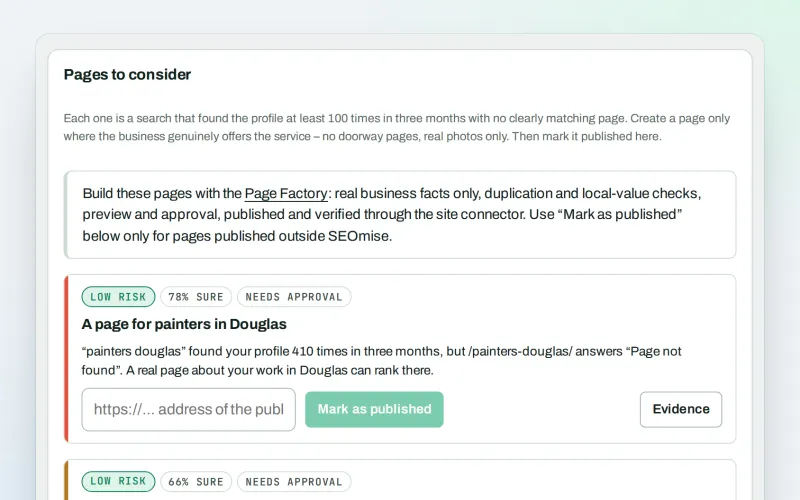
Local pages
Local landing pages for the local searches your website has no page for
Explore
Be among the first to try Domain Explorer
Domain Explorer is in beta. Ask for early access and we will e-mail you when it is ready for you; nothing is bought.
No ranking guarantees: just clear work, with the evidence.
