

- Home
- All modules
- Search & content
- Media library
Search & content
Media library
Every picture for every project in one place, imported or made for it
A media library with a folder for every project and every picture fetched or made for it, imports from Dropbox and Google Drive, AI pictures for the project, and the rights of each picture.
Illustration of the screen, without data.
Why it matters
From the problem to what SEOmise does
Pictures scattered everywhere
Photos sit in a phone, a shared drive and old e-mails. Nobody knows which ones may be used, they are too large for the website, and finding the right picture for a new page takes longer than writing it.
Every picture for every project in one place, imported or made for it
- Grid and list views. Select all and bulk actions: move, copy, tag, download as zip, delete and export.
- Dropbox and Google Drive. Pick files in Dropbox's chooser or Google's picker. Google sees only the files you pick; the server fetches them once and forgets the access.
- Create media. AI pictures from the project's context. The price is on the button, credits are held first and only pictures that arrive are charged.
How it works
Four steps, start to finish
- One folder per projectSEOmise files every picture fetched or made for a project in its own folder. Make your own folders too, for clients or jobs.
- Bring your pictures inDrop many pictures at once, or pick them in Dropbox or Google Drive. Each is checked, turned upright and compressed for the web.
- Create a picture (where available)Start from a description SEOmise writes from the project's business, services, areas and colours, edit it, and get AI pictures in the project's folder.
- Use themPick pictures in the Page Factory and Articles, or put one on your website through the connector or by hand.
Features
What you get with Media library
Grid and list views
Select all and bulk actions: move, copy, tag, download as zip, delete and export.
Dropbox and Google Drive
Pick files in Dropbox's chooser or Google's picker. Google sees only the files you pick; the server fetches them once and forgets the access.
Create media
AI pictures from the project's context. The price is on the button, credits are held first and only pictures that arrive are charged.
Your pictures stay yours
AI pictures made for your workspace are shown only in your own library and never offered to anyone else.
Licence and rights
Every picture shows a rights badge, and the licence drawer says where it came from and how it may be used.
Look-alikes found
An upload that looks like a picture already in the library says so, and "Find look-alikes" groups near duplicates.
On your websites
See which pictures are on your sites. Deleting a picture from the library asks first and never takes it off a site.
Ready for the web
Upright, at most 2400 pixels wide and saved as WebP, with hidden data removed; tags from the file name, plus your own tags, alt text and titles.
Before and after
What changes with Media library
Before: pictures in many places. After: with the media library. Drag the handle, or use the arrow keys, to compare.
Pictures in many places
- Photos in phones, drives and e-mails
- Files too large for the website
- No record of what may be used
With the media library
- A folder for every project
- Every picture ready for the web
- The rights of each picture beside it
Illustration of the difference, not a measured result.
What it needs
No surprises after you sign up
Turn a card over for the detail.
Credits for AI pictures
Credits for AI pictures
Create media spends credits per picture, shown before you start. Uploads and imports are free.
Dropbox or Google Drive (optional)
Dropbox or Google Drive (optional)
For imports, once SEOmise has set up the pickers. The import buttons appear when they are ready.
Every platform
Whatever your site runs on
What Media library does on each kind of website, from SEOmise's site connectors to step-by-step guidance.
WordPress
WordPress and WooCommerce"Put on my website" sends a picture to the site through the plugin.
Laravel
Sites built on Laravel"Put on my website" sends a picture through the Laravel connector.
Any PHP site
Custom PHP, CodeIgniter, Symfony, Drupal, Joomla"Put on my website" sends a picture through the universal PHP connector.
Every other platform
Shopify, Wix, Squarespace, Webflow, static sites and the restDownload the picture in the size you need, upload it in your platform's media settings, and SEOmise checks the page for it on the next scan.
Where Media library is included
Media library is not part of a public plan at the moment.
See pricingNot sure it fits?
Ask Mise, our assistant, in the help centre, or book a call and we will show you Media library on a site like yours.
Questions
Media library: common questions
Can I create AI pictures now?
Create media is switched on once SEOmise has confirmed the picture provider's terms. Until then the panel says it is not available yet; uploads, imports and everything else work.
What does Google Drive see?
Only the files you pick in Google's picker. The server uses the short-lived access once to fetch them and does not keep it.
Which files can I upload?
Pictures. The type is read from the file itself; SVG and HTML files are never accepted, and very large pictures are refused before they are opened.
If I delete a picture, does it leave my website?
No. Deleting from the library asks first and leaves the picture on any site it is on.
Which plans include Media library?
Plans and add-ons are on the pricing page. If Media library is not listed there yet, ask us how to get it.
Guides
Media library: how-to guides
Works well with
Related modules
-
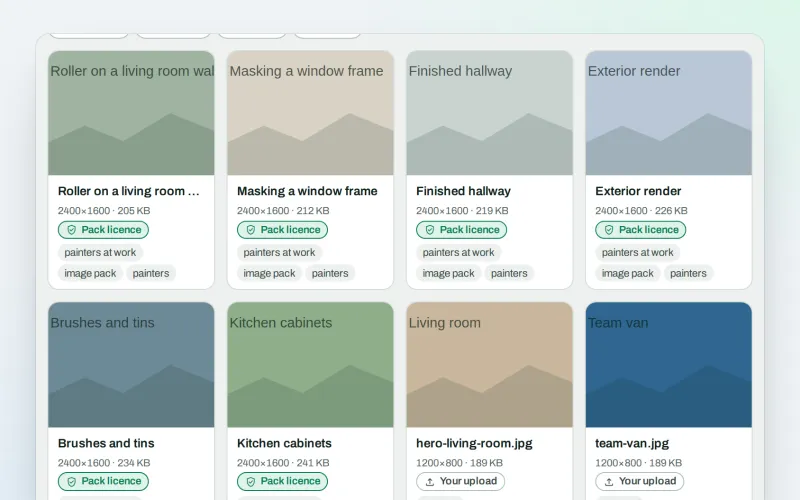
Image packs Beta
Stock photos for websites: ready-made photo sets for your pages and articles
Explore -
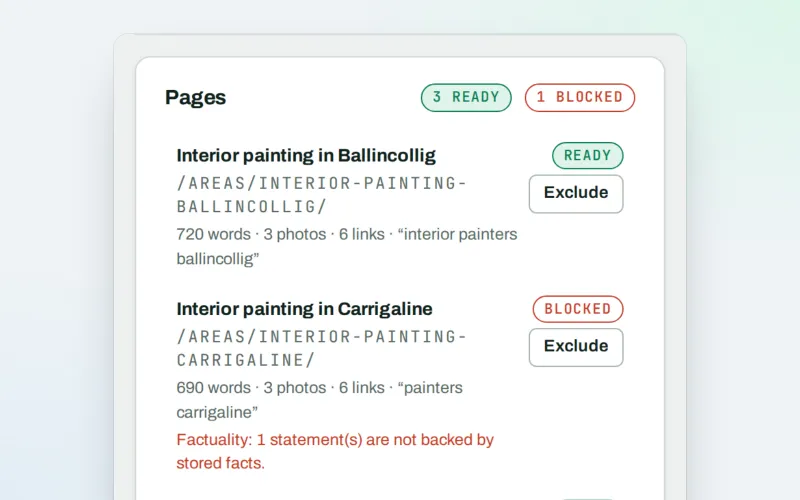
Page Factory
A local page generator: a page for each service in each town you cover
Explore -
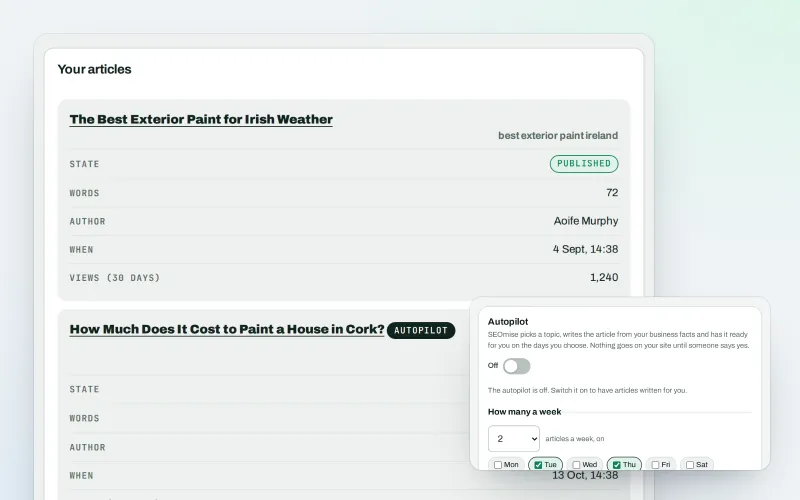
Articles
An AI blog writer that works from your own business facts
Explore -
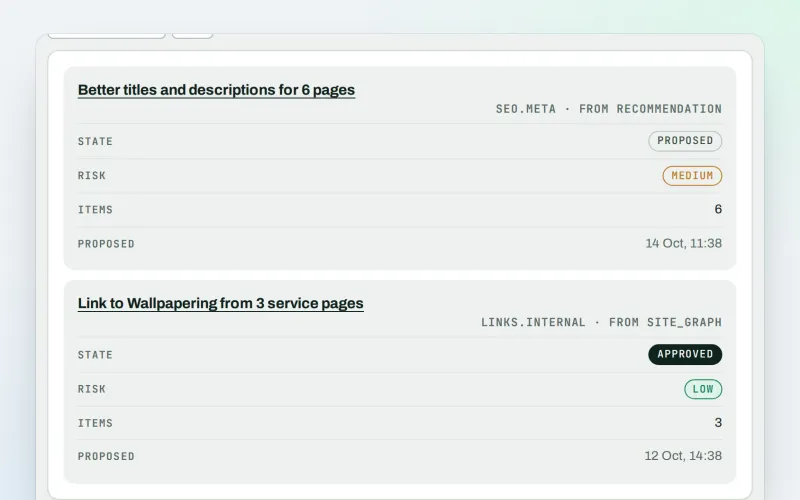
Approve and publish
Approve a fix once, and publish SEO changes that are checked and can be undone
Explore -
Content calendar Beta
An SEO content calendar planned from your own searches
Explore -
Domain Explorer Beta
A domain analysis tool: any website's search and link figures, each with its source
Explore -
Keywords and rankings
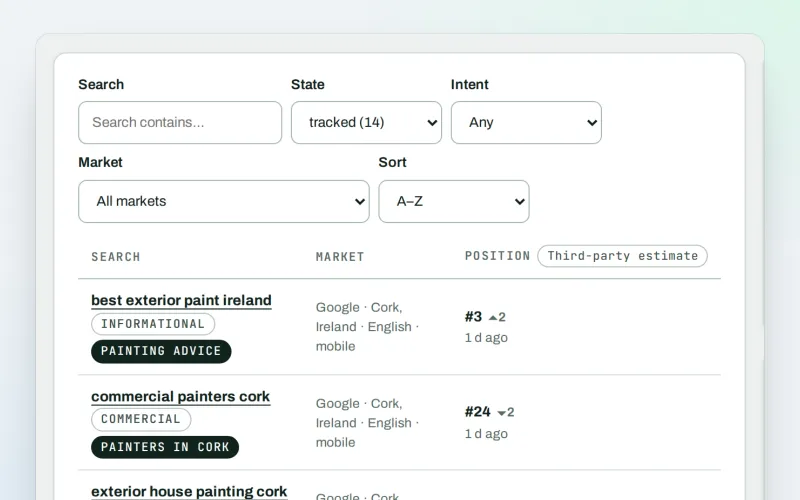
A rank tracker: see where you show up on Google, and which searches to go after
Explore -
Local pages
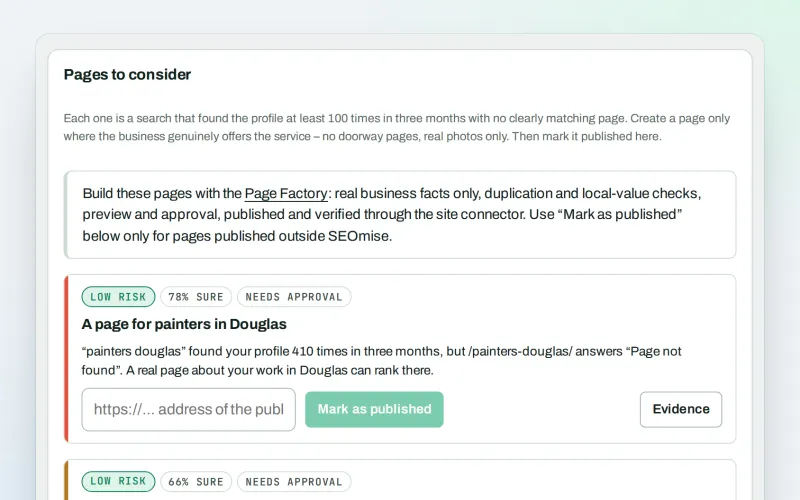
Local landing pages for the local searches your website has no page for
Explore
Try Media library on your own site
Add your site; your first scan becomes your Day 0 baseline. Nothing is bought or published without your approval.
No ranking guarantees: just clear work, with the evidence.
