

- Home
- All modules
- Visitors & reports
- Live client report links
Visitors & reports
SEO report sharing with live client report links
Live SEO reports: send clients one private link that is always up to date
SEO report sharing at a private address: an audit report, rank positions or AI visibility, always the newest data, with an optional password, end date and e-mailed copies, under your brand.
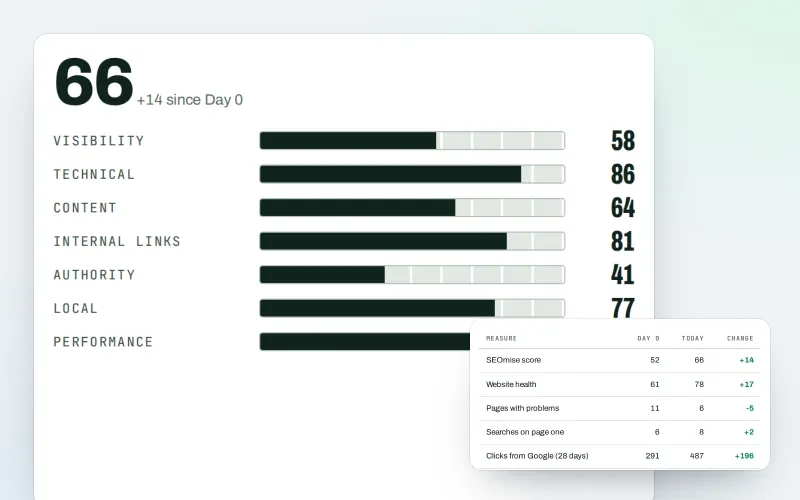
Illustration of the screen, without data.
Why it matters
From the problem to what SEOmise does
A new PDF after every check
Clients and managers want to see how things stand. Exporting a PDF after every re-run, attaching it to an e-mail and answering "is this the latest?" takes time, and old copies keep circulating.
Live SEO reports: send clients one private link that is always up to date
- SEO audit reports. The chosen report, or its newest re-run of the same address in the same project.
- Rank positions. The project's tracked searches: position now and a chosen number of days before the newest check.
- AI visibility. The newest finished AI visibility check, compared with one from a chosen number of days earlier.
How it works
Four steps, start to finish
- Make a linkChoose what it shows: an SEO audit report (it follows the newest re-run of the same page), the project's rank positions, or its AI visibility.
- Protect it if you likeAdd a password, an end date, or both. Pause it, give it a new address or switch it off for good at any time.
- Send it, or let SEOmise send a copyShare the address, or have a copy e-mailed weekly or monthly to the people you choose.
- See when it was openedThe view log keeps only the time, the country and the device type of each visit.
Features
What you get with Live client report links
SEO audit reports
The chosen report, or its newest re-run of the same address in the same project.
Rank positions
The project's tracked searches: position now and a chosen number of days before the newest check.
AI visibility
The newest finished AI visibility check, compared with one from a chosen number of days earlier.
Password and end date
Optional, per link. Wrong passwords are limited per visitor and per link, so guessing does not work.
New address or revoke
A new address stops the old one at once; revoking ends the link for good.
E-mailed copies
Weekly or monthly, to the people you choose, within a daily allowance.
Your brand
With white label, agency links carry your own logo, colours and domain.
Every link in one grid
Search, filters, select-all and bulk actions: publish, pause, revoke, delete and export.
Before and after
What changes with Live client report links
Before: reports sent as attachments. After: with live report links. Drag the handle, or use the arrow keys, to compare.
Reports sent as attachments
- A new PDF after every re-run
- Old copies passed around
- No idea whether anyone read it
With live report links
- One address that always shows the newest data
- Paused or revoked whenever you choose
- A view log without tracking the reader
Illustration of the difference, not a measured result.
What it needs
No surprises after you sign up
Turn a card over for the detail.
Something to show
Something to show
An SEO audit report, tracked searches or an AI visibility check in the project. Opening a link never starts a check or a paid look-up.
White label (optional)
White label (optional)
For your own logo, colours and domain on agency links.
Where Live client report links is included
Included in this plan. Limits, such as pages per scan or credits a month, are on the pricing page.
See pricingNot sure it fits?
Ask Mise, our assistant, in the help centre, or book a call and we will show you Live client report links on a site like yours.
Questions
Live client report links: common questions
Does opening a link start a new check?
No. A link shows data SEOmise already saved. It never starts a check, a crawl or a paid look-up.
What does the view log keep about my client?
The time, what happened (opened, wrong password, waiting), the country and the device type. No internet address, browser details or cookie is kept.
How many links can I have?
Your plan sets how many live links a workspace may have.
Can someone find a link by guessing?
Addresses are long random codes, stored only as a hash. Visits are limited per address, and wrong passwords are limited per visitor and per link.
Which plans include Live client report links?
Live client report links is included in the Agency plan. Prices and limits are on the pricing page.
Guides
Live client report links: how-to guides
Works well with
Related modules
-
Client reports
White label SEO reports as a PDF, e-mailed every week or month
Explore -
SEO audit reports
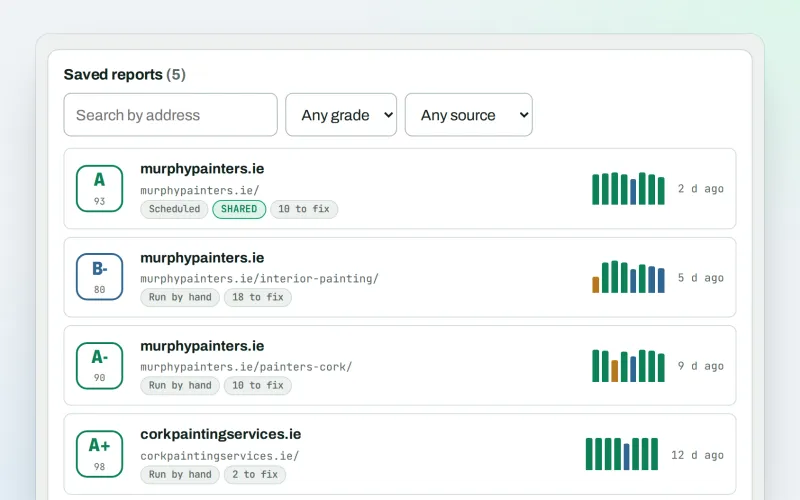
A graded SEO audit of any web address, ready to share or send
Explore -
AI visibility tracker
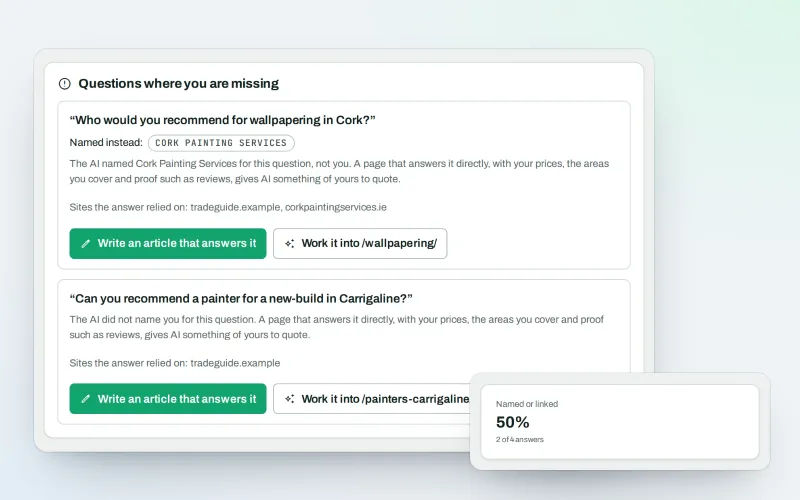
See whether AI assistants name your business when customers ask
Explore -
Agency tools
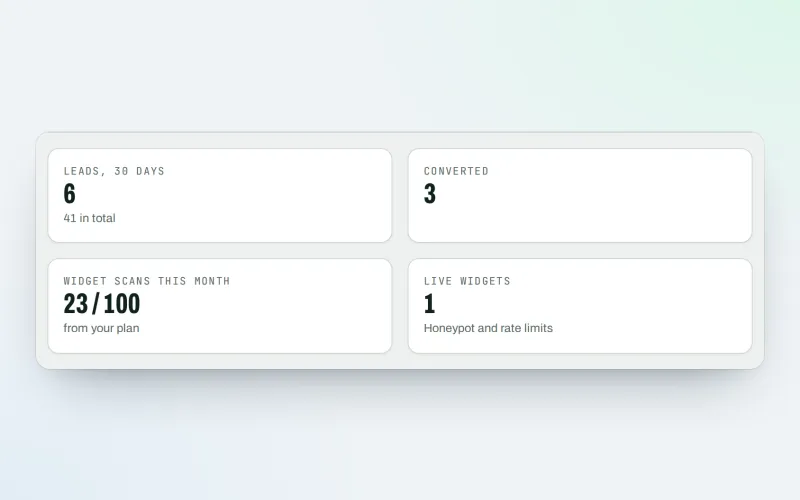
SEO agency software: win clients, work under your brand, give each client a portal
Explore -
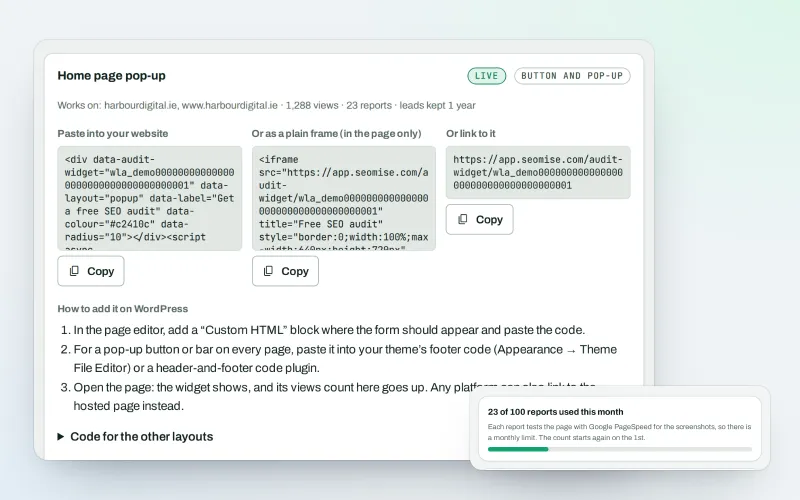
White-label audit widget Beta
A free SEO audit on your website that wins you clients
Explore -
Client update e-mails
Client SEO updates by e-mail: rankings up, rankings down and the work done
Explore -
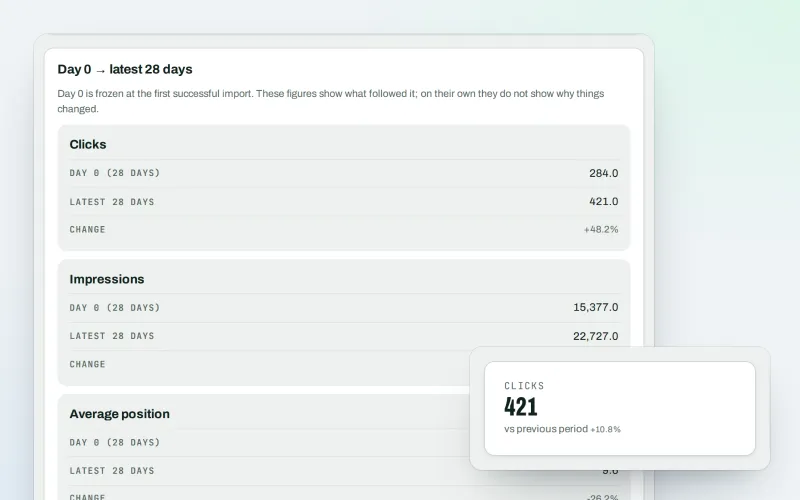
Google data
A Search Console dashboard with your Analytics figures, imported every day
Explore -
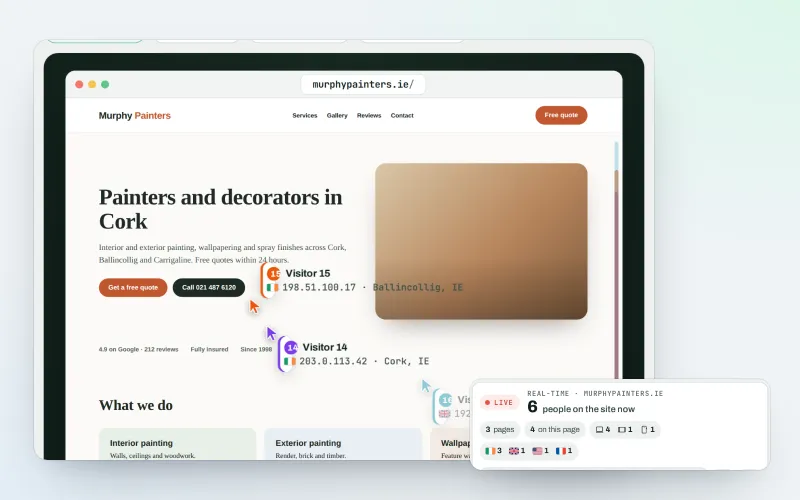
Live view
See real-time website visitors, right now, and where they click
Explore
Try Live client report links on your own site
Add your site; your first scan becomes your Day 0 baseline. Nothing is bought or published without your approval.
No ranking guarantees: just clear work, with the evidence.
