

- Home
- All modules
- Search & content
- Local pages
Search & content
Local pages
Local landing pages for the local searches your website has no page for
See which Google searches already show your Business Profile but have no matching page on your website, then build local landing pages for them and promote them.

A screen from the SEOmise demo, with sample data.
Why it matters
From the problem to what SEOmise does
Searches with nowhere to land
People find your Business Profile by searching for services you offer. If no page on your website clearly covers that service, people who go on to your site have nothing useful to land on.
Local landing pages for the local searches your website has no page for
- Searches without a page. The busiest searches that found your profile but have no clearly matching page on your site.
- Search coverage. Every search with how often it showed your profile, the closest page on your site and how well it matches.
- Your name left out. Searches for your business name are left out: they already find you.
How it works
Five steps, start to finish
- Connect your Business ProfileGoogle reports which searches showed your profile each month. SEOmise reads them for you.
- Searches are matched to pagesEach search is compared with the pages on your website, from the latest site scan or your sitemap.
- See the gapsSearches seen regularly over three months with no clearly matching page become "Create a page" suggestions.
- Build the pageUse the Page Factory, or build it your own way. Create a page only where you really offer the service.
- Promote itMark it published. A Google post linking to the page is drafted, and you get a suggestion to win links to it.
Features
What you get with Local pages
Searches without a page
The busiest searches that found your profile but have no clearly matching page on your site.
Search coverage
Every search with how often it showed your profile, the closest page on your site and how well it matches.
Your name left out
Searches for your business name are left out: they already find you.
Suggestions with evidence
Each suggestion shows the search, how often it was seen in the last three months, the closest page and how many pages were checked.
Straight into the Page Factory
The same gaps appear in the Page Factory as "Searches without a page", to help you choose services and areas.
A Google post for the new page
Once the page is published, a Google post linking to it waits for you under Posts, if posts are in your plan.
Links and citations
A suggestion to earn relevant links and directory listings that point to the new page.
Export
Download the list as a spreadsheet (CSV) or a printable PDF.
What it needs
No surprises after you sign up
Turn a card over for the detail.
A Google Business Profile
A Google Business Profile
Connected to SEOmise, so it can read the searches that showed your profile.
Your website's pages
Your website's pages
From a scan of your site, or from your sitemap (the list of pages many websites publish for search engines).
The Page Factory (optional)
The Page Factory (optional)
To plan, write and publish the missing pages from your real business facts.
Every platform
Whatever your site runs on
What Local pages does on each kind of website, from SEOmise's site connectors to step-by-step guidance.
WordPress
WordPress and WooCommerceGaps are found from Google data. The Page Factory builds the page and publishes it through the connector.
Laravel
Sites built on LaravelGaps are found the same way. The Page Factory publishes once the developer connects page creation to the Laravel connector (0.9.0); until then, publish its pages yourself.
Any PHP site
Custom PHP, CodeIgniter, Symfony, Drupal, JoomlaGaps are found the same way. Build the page yourself, or export it from the Page Factory and publish it on your site; SEOmise checks it is live. Then mark it published here.
Every other platform
Shopify, Wix, Squarespace, Webflow, static sites and the restBuild the page in your website, or export it from the Page Factory (web page, Markdown, a zip with the photos) and publish it; SEOmise checks it is live. Then enter its address to mark it published.
Where Local pages is included
Included in these plans. Limits, such as pages per scan or credits a month, are on the pricing page.
See pricingNot sure it fits?
Ask Mise, our assistant, in the help centre, or book a call and we will show you Local pages on a site like yours.
Questions
Local pages: common questions
Where do the searches come from?
From Google: each month it reports which searches showed your Business Profile and how often. SEOmise compares them with the pages on your website.
Should I make a page for every search on the list?
No. Make a page only where your business really offers that service. Pages made just to catch searches, with nothing useful on them, do not help your customers.
Do I have to use the Page Factory?
No. Build the page any way you like, then enter its address and press "Mark as published". The address must be on your project's website. A Page Factory page made for a search on this list closes that suggestion by itself once its batch is live, whether SEOmise published it or you did.
What happens when I mark a page as published?
The suggestion closes. If Google posts are in your plan, a post linking to the new page is drafted under Posts for you to check. You also get a suggestion to win links and citations for the page.
Why does it say no pages were found?
SEOmise has not seen your website's pages yet. Run a site scan, or publish a sitemap.xml on your site.
Which plans include Local pages?
Local pages is included in the Business and Agency plans. Prices and limits are on the pricing page.
Works well with
Related modules
-
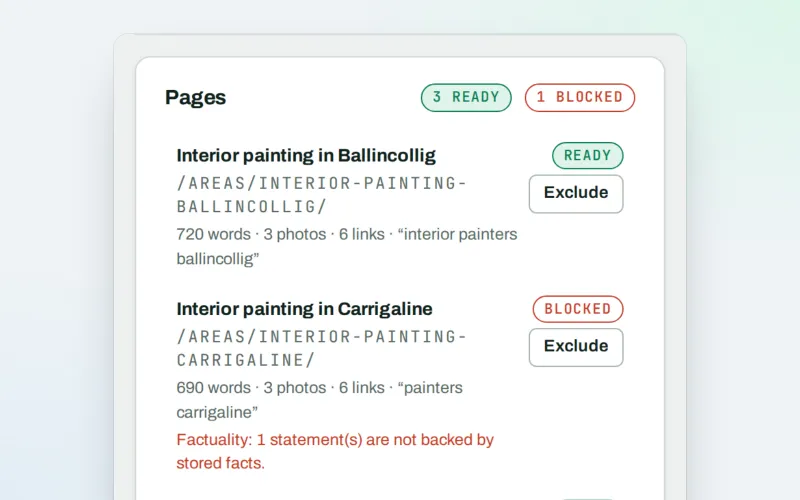
Page Factory
A local page generator: a page for each service in each town you cover
Explore -
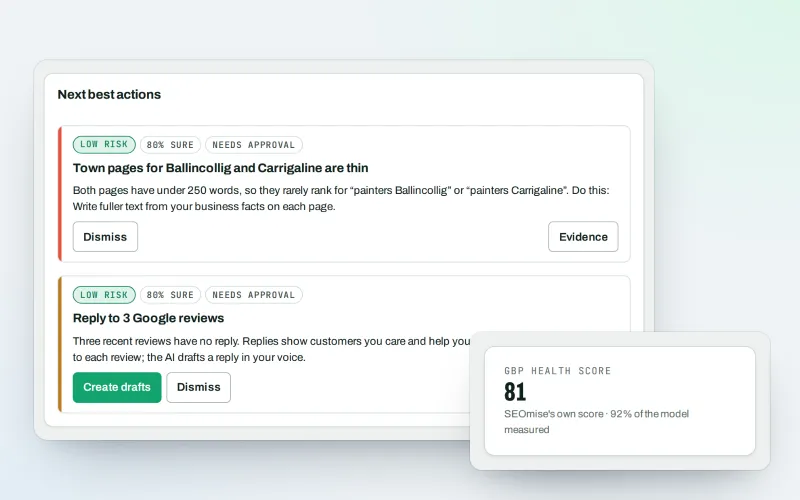
Google Business Profile
Google Business Profile management from one place, with approvals
Explore -
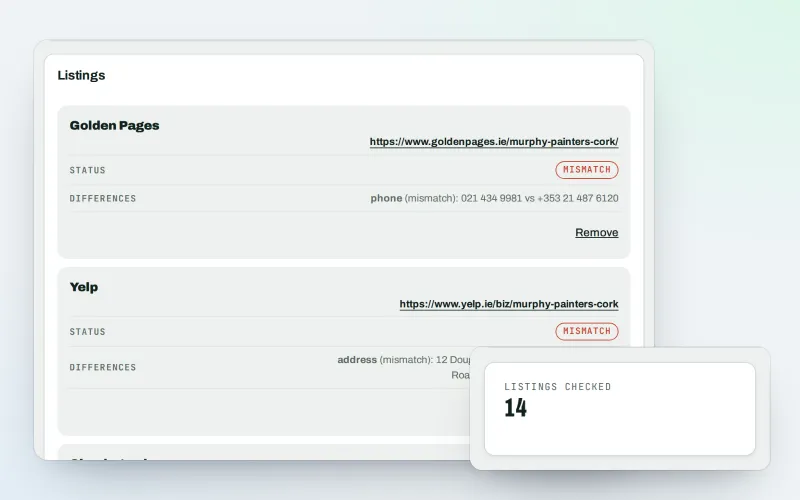
Citations and NAP
A citation checker that keeps your name, address and phone the same everywhere
Explore -
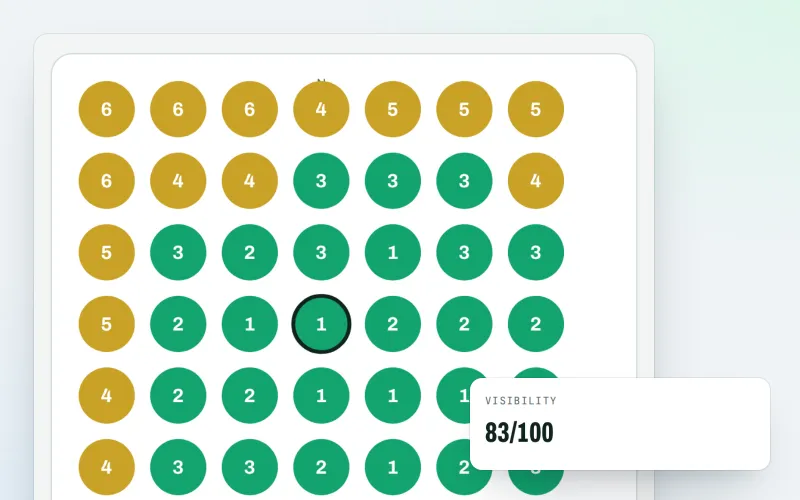
Map rank grid
A Google Maps rank tracker: see where your business appears across your area
Explore -
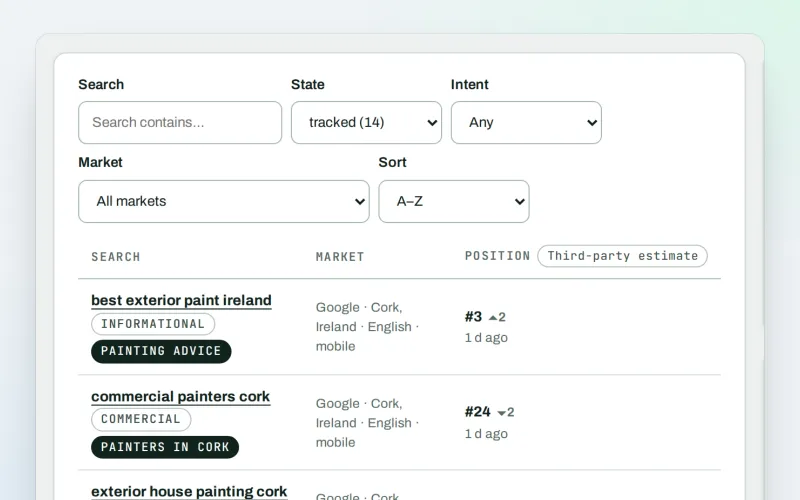
Keywords and rankings
A rank tracker: see where you show up on Google, and which searches to go after
Explore -
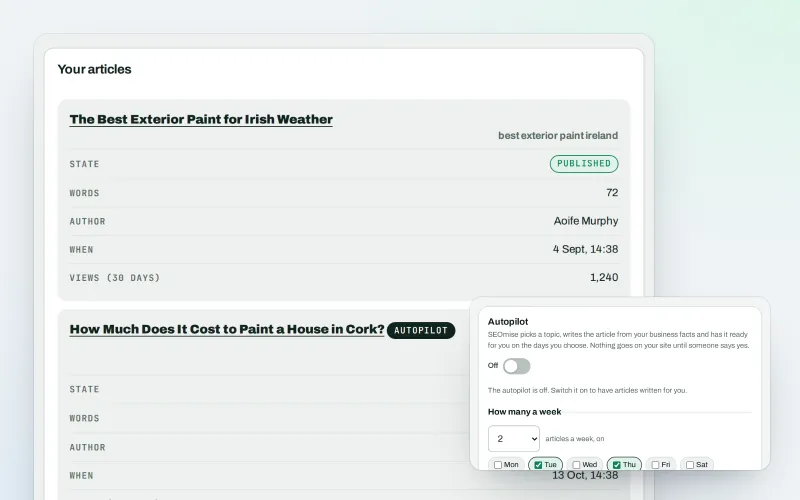
Articles
An AI blog writer that works from your own business facts
Explore -
Content calendar Beta
An SEO content calendar planned from your own searches
Explore -
Domain Explorer Beta
A domain analysis tool: any website's search and link figures, each with its source
Explore
Try Local pages on your own site
Add your site; your first scan becomes your Day 0 baseline. Nothing is bought or published without your approval.
No ranking guarantees: just clear work, with the evidence.
