

- Home
- All modules
- Agencies & developers
- Developer API
Agencies & developers
Developer API
Use your SEO data in your own systems, dashboards and websites
An SEO API to read your sites, audits, issues, backlinks and local data (read-only), with signed webhooks when things happen and live scores to embed on any website.

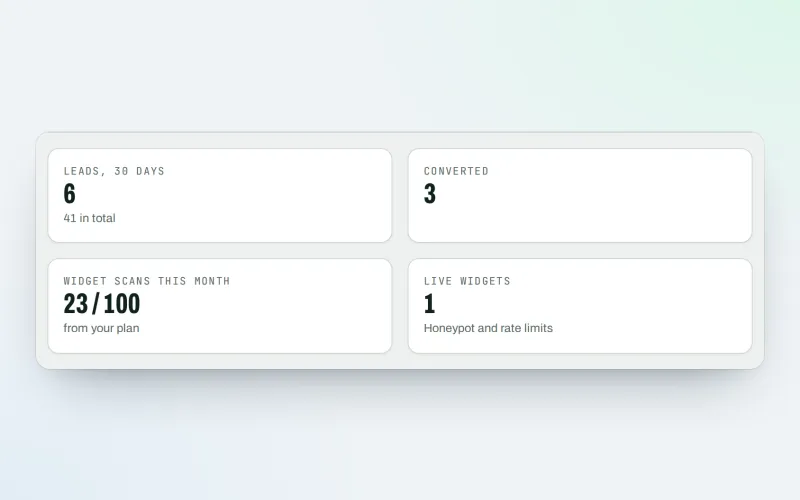
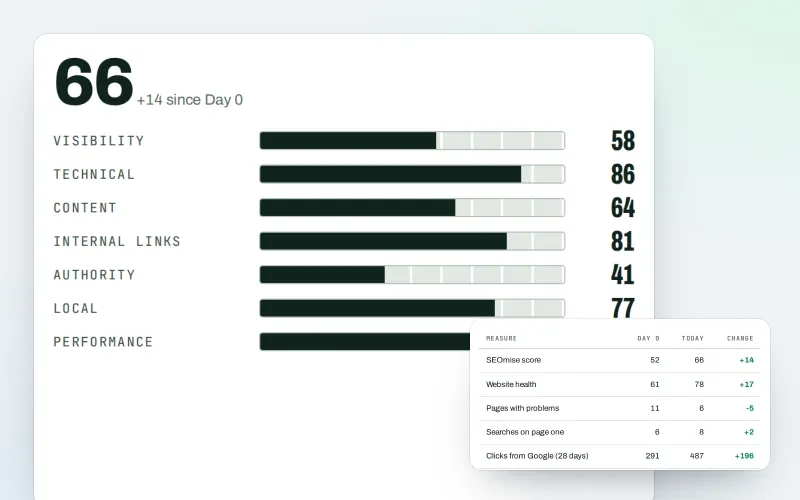
A screen from the SEOmise demo, with sample data.
Why it matters
From the problem to what SEOmise does
Your data stuck in one screen
Your team and your clients work in other tools: dashboards, CRMs and websites. Copying scores across by hand is slow, and the copies go out of date.
Use your SEO data in your own systems, dashboards and websites
- Read-only REST API. Sites, audit scores and history, crawled pages, issues, the technical report, backlinks, authority and Google Business Profile health.
- Keys with limits. Each key gets only the scopes you choose, with an optional expiry date and a list of allowed IP addresses. Rotate or revoke a key at any time.
- Rate limits you can see. A per-minute limit from your plan, with limit headers on every answer and a 30-day usage chart.
How it works
Four steps, start to finish
- Create a keyChoose what the key may read. The key is shown once, and SEOmise keeps only a fingerprint of it.
- Call the APISend the key with each request. Answers are JSON, and an OpenAPI 3.1 description lists every endpoint.
- Add webhooksPick the events you want, such as a finished scan or a new Google review. Each delivery is signed.
- Embed widgetsShow a live score card on the websites you allow.
Features
What you get with Developer API
Read-only REST API
Sites, audit scores and history, crawled pages, issues, the technical report, backlinks, authority and Google Business Profile health.
Keys with limits
Each key gets only the scopes you choose, with an optional expiry date and a list of allowed IP addresses. Rotate or revoke a key at any time.
Rate limits you can see
A per-minute limit from your plan, with limit headers on every answer and a 30-day usage chart.
Signed webhooks
Events for finished and failed scans, new and lost backlinks, link orders, new Google reviews and audit widget leads, signed with HMAC-SHA256.
Retries and a delivery log
A failed delivery is tried again after 1, 2, 4, 8 and 16 minutes. Every delivery is logged and can be sent again.
Embeddable score widgets
Audit score, issues summary, backlink summary, authority score and Business Profile health, in a light, dark or automatic theme.
Safe by design
Webhooks only go to public https addresses, checked again at every delivery. Widgets can only be shown on the domains you list.
OpenAPI description
Import it into Postman, Insomnia or a code generator, and start from the quick start in the app.
What it needs
No surprises after you sign up
Turn a card over for the detail.
API access in your plan
API access in your plan
For keys, the API and webhooks.
Embeds in your plan
Embeds in your plan
For the score widgets.
The module behind the data
The module behind the data
Website health for audits and issues, Backlinks for link data, and Google Business Profile for local data.
An owner or admin
An owner or admin
Only owners and admins can create keys, webhooks and widgets.
Every platform
Whatever your site runs on
What Developer API does on each kind of website, from SEOmise's site connectors to step-by-step guidance.
WordPress
WordPress and WooCommerceThe WordPress connector adds a shortcode and a block for score widgets (named "SEOmise widget" in the block editor). The API and webhooks do not depend on your site.
Laravel
Sites built on LaravelAdd the widget code to a Blade view. The API and webhooks do not depend on your site.
Any PHP site
Custom PHP, CodeIgniter, Symfony, Drupal, JoomlaAdd the widget code to any page. The API and webhooks do not depend on your site.
Every other platform
Shopify, Wix, Squarespace, Webflow, static sites and the restAny website that accepts HTML can show a widget, by script or by plain frame. The API works from any system.
Where Developer API is included
Included in this plan. Limits, such as pages per scan or credits a month, are on the pricing page.
See pricingNot sure it fits?
Ask Mise, our assistant, in the help centre, or book a call and we will show you Developer API on a site like yours.
Questions
Developer API: common questions
Can the API change my website?
No. Every data scope is read-only. The only thing a key can change is the workspace's webhook endpoints, and only when it has the webhooks scope.
How do I know a webhook really came from SEOmise?
Each request carries a SEOmise-Signature header with a timestamp and an HMAC-SHA256 of the timestamp and the raw body, made with your endpoint's secret. Check it, and reject old timestamps.
What happens if my endpoint is down?
Each delivery is tried up to 6 times over about half an hour. After 15 failed attempts in a row the endpoint is switched off and the workspace owners get an e-mail. Switch it back on when it is fixed.
Can I show a widget on any website?
Yes, on the domains you list for it. Use the script, which sets its own height, or a plain frame. WordPress sites can also use the connector's shortcode or block.
How fresh is the data?
The API reads your latest scans and checks. Widget pages are cached for 5 minutes.
Do the scores predict rankings?
No. They are SEOmise's measurements of your sites, not ranking guarantees.
Which plans include Developer API?
Developer API is included in the Agency plan. Prices and limits are on the pricing page.
Works well with
Related modules
-
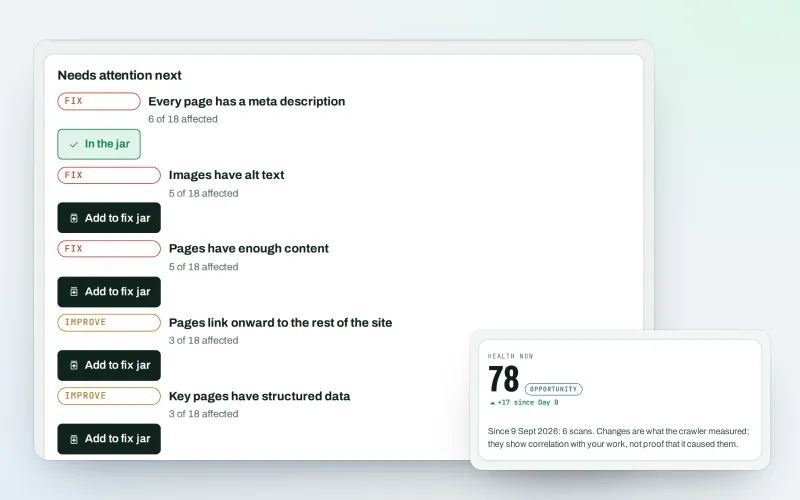
Website health check
A technical SEO audit: see what is wrong with your website, and what to fix first
Explore -
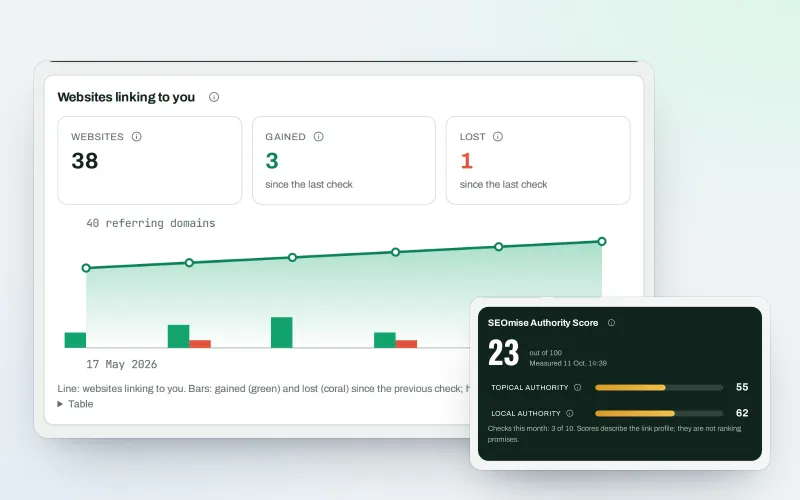
Backlinks
A backlink checker: who links to you, what it is worth and what needs a closer look
Explore -
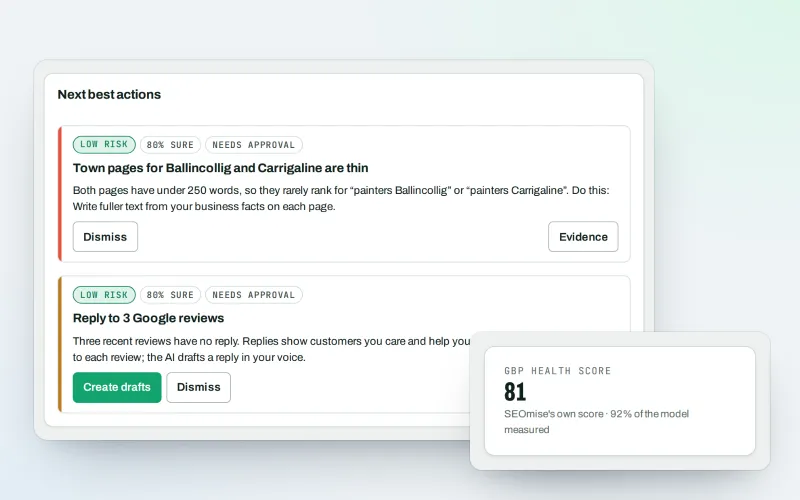
Google Business Profile
Google Business Profile management from one place, with approvals
Explore -
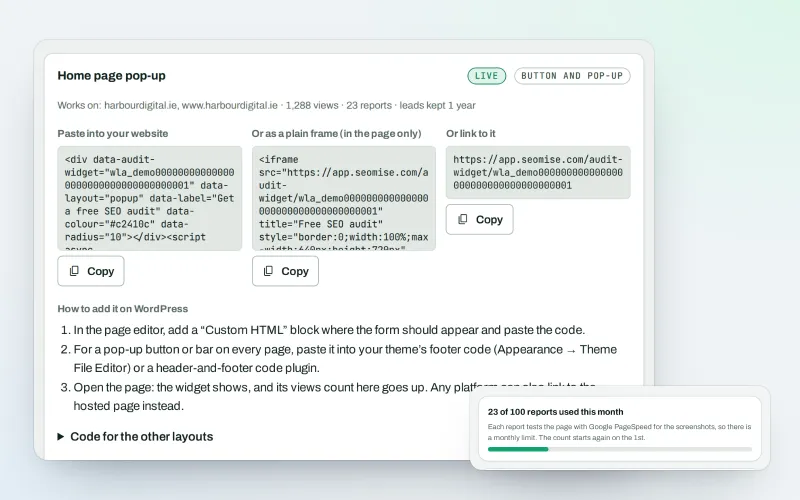
White-label audit widget Beta
A free SEO audit on your website that wins you clients
Explore -
Agency tools
SEO agency software: win clients, work under your brand, give each client a portal
Explore -
Client reports
White label SEO reports as a PDF, e-mailed every week or month
Explore -
Agency catalogue Beta
An SEO agency directory listing that brings businesses to you
Explore -
Automations Beta
When something happens in SEOmise, do something about it automatically
Explore
Partner with SEOmise Beta
Agencies, resellers, regional companies and creators: offer SEOmise to your clients with a wholesale discount off the list price, or earn a share recommending it.
Try Developer API on your own site
Add your site; your first scan becomes your Day 0 baseline. Nothing is bought or published without your approval.
No ranking guarantees: just clear work, with the evidence.
