

- Home
- All modules
- Local
- Citations and NAP
Local
Citations and NAP
A citation checker that keeps your name, address and phone the same everywhere
The citation checker compares each directory listing with your correct business details, field by field, reads them again each month and shows where to list the business next.

A screen from the SEOmise demo, with sample data.
Why it matters
From the problem to what SEOmise does
Different details in different places
A business is listed on many directories, and each listing shows its own copy of your name, address and phone number (together called NAP). After a move or a new number, old details stay behind, and it is hard to keep track of which listing says what.
A citation checker that keeps your name, address and phone the same everywhere
- Sensible matching. "St" and "Street", a name with or without "Ltd", and a phone number with or without the country code are accepted as variants. Opening hours and category are compared too when a listing shows them.
- Uncertain matches checked by you. Each listing gets a confidence per field. A listing that is probably, but not surely, your business waits for you to say "this is my business" or "another business".
- Duplicate listings found. More than one listing for your business on the same directory is flagged as a duplicate.
How it works
Four steps, start to finish
- Set your correct detailsYour correct details start from your Google Business Profile: name, address, phone, website and category. Change them if needed.
- Add your listingsImport a CSV of your directory listings or add them one by one, with the address of each listing and the details it shows.
- See every differenceEach listing is marked as matching, an acceptable variant, a mismatch, a duplicate or missing, with the differing fields side by side.
- Fix it at the sourceClaim or edit the existing listing on each directory, or list the business on the directories we recommend with the steps for each, and paste the live address so we can check it.
Features
What you get with Citations and NAP
Sensible matching
"St" and "Street", a name with or without "Ltd", and a phone number with or without the country code are accepted as variants. Opening hours and category are compared too when a listing shows them.
Uncertain matches checked by you
Each listing gets a confidence per field. A listing that is probably, but not surely, your business waits for you to say "this is my business" or "another business".
Duplicate listings found
More than one listing for your business on the same directory is flagged as a duplicate.
CSV import
A header row with a source column, plus name, address, phone, website and the listing address. Up to 500 listings per file.
Where to list next
Directories, business profiles, associations, chambers, partner pages and journalist request services our team checked and approved for your country, town and category. None asks you to link back.
Progress per directory
Each listing goes from to do to submitted, waiting and live, with who did it and a proof address or screenshot. Live listings are read by our crawler to confirm your details and any link.
Listings read again
Listing pages on approved directories are read again each month, politely, and you get a notice when a name, address, phone, hours or category changed.
Clear next steps
Each mismatch or duplicate becomes a recommendation showing the listed value next to the correct one, and the listing address when you gave one.
Part of your Health Score
Listing consistency is one of the eight parts of your Google Business Profile Health Score, and the website check compares your site's own markup with your details.
Ready for a citation campaign
Where Link campaigns is part of your plan, directories without a listing can become a draft citation campaign, with the usual plan, budget and approval steps.
Mentions without a link
Pages that name the business without linking to it become a short, friendly link request on your outreach list. You send it yourself.
Export
Download your listings and their differences as CSV or PDF.
What it needs
No surprises after you sign up
Turn a card over for the detail.
A Business Profile location
A Business Profile location
Connected to Google or entered by hand: citations belong to a location in SEOmise, and your correct details start from it.
Your listings
Your listings
SEOmise compares the listings you import, add or list through it. It does not search every directory for you.
Every platform
Whatever your site runs on
What Citations and NAP does on each kind of website, from SEOmise's site connectors to step-by-step guidance.
WordPress
WordPress and WooCommerceCompares directory listings, so nothing is installed on your website.
Laravel
Sites built on LaravelCompares directory listings, so nothing is installed on your website.
Any PHP site
Custom PHP, CodeIgniter, Symfony, Drupal, JoomlaCompares directory listings, so nothing is installed on your website.
Every other platform
Shopify, Wix, Squarespace, Webflow, static sites and the restWorks the same for hosted builders and every other platform.
Where Citations and NAP is included
Included in these plans. Limits, such as pages per scan or credits a month, are on the pricing page.
See pricingNot sure it fits?
Ask Mise, our assistant, in the help centre, or book a call and we will show you Citations and NAP on a site like yours.
Questions
Citations and NAP: common questions
What does NAP mean?
Name, address and phone number. SEOmise also compares the website address shown on each listing.
Does SEOmise create or update listings for me?
Not automatically. You list the business with the steps for each directory, or order the directory listings done for you: our team then submits each listing only after you approve it, and you see its progress. SEOmise never creates duplicate listings and never asks for a link back.
Do these listings give me links that improve rankings?
Some directories link to your website, many mark the link nofollow, and some show no link at all. A listing helps people and search engines find consistent details about your business; we never promise a link or a ranking.
Which details count as the correct ones?
Your canonical details. They start from your Google Business Profile, you can change them, and every listing is compared with them each time you save.
Which directories should I be listed on?
SEOmise suggests well-known, legitimate directories where it found no listing. Check for an existing listing first and claim it; create a new one only if there is none.
Can someone do the clean-up for me?
Where expert help is available on your account, the Citations screen offers to have the SEOmise team correct the listings for you.
Which plans include Citations and NAP?
Citations and NAP is included in the Business and Agency plans. Prices and limits are on the pricing page.
Works well with
Related modules
-
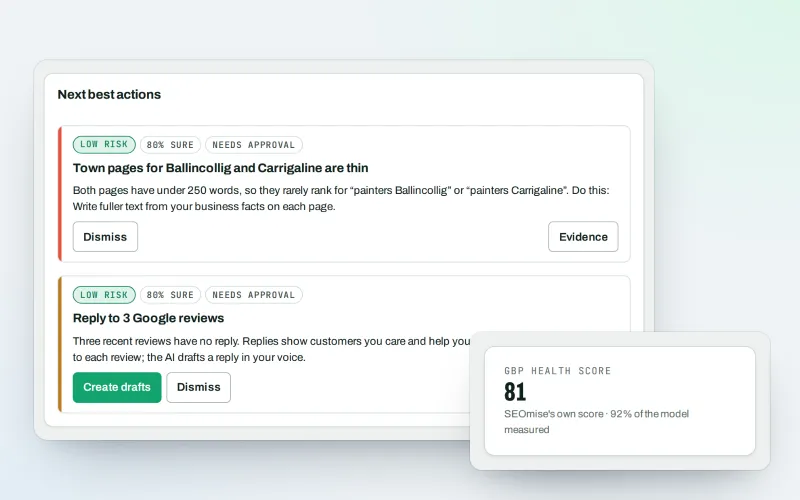
Google Business Profile
Google Business Profile management from one place, with approvals
Explore -
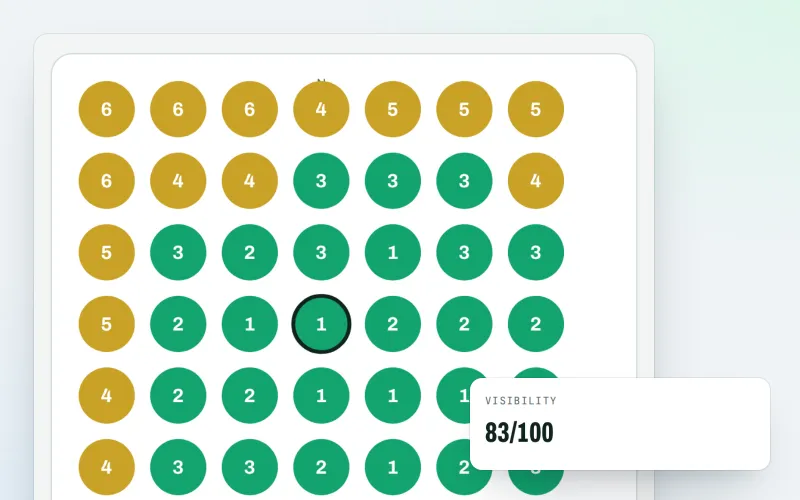
Map rank grid
A Google Maps rank tracker: see where your business appears across your area
Explore -
Link campaigns
A link building service: plan paid placements, approve the exact total, then order
Explore -
Expert help Beta
Hire an SEO expert from our team: a consultation, a task, a retainer or a website
Explore -
Listings sync Beta
Your business details on directories, Apple, Bing and more, kept the same everywhere
Explore -
Local Intelligence
Multi-location SEO: all your business locations on one screen, with access per location
Explore -
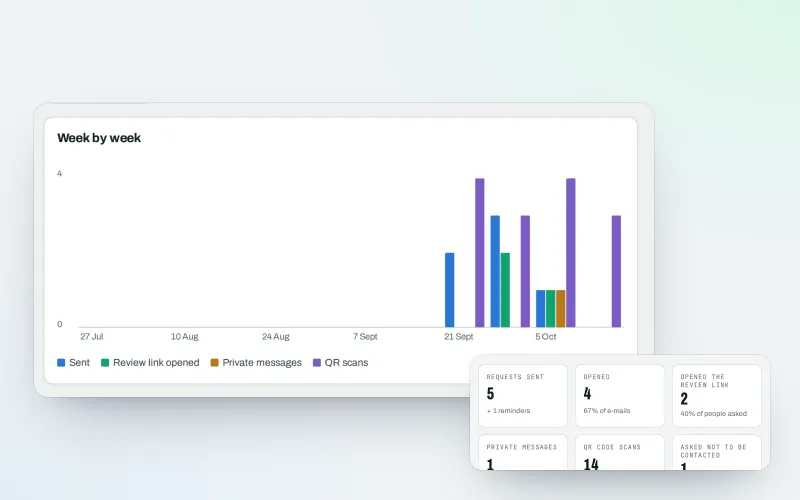
Review booster Beta
Get more Google reviews: ask every customer, fairly and in a few clicks
Explore -
Apple and Bing listings
Apple Business Connect and Bing Places, set up step by step with the same details
Explore
Try Citations and NAP on your own site
Add your site; your first scan becomes your Day 0 baseline. Nothing is bought or published without your approval.
No ranking guarantees: just clear work, with the evidence.
