

- Home
- All modules
- Agencies & developers
- Automations
Agencies & developers
Automations Beta
When something happens in SEOmise, do something about it automatically
SEO automation with rules that watch what SEOmise already notices, such as a ranking drop, new scan problems or a new review, then e-mail your team, post to Slack or Teams, or send a webhook.
Illustration of the screen, without data.
Why it matters
From the problem to what SEOmise does
Important changes noticed too late
A ranking falls, the website goes down or a one-star review arrives, and nobody sees it until the next time someone opens the dashboard. Copying alerts into chat or a task list by hand takes time every week.
When something happens in SEOmise, do something about it automatically
- Ranking triggers. A ranking dropped, left the top ten, started trending down, lost a result feature, or your own pages started swapping places.
- Website triggers. A scan finished, a scan found new problems, Website watch found a problem, a page dropped out of Google's index, or a change to the website went live, failed or was undone.
- Links, reviews and checks. Backlinks lost or found, a new Google review, and finished map grid, AI visibility, privacy, accessibility, content refresh and e-mail and DNS checks.
How it works
Four steps, start to finish
- Choose what starts the rulePick a trigger from what SEOmise already records: rankings, scans, Website watch, Google's index, changes to your website, backlinks, reviews, finished checks, or a set time.
- Say when it countsChoose the projects, then add conditions such as "dropped by at least five places" or "severity is high", so only what matters starts it.
- Choose what happensE-mail people in your workspace, show a notice in the bell, post to Slack or Teams, send a signed webhook, add a task or raise a support ticket, in the order you set.
- Test it and follow itRun a test with the latest real event, then see every run with what each action did. Retry only the actions that failed.
Features
What you get with Automations
Ranking triggers
A ranking dropped, left the top ten, started trending down, lost a result feature, or your own pages started swapping places.
Website triggers
A scan finished, a scan found new problems, Website watch found a problem, a page dropped out of Google's index, or a change to the website went live, failed or was undone.
Links, reviews and checks
Backlinks lost or found, a new Google review, and finished map grid, AI visibility, privacy, accessibility, content refresh and e-mail and DNS checks.
At a set time
Every day, week or month at the hour you choose, in your own time zone.
Conditions that fit
Numbers, text, choices, severity and keyword tags. Every condition must hold, and you choose all projects or a list.
E-mail and the bell
Messages go to people in your workspace only (managers, owners or chosen people), with each person's own e-mail choices respected.
Slack, Teams and webhooks
Post to your workspace's chat channels, or send a signed webhook to your own system. Values from the internet are made plain, so they cannot ping a whole channel.
Tasks and tickets
Add a task to the project's to-do list, or raise a ticket with our support team, each within a daily allowance.
Variables in your words
Write {{keyword}}, {{project}} or {{link}} in a message and the rule fills them in from the event.
Retries and history
Failed e-mails, chat messages and webhooks are tried again a few times. Every run is kept with its outcome, and "Retry failed" reuses the original data.
Pause, resume and safe limits
Pause a rule at any time. A rule never starts itself again, and a rule that keeps failing pauses with the reason.
Before and after
What changes with Automations
Before: alerts read by hand. After: with Automations. Drag the handle, or use the arrow keys, to compare.
Alerts read by hand
- A drop in rankings found days later
- Alerts copied into chat and task lists
- No record of who was told
With Automations
- The right people told as soon as it happens
- Tasks and messages made for you
- A history of every run and every action
Illustration of the difference, not a measured result.
What it needs
No surprises after you sign up
Turn a card over for the detail.
The modules that raise the events
The modules that raise the events
Each trigger shows only while your workspace has the module it comes from, such as rank tracking for ranking triggers or Website watch for website problems.
Chat channels and webhooks (optional)
Chat channels and webhooks (optional)
Slack, Teams and webhook actions use the channels and endpoints your workspace set up under Developer.
The Support page (for tickets)
The Support page (for tickets)
The "raise a support ticket" action needs your workspace's Support page.
Every platform
Whatever your site runs on
What Automations does on each kind of website, from SEOmise's site connectors to step-by-step guidance.
WordPress
WordPress and WooCommerceEvery trigger works the same: the events come from scans, Website watch, Google data and the other modules, not from the plugin.
Laravel
Sites built on LaravelEvery trigger works the same on sites connected with the Laravel connector.
Any PHP site
Custom PHP, CodeIgniter, Symfony, Drupal, JoomlaEvery trigger works the same on sites with the universal PHP connector.
Every other platform
Shopify, Wix, Squarespace, Webflow, static sites and the restAutomations need no connector at all: rankings, scans, Website watch, Google data and reviews raise the same events on any platform.
Automations is in beta
It is not on sale yet, so there are no prices for it. Leave your name and e-mail address and we will tell you as soon as you can use it.
Questions about it?
Ask Mise, our assistant, in the help centre, or book a call and we will tell you where Automations stands and what you can use today.
Questions
Automations: common questions
Can a rule e-mail people outside my workspace?
No. E-mails and notices go only to members of your own workspace (people who manage projects, owners, or people you choose). To reach another system, use a webhook or a Slack or Teams channel your workspace set up.
Will a test run create tasks or tickets?
No. A test run uses the latest real event (or sample data) and sends e-mails, notices, chat messages and webhooks marked [Test]. It never makes a task or raises a ticket.
What stops a rule from running in a loop?
While a rule's actions run, the events they cause never start that rule again, and by default they start no other rule either. Each rule and workspace also has a number of runs an hour.
How many rules can I have?
Your plan sets how many rules you can have and how many runs a month are included. Test runs do not count.
Who can change rules?
Anyone who can read projects can see the rules. Changing, testing and retrying need the right to manage projects. People limited to shared projects, and an agency's client users, do not see Automations, because rules watch every project.
Can I use Automations now?
Automations is in beta: it is not on sale yet. Use Ask for early access and we will e-mail you as soon as it is ready for you. Other modules and the plans are on the pricing page.
Works well with
Related modules
-
Phone and browser notifications
SEO push notifications: know the moment something needs you, on phone or computer
Explore -
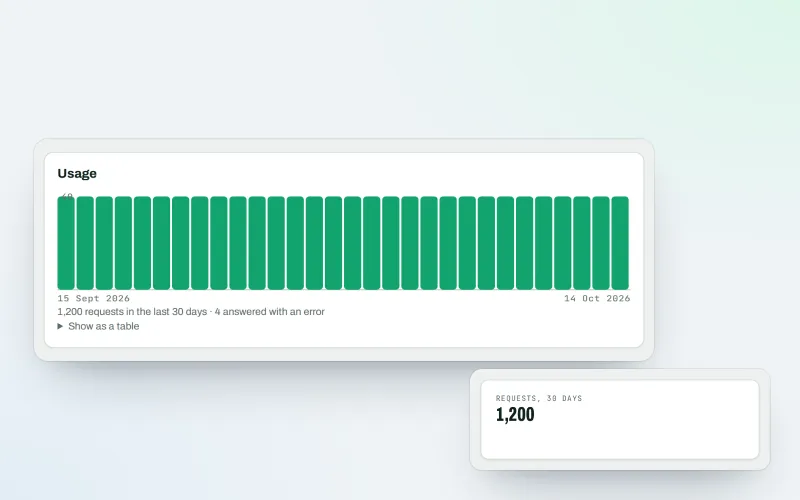
Developer API
Use your SEO data in your own systems, dashboards and websites
Explore -
MiseGuard
Website protection in one place: forms, uptime, updates, firewall and backups
Explore -
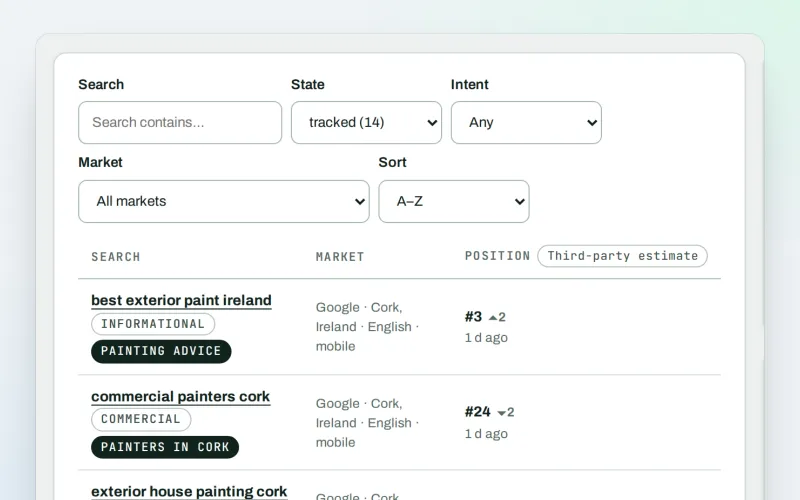
Keywords and rankings
A rank tracker: see where you show up on Google, and which searches to go after
Explore -
Agency catalogue Beta
An SEO agency directory listing that brings businesses to you
Explore -
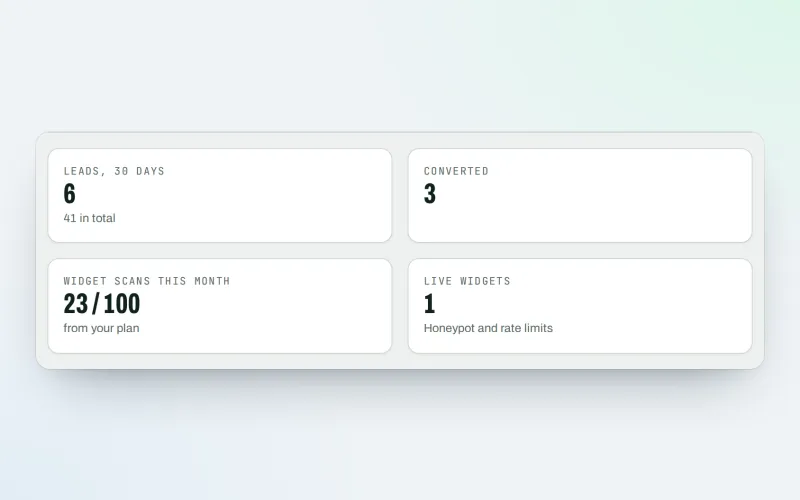
Agency tools
SEO agency software: win clients, work under your brand, give each client a portal
Explore -
Support
SEO software support: answers, tickets and a person to talk to
Explore -
Expert help Beta
Hire an SEO expert from our team: a consultation, a task, a retainer or a website
Explore
Partner with SEOmise Beta
Agencies, resellers, regional companies and creators: offer SEOmise to your clients with a wholesale discount off the list price, or earn a share recommending it.
Be among the first to try Automations
Automations is in beta. Ask for early access and we will e-mail you when it is ready for you; nothing is bought.
No ranking guarantees: just clear work, with the evidence.
