

- Home
- All modules
- Agencies & developers
- Phone and browser notifications
Agencies & developers
Phone and browser notifications
SEO push notifications: know the moment something needs you, on phone or computer
SEO push notifications on your phone or computer when changes wait for approval, a Google review arrives, a scan finishes or support replies, even when SEOmise is closed.
Illustration of the screen, without data.
Why it matters
From the problem to what SEOmise does
Things wait while you are away
Approvals, reviews and replies sit in a tab you have not opened. By the time you see them, a customer may have waited days for an answer.
SEO push notifications: know the moment something needs you, on phone or computer
- Changes to approve. Proposed changes go to the people who may approve them, not to the person who proposed them.
- New Google reviews. Hear about a new review on your Business Profile, so you can reply while it is fresh.
- Autopilot articles. Hear when an autopilot article is waiting for you to check.
How it works
Four steps, start to finish
- Sign inRight after you sign in, or finish setting up, SEOmise offers "Turn on notifications" with one button.
- Allow them oncePress the button and allow notifications when your browser or phone asks. Browsers never let a site do this for you; it is the only step.
- Everything is onEvery topic is on for that device, and a browser that already allowed notifications is set up again by itself when you sign in there.
- Turn off what you do not needIn Profile and sign-in, untick topics per device, send a test, or turn a device off.
Features
What you get with Phone and browser notifications
Changes to approve
Proposed changes go to the people who may approve them, not to the person who proposed them.
New Google reviews
Hear about a new review on your Business Profile, so you can reply while it is fresh.
Autopilot articles
Hear when an autopilot article is waiting for you to check.
Finished scans
Hear when a scan of your main website has finished.
Support replies
Hear when someone answers your support request.
Website watch alerts
If you use Website watch, hear when your site is down or has a problem.
Choices per device
Each phone or computer has its own topics. See your devices, when each was last notified, and remove any of them.
No floods
A burst of events becomes one notification per project within a few minutes.
No app store
Works in desktop browsers and in the installed SEOmise app on your phone. SEOmise sends them itself, through your browser's own push service.
On by default
Every topic is on for a new device, and every notice that reaches your bell also reaches your devices. Marketing and security e-mail never become notifications.
Desktop app and browser extension too
The SEOmise desktop app (Mac, Windows, Linux) and the browser extension (Chrome, Edge, Firefox) show the same alerts as their own notifications.
What it needs
No surprises after you sign up
Turn a card over for the detail.
A browser that can show notifications
A browser that can show notifications
Chrome, Edge, Firefox or Safari, on a secure (https) connection.
On iPhone and iPad, the installed app
On iPhone and iPad, the installed app
In Safari, tap Share, then "Add to Home Screen". Open SEOmise from your home screen and turn notifications on there.
Switched on for your workspace
Switched on for your workspace
Notifications are part of every plan and on by default.
Every platform
Whatever your site runs on
What Phone and browser notifications does on each kind of website, from SEOmise's site connectors to step-by-step guidance.
WordPress
WordPress and WooCommerceNothing to install on your website: notifications come from SEOmise.
Laravel
Sites built on LaravelNothing to install on your website: notifications come from SEOmise.
Any PHP site
Custom PHP, CodeIgniter, Symfony, Drupal, JoomlaNothing to install on your website: notifications come from SEOmise.
Every other platform
Shopify, Wix, Squarespace, Webflow, static sites and the restWorks the same whatever your website runs on.
Where Phone and browser notifications is included
Included in these plans. Limits, such as pages per scan or credits a month, are on the pricing page.
See pricingNot sure it fits?
Ask Mise, our assistant, in the help centre, or book a call and we will show you Phone and browser notifications on a site like yours.
Questions
Phone and browser notifications: common questions
Do I need to install an app?
Not from an app store. On a computer it works in your browser. On iPhone and iPad, add SEOmise to your home screen first, then turn notifications on there.
Are they on by default?
Yes, as far as browsers allow. After you sign in, SEOmise asks once with one button; your browser then asks you to allow them. If you choose "Not now", SEOmise asks again after a week, at most three times. You can always turn them on or off in Profile and sign-in.
Can I choose what I get?
Yes. Every topic is on for a new device; untick any of them per device, so your phone can show only what matters most to you.
Will I still get the e-mail?
Yes. The notification goes with the e-mail and the bell. Your device choices are separate from your e-mail settings, so you can keep one and turn the other off.
Does it work when SEOmise is closed?
Yes. Notifications arrive even when SEOmise is not open.
Nothing arrives. What can I do?
Check that notifications are allowed for SEOmise in your browser or phone settings, then press the button again. Use "Send a test" to try it.
Which plans include Phone and browser notifications?
Phone and browser notifications is included in the Free, Personal, Business and Agency plans. Prices and limits are on the pricing page.
Works well with
Related modules
-
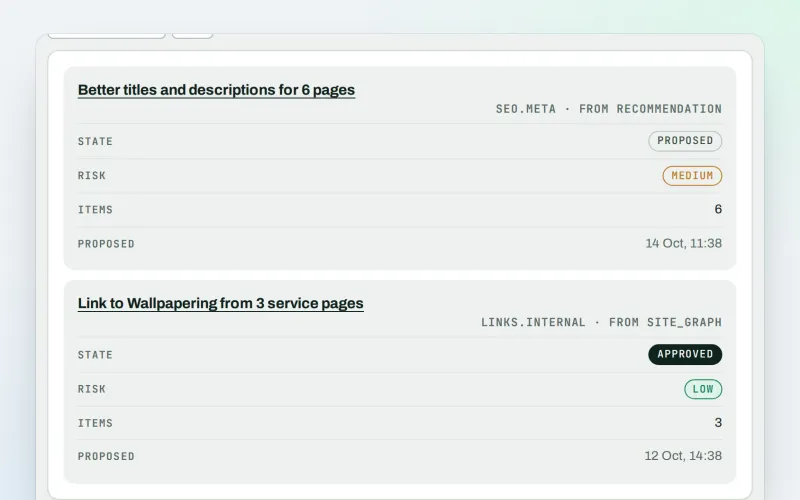
Approve and publish
Approve a fix once, and publish SEO changes that are checked and can be undone
Explore -
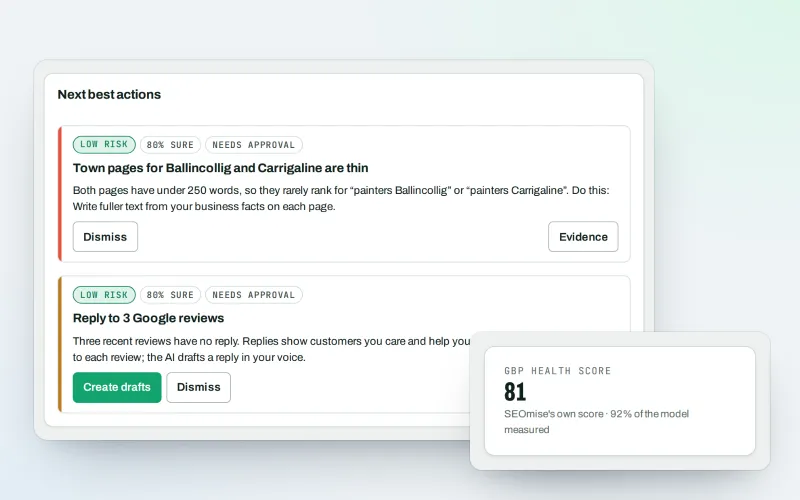
Google Business Profile
Google Business Profile management from one place, with approvals
Explore -
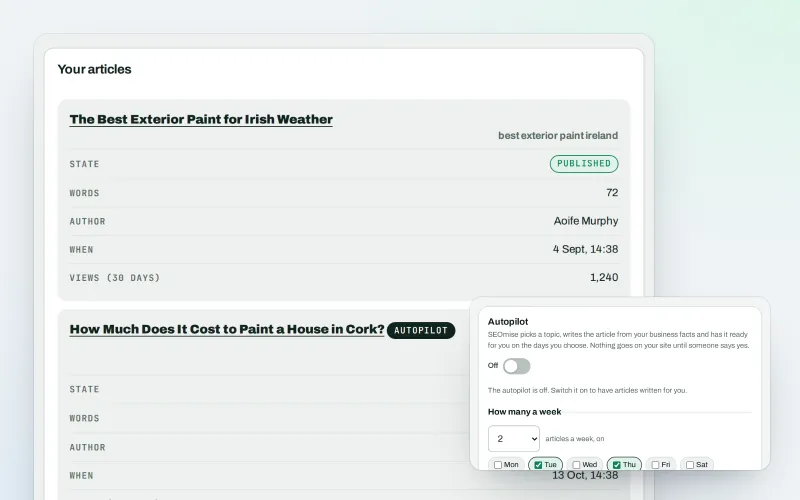
Articles
An AI blog writer that works from your own business facts
Explore -
MiseGuard
Website protection in one place: forms, uptime, updates, firewall and backups
Explore -
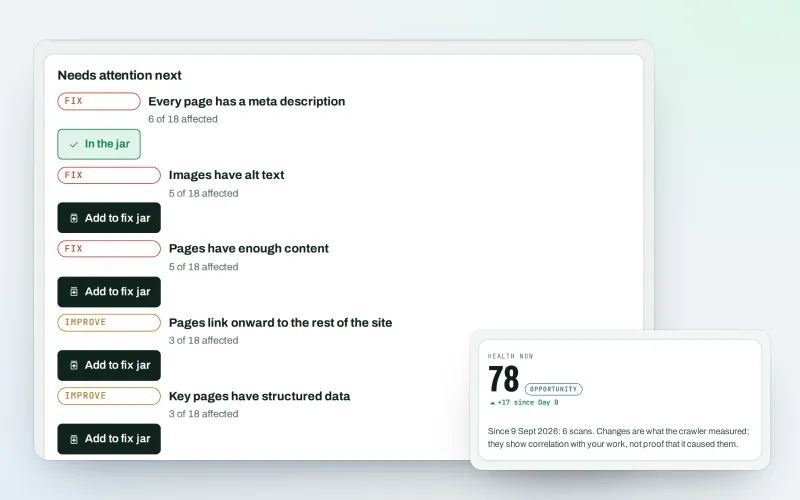
Website health check
A technical SEO audit: see what is wrong with your website, and what to fix first
Explore -
Agency catalogue Beta
An SEO agency directory listing that brings businesses to you
Explore -
Agency tools
SEO agency software: win clients, work under your brand, give each client a portal
Explore -
Automations Beta
When something happens in SEOmise, do something about it automatically
Explore
Partner with SEOmise Beta
Agencies, resellers, regional companies and creators: offer SEOmise to your clients with a wholesale discount off the list price, or earn a share recommending it.
Try Phone and browser notifications on your own site
Add your site; your first scan becomes your Day 0 baseline. Nothing is bought or published without your approval.
No ranking guarantees: just clear work, with the evidence.
