

- Home
- All modules
- Search & content
- Page Factory
Search & content
Page Factory
A local page generator: a page for each service in each town you cover
This local page generator turns your services and the towns you work in into linked local pages, written from your real facts, checked, previewed and approved before they go live.

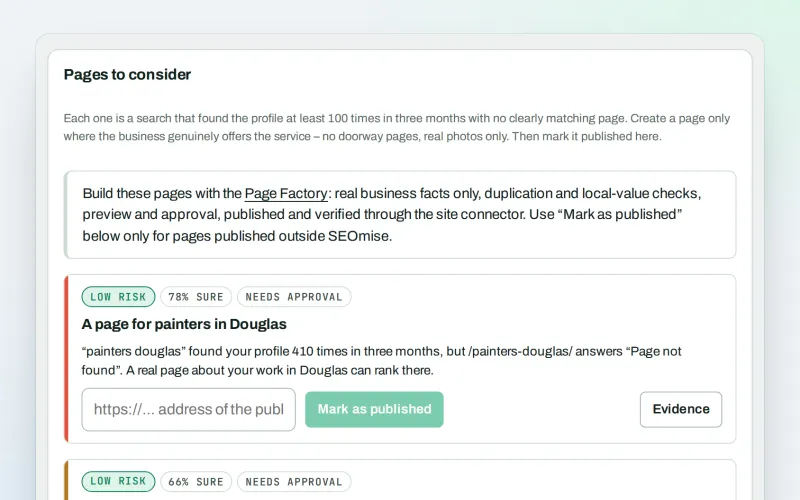
A screen from the SEOmise demo, with sample data.
Why it matters
From the problem to what SEOmise does
People search "near me"
Customers search for a service in their own town. A single general page may not answer that well. Writing a good page for every service in every town by hand takes a long time, and copy-and-paste pages with the town name swapped help nobody.
A local page generator: a page for each service in each town you cover
- Six kinds of page, 5 to 6 layouts each. Start with "What are you creating?": a page, service pages, local service pages, a blog post, an article or a landing page, in a layout you choose. The AI only fills its sections.
- Real facts only. Every phone number, price, figure and name in a page must be in your business facts. A page that fails is blocked until it is fixed.
- No copy-and-paste pages. Each page is compared with the rest of the batch, earlier Page Factory pages and the site pages it links to. Swapping only the town name is caught.
How it works
Step by step, start to finish
- Services and townsChoose your services as chips (from your profile, your services, WonderWheel ideas and keyword clusters, or typed in) then where you work: the towns around you, a whole county or only the towns you list, in one list that says where each town came from, beside a map fitted to the towns you chose.
- Your lookPick a page of your own site and its look is captured: colours, fonts, header, footer, logo and screenshots, so the new pages look like the rest of your site.
- What we buildSwitch on service pages, town pages, county pages and "Areas we cover" hubs, choose where they sit from your own pages, and watch the plan grow as a tree.
- TemplateChoose a layout for each kind of page, drawn in your site's colours.
- BuildOne button: every page is written from your real facts and checked, filling in before your eyes. A missing brand voice is drafted from your site first, for you to approve.
- Preview, approve and publishSee every page in your site's look on a computer and a phone and approve it. An owner or admin sends them; each page is checked on your site and gets its Day 0. Choose the menu and the item to put them under from your site's own menus: they go into it with the pages, or you get the steps for your platform and your navigation is checked.
Features
What you get with Page Factory
Six kinds of page, 5 to 6 layouts each
Start with "What are you creating?": a page, service pages, local service pages, a blog post, an article or a landing page, in a layout you choose. The AI only fills its sections.
Real facts only
Every phone number, price, figure and name in a page must be in your business facts. A page that fails is blocked until it is fixed.
No copy-and-paste pages
Each page is compared with the rest of the batch, earlier Page Factory pages and the site pages it links to. Swapping only the town name is caught.
Local value check
A town page must use real local facts, such as local work, landmarks or travel details, not just the town's name.
Every link has its link back
Service, county, town and area hub pages, linked up, down, across to nearby towns and to your other services, every link with its link back. On your site map, Page Factory pages have a ring of their own.
In your site's look, for your editor
SEOmise captures a page you pick (styles, header, footer, logo, screenshots), previews new pages inside it, builds them for your editor and checks them after publishing.
Your own photos, page by page
Pick the pictures for each page from your site, your media library, an image pack or pictures made by AI for you; each description names the place. Exclusive pictures are in Beta.
Hidden from search until you have read them
New pages go out as "noindex", with their own address as the canonical and a visible breadcrumb, until you let search engines list them.
A few pages a day
Publish as drafts or live, all at once or a few a day, with the main pages first. Links only point to pages that are live; each day's pages get their links as they go out.
Links from your existing pages
Where your pages already use the right words, those words can link to the new pages. You review them first.
A starting point to measure from
Each published page gets a "Day 0" record, and its search term can be added to Keywords and rankings.
Publish them yourself
On any platform: copy each page, or download it as a web page, Markdown or a zip with the photos (or the whole batch). Then enter the address each page went live at.
Before and after
What changes with Page Factory
Before: doing it by hand. After: with the Page Factory. Drag the handle, or use the arrow keys, to compare.
Doing it by hand
- Writing a page for each service and town by hand
- Pages that read the same with the town name swapped
- Facts that drift from page to page
With the Page Factory
- A planned set of linked pages, built in eight clear steps
- Every page checked for facts, sameness and local value
- You preview and approve before anything goes live
Illustration of the difference, not a measured result.
What it needs
No surprises after you sign up
Turn a card over for the detail.
Your business facts
Your business facts
A connected Google Business Profile fills them in. You can also type them in and add local facts yourself.
AI credits
AI credits
For planning and writing pages with AI. Without credits, the plan is made by fixed rules and you can write pages yourself.
The site connector
The site connector
To create the pages on your site for you. Without it you plan, write, check and preview them here, then publish them yourself.
An owner or admin
An owner or admin
Publishing a batch of pages needs their approval.
Room in your plan
Room in your plan
Your plan sets how many pages you can make each month.
Every platform
Whatever your site runs on
What Page Factory does on each kind of website, from SEOmise's site connectors to step-by-step guidance.
WordPress
WordPress and WooCommerceCreates the pages as drafts or live, in your site's look, with photos and roll back.
Laravel
Sites built on LaravelCreates pages through the Laravel connector, either through your app's own pages or kept by the package and drawn in your app's layout (one setting for your developer); each page also comes as a Blade view of your layout. Until then, publish them yourself.
Any PHP site
Custom PHP, CodeIgniter, Symfony, Drupal, JoomlaDownload each page as a content-only PHP include with your site's own class names and its head tags, or copy it (web page, Markdown, a zip with the photos), publish it on your site, then enter each address. SEOmise checks each page is live.
Shopify
Shopify storesWith the Shopify publishing app connected (in Beta until it is set up), each approved page goes to your store as an online store page, as a draft or live. Pictures from your media library are not sent yet: the page lists them so you can add them in Shopify. Without the app, copy or download each page, add it in Shopify under Online Store → Pages, then enter its address. SEOmise checks each page is live.
Webflow
Webflow sitesWith the Webflow publishing app connected (in Beta until it is set up), each approved page becomes an item of the CMS collection you choose once, its text in the Rich text field you pick, drawn by that collection's own template; sections designed in your site's look are left out, and the screen says how many. It waits as staged until the site is published in Webflow, unless your administrator allows publishing. Without the app, copy each page in by hand and enter its address.
Wix
Wix sitesWix has no way for apps to add pages, so Page Factory pages go in by hand: copy each page or download it (web page, Markdown, a zip with the photos), add it as a page in the Wix editor, then enter its address. SEOmise checks each page is live.
Every other platform
Squarespace, static sites and the restCopy each page or download the pages (web page, Markdown, a zip with the photos), publish them in your website, then enter each address. SEOmise checks each page is live.
Where Page Factory is included
Included in these plans. Limits, such as pages per scan or credits a month, are on the pricing page.
See pricingNot sure it fits?
Ask Mise, our assistant, in the help centre, or book a call and we will show you Page Factory on a site like yours.
Questions
Page Factory: common questions
Is this mass-produced AI content?
No. Pages may only state your real business facts, and every page passes three checks: facts, sameness with other pages, and local value. A page that fails cannot be published until it is fixed or left out.
Will anything go on my site without me?
No. You review and approve the plan before pages are written, and an owner or admin approves publishing. Pages can go out as drafts, so you can look at them on your site first.
Can I undo it?
Yes, when SEOmise published the pages: a published batch can be rolled back from SEOmise. Pages you published yourself you take down on your site.
My site is not on WordPress. Can I still use it?
Yes. Laravel sites can publish once their developer connects page creation to the Laravel connector. Shopify stores and Webflow sites can receive the pages through the publishing app once it is connected (in Beta until it is set up). On Wix and any other site, copy each page or download it as a web page, Markdown or a zip with the photos (or the whole batch at once, with a list of the pages), and publish it on your site. Then enter the address and press "I published it": SEOmise opens the page and checks the title and opening text are there, and looks again 15 minutes later if it does not see them yet. Once every page in the batch is live, the Day 0 records start.
How many pages can I make?
Your plan sets a monthly number of pages, and one batch holds up to a set number (50 by default). While you choose your towns, SEOmise counts the new pages as you tick; over the limit it offers to keep the nearest towns or to make the pages in batches, nearest towns first. Each page counts when it is first written. A page the Page Factory has already made is shown as "already built" and never made twice.
Will my pages link to each other?
Yes, both ways. Each page links up to the page above it, down to the pages below, to nearby towns of the same service, to your other services in the same town or county and to the area's hub page, and every one of those pages links back. When you add pages later, your earlier pages are offered their links to the new ones, and you review the change before it goes out.
Do I need a Google Business Profile?
It helps: SEOmise fills in your services, areas and contact details from it. You can also type your services, towns and facts in yourself, and a town is only labelled as coming from your profile when a profile is connected.
Which plans include Page Factory?
Page Factory is included in the Business and Agency plans. Prices and limits are on the pricing page.
Works well with
Related modules
-
Local pages
Local landing pages for the local searches your website has no page for
Explore -
Google Business Profile
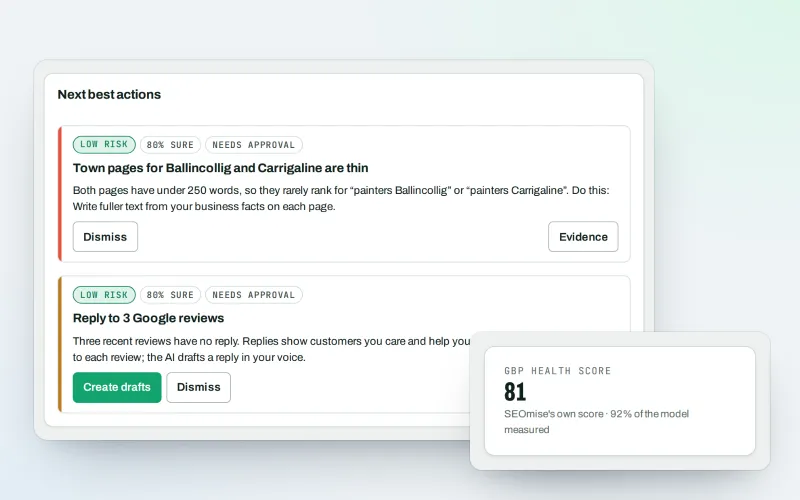
Google Business Profile management from one place, with approvals
Explore -
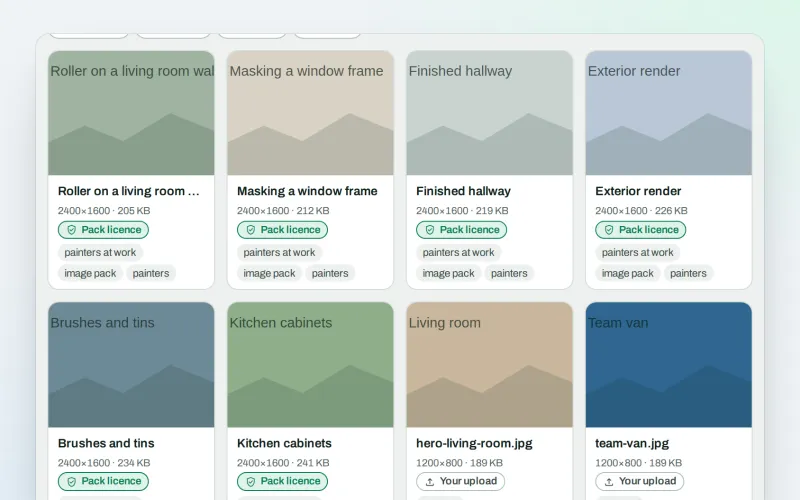
Image packs Beta
Stock photos for websites: ready-made photo sets for your pages and articles
Explore -
Approve and publish
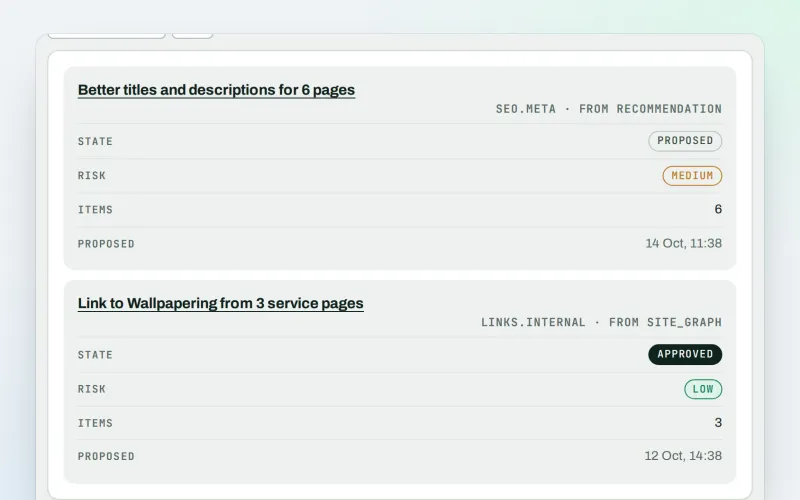
Approve a fix once, and publish SEO changes that are checked and can be undone
Explore -
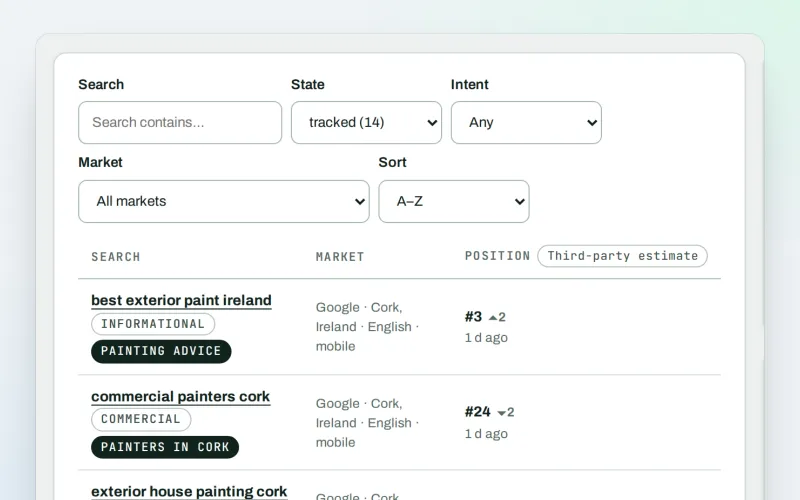
Keywords and rankings
A rank tracker: see where you show up on Google, and which searches to go after
Explore -
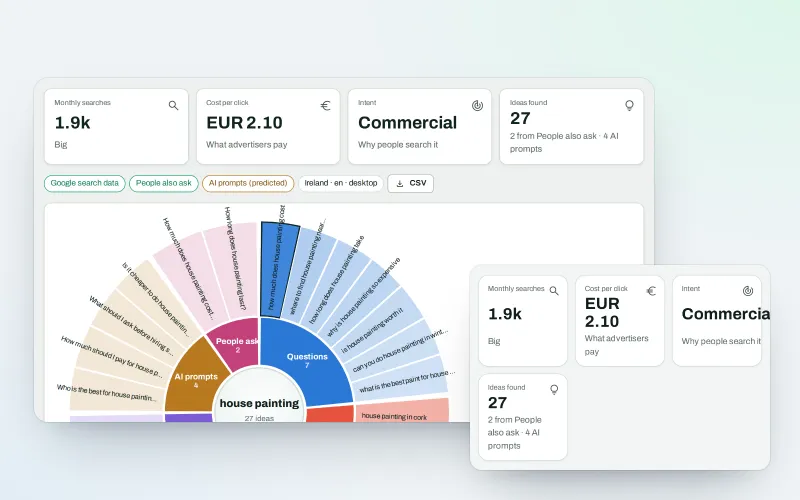
WonderWheel
A content ideas generator: spin a word and see everything people wonder about it
Explore -
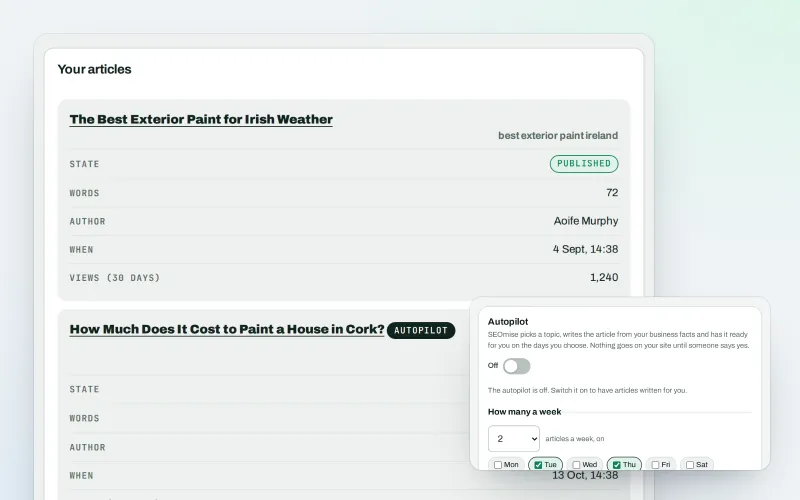
Articles
An AI blog writer that works from your own business facts
Explore -
Content calendar Beta
An SEO content calendar planned from your own searches
Explore
Try Page Factory on your own site
Add your site; your first scan becomes your Day 0 baseline. Nothing is bought or published without your approval.
No ranking guarantees: just clear work, with the evidence.
