

- Home
- All modules
- Local
- Review booster
Local
Review booster Beta
Get more Google reviews: ask every customer, fairly and in a few clicks
Get more Google reviews by inviting customers by e-mail, with a QR code and printable card for the counter, and see the clicks and new reviews that follow.

A screen from the SEOmise demo, with sample data.
Why it matters
From the problem to what SEOmise does
Asking for reviews is easy to put off
Asking each customer for a review by hand takes time, so it often waits for a quiet day. Google also has rules about how you ask: you may not ask only happy customers, send unhappy ones somewhere else or offer anything in return.
Get more Google reviews: ask every customer, fairly and in a few clicks
- Fair by design. Everyone gets the same invitation. SEOmise checks your wording for common rule breaks, such as asking only happy customers, asking for five stars or offering a reward, and will not save it until it is fixed.
- A private message option. Each request can also offer a private message, always beside the Google link and never instead of it. Messages arrive in SEOmise and the people managing the project get an e-mail.
- One reminder, no more. An optional single reminder goes to people who have not opened the link, written to you or unsubscribed, after the number of days you choose.
How it works
Four steps, start to finish
- Set up your review linkUse the link from your connected Google Business Profile, or paste the review link from your profile.
- Add your customersAdd people one by one, paste a list or upload a CSV, and confirm they are your customers and agreed to be contacted.
- Send the requestsEach person gets one request, outside your quiet hours and within your hourly limit, and at most one reminder.
- See what happensFollow requests, link clicks, private messages and QR scans week by week, and new Google reviews before and after you started.
Features
What you get with Review booster
Fair by design
Everyone gets the same invitation. SEOmise checks your wording for common rule breaks, such as asking only happy customers, asking for five stars or offering a reward, and will not save it until it is fixed.
A private message option
Each request can also offer a private message, always beside the Google link and never instead of it. Messages arrive in SEOmise and the people managing the project get an e-mail.
One reminder, no more
An optional single reminder goes to people who have not opened the link, written to you or unsubscribed, after the number of days you choose.
QR code and printable card
Print an A6 card with your name and logo for the counter, van or invoice. Scans can be counted through a SEOmise link, or go straight to Google.
Your brand, your words
Add your logo, colour and reply-to address, edit the message, see a preview and send yourself a test e-mail.
Text messages where available
Where text messages are switched on for your SEOmise account, requests can go by text, for example when there is no e-mail address, within a monthly limit.
A never-ask-again list
Every message has an unsubscribe link. People who unsubscribe, or whom you add to the list, are never asked again, even if imported later. Only a scrambled fingerprint of their address is kept.
Quiet hours and limits
Nothing is sent during the quiet hours you set in your time zone, and never more per hour than you allow, which helps keep messages out of spam folders.
Reviews gained per batch
New Google reviews that follow a request, matched by the days since the request and the reviewer's first name, counted per batch of requests.
Personal data handled with care
Each customer's consent is recorded. Customers are deleted the number of months you choose after their last message, and you can export or delete anyone at any time.
Before and after
What changes with Review booster
Before: asking by hand. After: with Review booster. Drag the handle, or use the arrow keys, to compare.
Asking by hand
- Requests go out now and then, when someone remembers
- Wording that breaks Google's review rules can slip in
- No way to see who clicked or what came of it
With Review booster
- Every customer gets the same request, with at most one reminder
- Your wording is checked against Google's review rules
- Clicks, private messages, QR scans and new reviews in one place
Illustration of the difference, not a measured result.
What it needs
No surprises after you sign up
Turn a card over for the detail.
A Google review link
A Google review link
From your connected Google Business Profile, or pasted from your profile. Requests cannot be sent until there is one.
Your own customers
Your own customers
People who bought from you and agreed to be contacted. You confirm this each time you add them, and it is recorded.
Optional: Google Business Profile
Optional: Google Business Profile
Connect it to build the review link for you and to compare new Google reviews before and after you started asking.
Every platform
Whatever your site runs on
What Review booster does on each kind of website, from SEOmise's site connectors to step-by-step guidance.
WordPress
WordPress and WooCommerceWorks by e-mail, text and QR code, so nothing is installed on your website.
Laravel
Sites built on LaravelWorks by e-mail, text and QR code, so nothing is installed on your website.
Any PHP site
Custom PHP, CodeIgniter, Symfony, Drupal, JoomlaWorks by e-mail, text and QR code, so nothing is installed on your website.
Every other platform
Shopify, Wix, Squarespace, Webflow, static sites and the restWorks the same for hosted builders and every other platform.
Review booster is in beta
It is not on sale yet, so there are no prices for it. Leave your name and e-mail address and we will tell you as soon as you can use it.
Questions about it?
Ask Mise, our assistant, in the help centre, or book a call and we will tell you where Review booster stands and what you can use today.
Questions
Review booster: common questions
Am I allowed to ask customers for Google reviews?
Yes, as long as you follow Google's rules: no asking only happy customers, no sending unhappy ones somewhere else and nothing in return for a review. Review booster invites everyone the same way and checks your wording against these rules.
How many messages does each customer get?
One request and, if you switch it on, one reminder. Nothing more.
Can I send text messages?
Only where text messages are switched on for your SEOmise account, within a monthly limit. Otherwise requests go by e-mail.
Do I need Google Business Profile in SEOmise?
No, but you need a Google review link. With a connected profile SEOmise builds the link for you and compares new reviews before and after you started; without one, you paste your review link.
How many customers can I add?
Up to 2,000 at a time, and up to 10,000 per project.
What happens when someone unsubscribes?
They go on the never-ask-again list straight away and are not contacted again, even if you import them later. The unsubscribe link keeps working even if the tool is switched off.
Can I use Review booster now?
Review booster is in beta: it is not on sale yet. Use Ask for early access and we will e-mail you as soon as it is ready for you. Other modules and the plans are on the pricing page.
Guides
Review booster: how-to guides
Works well with
Related modules
-
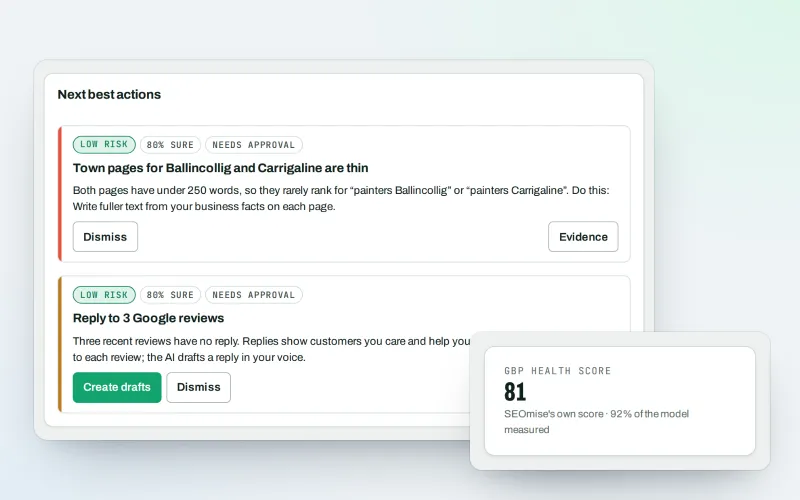
Google Business Profile
Google Business Profile management from one place, with approvals
Explore -
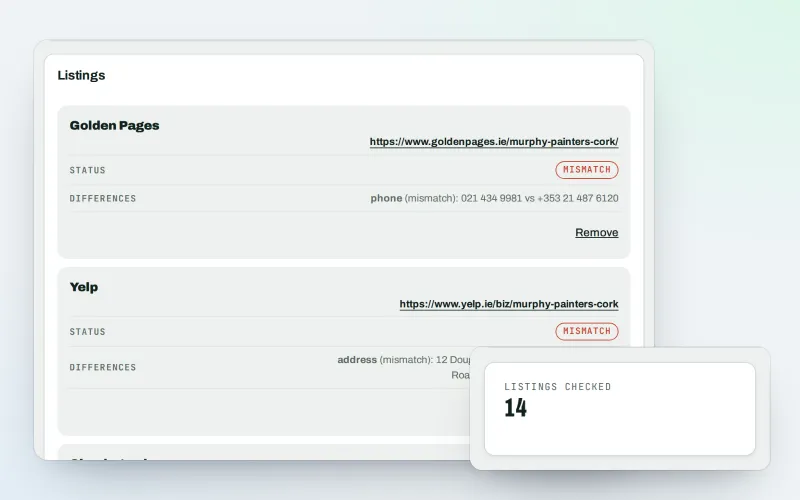
Citations and NAP
A citation checker that keeps your name, address and phone the same everywhere
Explore -
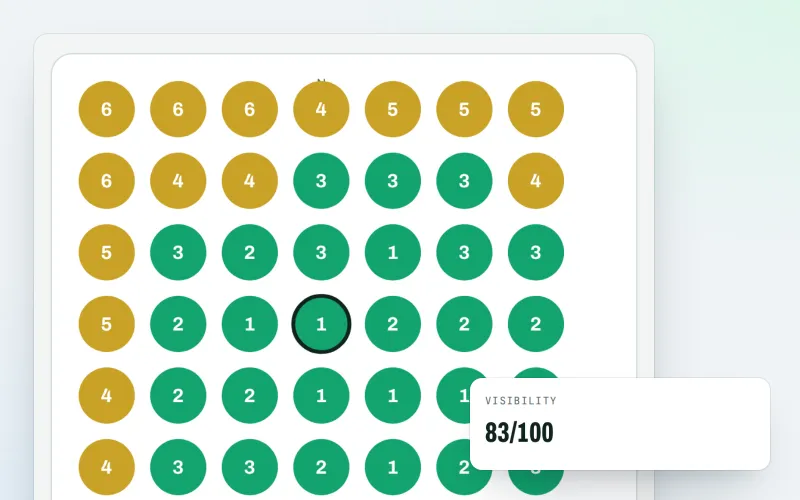
Map rank grid
A Google Maps rank tracker: see where your business appears across your area
Explore -
Expert help Beta
Hire an SEO expert from our team: a consultation, a task, a retainer or a website
Explore -
Listings sync Beta
Your business details on directories, Apple, Bing and more, kept the same everywhere
Explore -
Local Intelligence
Multi-location SEO: all your business locations on one screen, with access per location
Explore -
Apple and Bing listings
Apple Business Connect and Bing Places, set up step by step with the same details
Explore -
Business Profile import
Bring your Google Business Profile performance figures in from the report you download
Explore
Be among the first to try Review booster
Review booster is in beta. Ask for early access and we will e-mail you when it is ready for you; nothing is bought.
No ranking guarantees: just clear work, with the evidence.
