

- Home
- All modules
- Local
- Local Intelligence
Local
Local Intelligence
Multi-location SEO: all your business locations on one screen, with access per location
Multi-location SEO for agencies and businesses: every Business Profile location across your projects and client workspaces on one screen, with access per location and branded reports.
Illustration of the screen, without data.
Why it matters
From the problem to what SEOmise does
Many locations, many logins
With a dozen shops or clients, finding which profile has unanswered reviews, which change waits for approval and where map rankings slipped means opening each one. Giving a branch manager access to only their shop is hard.
Multi-location SEO: all your business locations on one screen, with access per location
- One portfolio. Every location with its connection, Health Score, reviews waiting for a reply, changes waiting for approval and map rank trend.
- Many locations at once. Refresh, export to CSV or act on many locations together with select-all and bulk actions.
- Access per location. Limit people to chosen locations, as viewers or with the right to draft, reply, approve and sync, always within what their role allows. Enforced on every Local screen and action.
How it works
Four steps, start to finish
- See every locationModules → Local Intelligence lists every location across your projects, and your client workspaces for agencies, with its connection and next step.
- Choose who sees whatOwners and admins limit a person's Local SEO access to chosen locations, and for each one whether they may only look or also act.
- Compare the sourcesOpen a location's Insights for its Business Profile figures beside Search Console and Google Analytics for the page it links to.
- Report and hand overSend a branded local report as PDF or CSV, and use the offboarding checklist when a client or a location leaves.
Features
What you get with Local Intelligence
One portfolio
Every location with its connection, Health Score, reviews waiting for a reply, changes waiting for approval and map rank trend.
Many locations at once
Refresh, export to CSV or act on many locations together with select-all and bulk actions.
Access per location
Limit people to chosen locations, as viewers or with the right to draft, reply, approve and sync, always within what their role allows. Enforced on every Local screen and action.
Insights side by side
Business Profile figures, Search Console and Google Analytics for the same website, each labelled with its source and date. They measure different things and are never added together.
Branded local reports
A report per location or for the whole portfolio, as PDF or CSV, with your agency's branding when white label is on.
Listing changes reported
Each location's directory listings on approved directories are read again each month; when a name, address, phone or opening hours change, the workspace's approvers get a notice.
Offboarding with a monitor
A checklist when a client leaves, then business-day checks that your agency's access is gone and the profile is fine, with notices to both sides.
Before and after
What changes with Local Intelligence
Before: location by location. After: with Local Intelligence. Drag the handle, or use the arrow keys, to compare.
Location by location
- Opening each profile to find what waits
- Everyone sees every location
- Hand-overs tracked in e-mails
With Local Intelligence
- What waits, across every location, on one screen
- Access chosen per person and per location
- An offboarding checklist with checks afterwards
Illustration of the difference, not a measured result.
What it needs
No surprises after you sign up
Turn a card over for the detail.
Google Business Profile
Google Business Profile
Locations connected through SEOmise's Google Business Profile module.
Search Console and Analytics (optional)
Search Console and Analytics (optional)
For the Insights comparison of a location's page.
Where Local Intelligence is included
Local Intelligence is not part of a public plan at the moment.
On its own: Local Beta. Ask for early access
See pricingNot sure it fits?
Ask Mise, our assistant, in the help centre, or book a call and we will show you Local Intelligence on a site like yours.
Questions
Local Intelligence: common questions
Can I buy it on its own?
Yes, as Local: one business location with the local tools and Local Intelligence, with its own sign-up and price (Local Multi and Local Agency for more locations). Add a package later and nothing is lost. While it is not on sale yet the page shows Beta with Ask for early access.
Can SEOmise transfer a profile's ownership when a client leaves?
No. Google's Business Profile APIs as SEOmise uses them have no call to hand over primary ownership or remove a manager. The offboarding checklist tells you how to do it in Google, and the monitor then checks that your access is gone.
Does a location limit also apply to the API and exports?
The server enforces it on every Local screen and action. A person limited to two locations sees and acts on those two only.
Why are Business Profile views and website clicks not added up?
They count different things: views of the profile on Google, clicks from search to your page, and visits measured on the site. Each figure keeps its own source and date.
Is it only for agencies?
No. A business with several branches gets the same portfolio, access per location and reports. Agencies also see their client workspaces.
Which plans include Local Intelligence?
Plans and add-ons are on the pricing page. If Local Intelligence is not listed there yet, ask us how to get it.
Works well with
Related modules
-
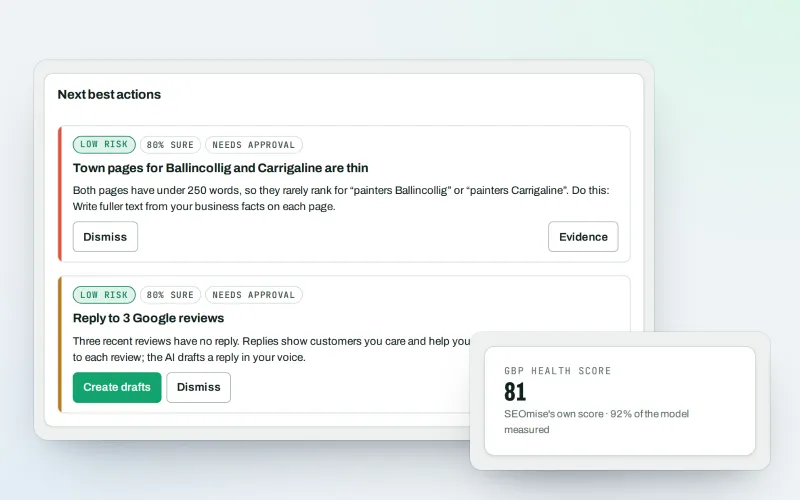
Google Business Profile
Google Business Profile management from one place, with approvals
Explore -
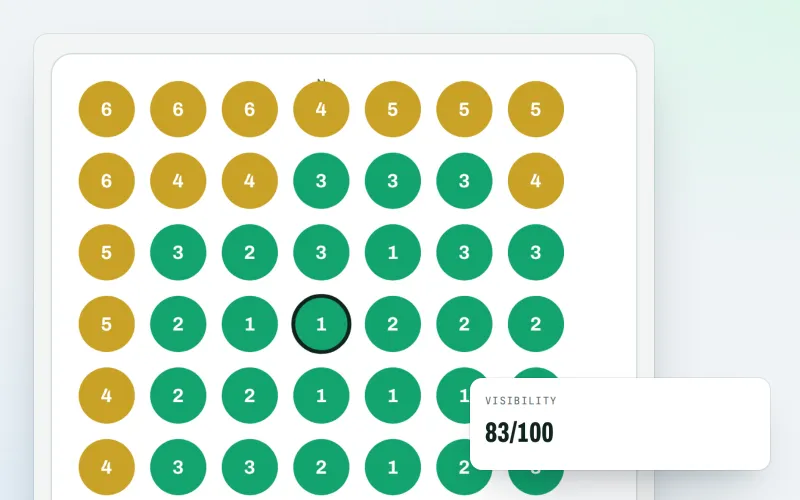
Map rank grid
A Google Maps rank tracker: see where your business appears across your area
Explore -
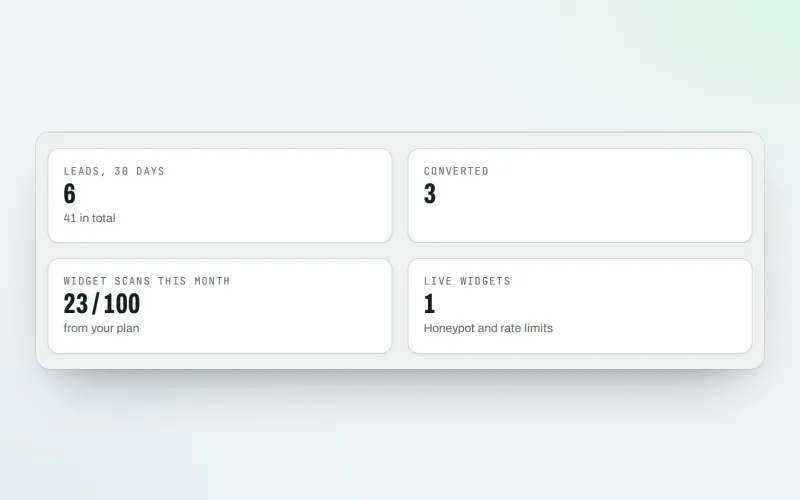
Agency tools
SEO agency software: win clients, work under your brand, give each client a portal
Explore -
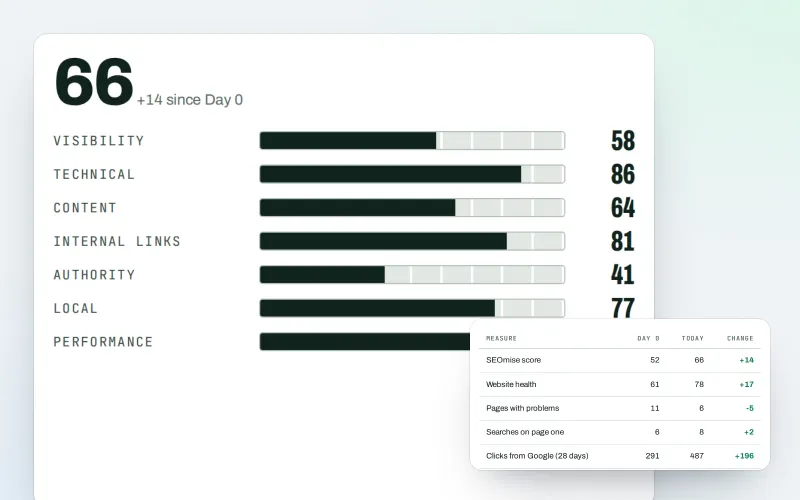
Client reports
White label SEO reports as a PDF, e-mailed every week or month
Explore -
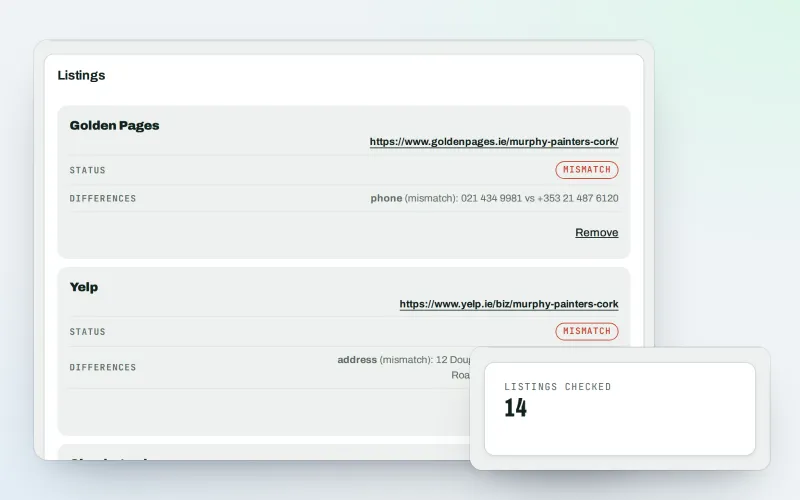
Citations and NAP
A citation checker that keeps your name, address and phone the same everywhere
Explore -
Listings sync Beta
Your business details on directories, Apple, Bing and more, kept the same everywhere
Explore -
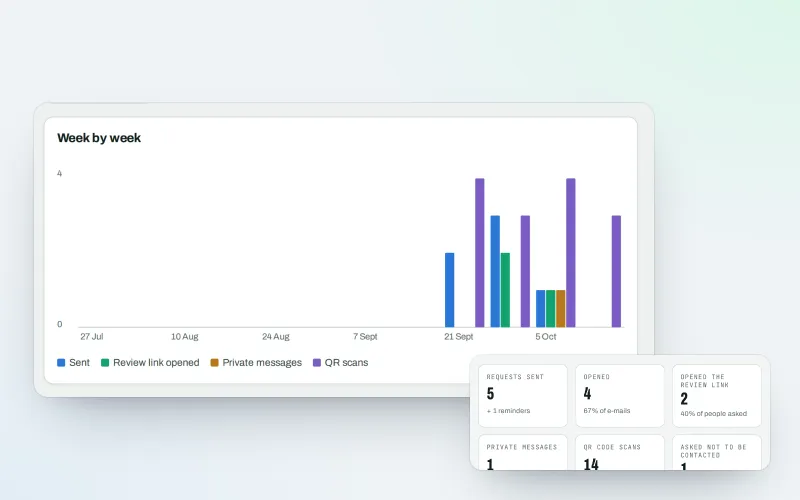
Review booster Beta
Get more Google reviews: ask every customer, fairly and in a few clicks
Explore -
Apple and Bing listings
Apple Business Connect and Bing Places, set up step by step with the same details
Explore
Try Local Intelligence on your own site
Add your site; your first scan becomes your Day 0 baseline. Nothing is bought or published without your approval.
No ranking guarantees: just clear work, with the evidence.
