

- Home
- All modules
- Website health
- CDN and edge
Website health
CDN and edge Beta
See how your CDN serves your website, with changes you approve
Watches how your website is served: its public set-up, the files each page loads and, with your Cloudflare or Bunny account connected, traffic, cache and security, with recommendations you approve.
Illustration of the screen, without data.
Why it matters
From the problem to what SEOmise does
A CDN nobody looks at
A CDN can make a website fast, or quietly serve it from the server every time because of one cache setting. Its dashboard is in another account, and nobody connects what changed there with what happened in Google.
See how your CDN serves your website, with changes you approve
- Public set-up for every site. Is the site answering, is the certificate in date, which cache headers it sends and how fast it answers.
- Traffic, cache and security. From your own Cloudflare or Bunny account: requests, data sent, how much came from the cache, and the security status. Figures your CDN does not give show as N/A, never as zero.
- Files tab. Every page's scripts, style sheets, images and fonts from the latest site scan, with size, cache time, compression and whether the CDN or your server answered.
How it works
Four steps, start to finish
- Prove the website is yoursThrough the SEOmise connector on the site, or a DNS record, a file or a meta tag. One proof also covers Domain health and the Publisher Network.
- Start with the public checksDNS, the security certificate, cache headers and how fast the site answers, read the way any visitor sees them. Nothing to connect.
- Connect your CDN account (optional)For Cloudflare or Bunny, paste a token with the read permissions the page lists. It is kept encrypted and never shown again.
- Approve what should changeRecommendations come with their evidence and the steps for any host. Where approved changes are switched on, a purge or a cache or firewall rule is made after your approval, checked and easy to undo.
Features
What you get with CDN and edge
Public set-up for every site
Is the site answering, is the certificate in date, which cache headers it sends and how fast it answers.
Traffic, cache and security
From your own Cloudflare or Bunny account: requests, data sent, how much came from the cache, and the security status. Figures your CDN does not give show as N/A, never as zero.
Files tab
Every page's scripts, style sheets, images and fonts from the latest site scan, with size, cache time, compression and whether the CDN or your server answered.
Results tab
Search Console clicks and Google Analytics sessions beside each CDN change made, the same number of days before and after, marked on the charts. Shown side by side, never as cause and effect.
One list with Speed fixes
CDN recommendations and Speed fixes together, each with its evidence and an optional AI explanation in plain words.
Changes you approve
Purge the cache, or add or remove a cache or firewall rule, only after your approval, with a preview, a check afterwards and one-click undo. Never DNS.
A dashboard for the workspace
Workspace → CDN and edge lists every website you watch; agencies see their client sites there too.
Alerts and history
Checks, alerts and every change of the connection, kept per site.
Before and after
What changes with CDN and edge
Before: the CDN in another tab. After: with CDN and edge. Drag the handle, or use the arrow keys, to compare.
The CDN in another tab
- Cache settings nobody checks
- No link between a change and the traffic after it
- Rules changed straight in the CDN account
With CDN and edge
- Every page's files with their cache time and source
- Search figures beside each change made
- Changes approved, checked and easy to undo
Illustration of the difference, not a measured result.
What it needs
No surprises after you sign up
Turn a card over for the detail.
Proof the domain is yours
Proof the domain is yours
The site connector, a DNS record, a file or a meta tag.
A CDN account (optional)
A CDN account (optional)
Cloudflare or Bunny, with a token you create, for traffic, cache and security figures and for approved changes.
Google data (optional)
Google data (optional)
Search Console and Google Analytics connected to the project, for the Results tab.
Every platform
Whatever your site runs on
What CDN and edge does on each kind of website, from SEOmise's site connectors to step-by-step guidance.
WordPress
WordPress and WooCommerceThe WordPress plugin proves the site is yours in one step; the CDN checks work the same for any site behind it.
Laravel
Sites built on LaravelThe Laravel connector proves the site is yours in one step.
Any PHP site
Custom PHP, CodeIgniter, Symfony, Drupal, JoomlaThe universal PHP connector proves the site is yours.
Every other platform
Shopify, Wix, Squarespace, Webflow, static sites and the restProve ownership with a DNS record, a file or a meta tag. Public checks and your CDN account work the same; recommendations come with steps for your host when they cannot be made through the CDN account.
CDN and edge is in beta
It is not on sale yet, so there are no prices for it. Leave your name and e-mail address and we will tell you as soon as you can use it.
Questions about it?
Ask Mise, our assistant, in the help centre, or book a call and we will tell you where CDN and edge stands and what you can use today.
Questions
CDN and edge: common questions
Does SEOmise change my DNS?
Never. It reads DNS. With your approval, and only while approved changes are switched on, it can purge the cache or add or remove cache and firewall rules in your CDN account.
Which CDNs can I connect?
Cloudflare and Bunny, each with a token you create in your own account. Any other CDN still gets the public checks and the Files tab.
Does the Results tab prove that a change worked?
No. It shows your search and visitor figures beside each change, the same number of days before and after. Search engine updates, the season and other changes move them too, and the screen says so.
What happens to my token?
It is stored encrypted and never shown again after you save it. You can replace or remove it at any time.
Can I use CDN and edge now?
CDN and edge is in beta: it is not on sale yet. Use Ask for early access and we will e-mail you as soon as it is ready for you. Other modules and the plans are on the pricing page.
Works well with
Related modules
-
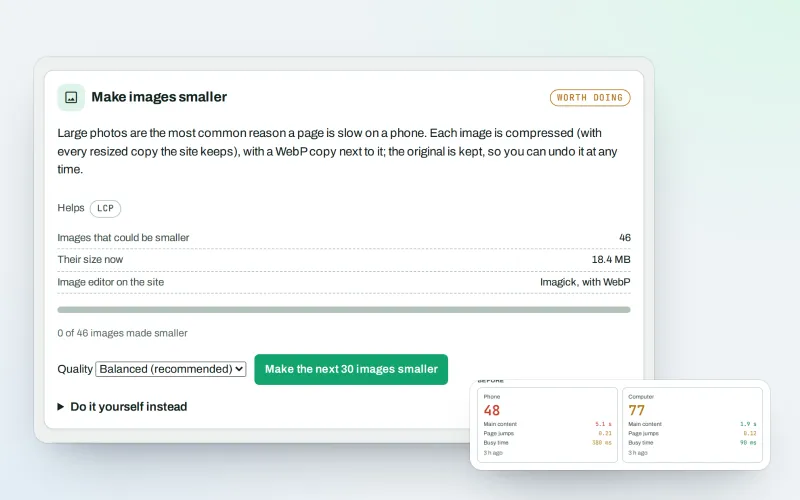
Speed fixes
Find what slows your website down and fix it, safely
Explore -
Domain health
See whether your domain's e-mail and DNS are set up safely, with the fix
Explore -
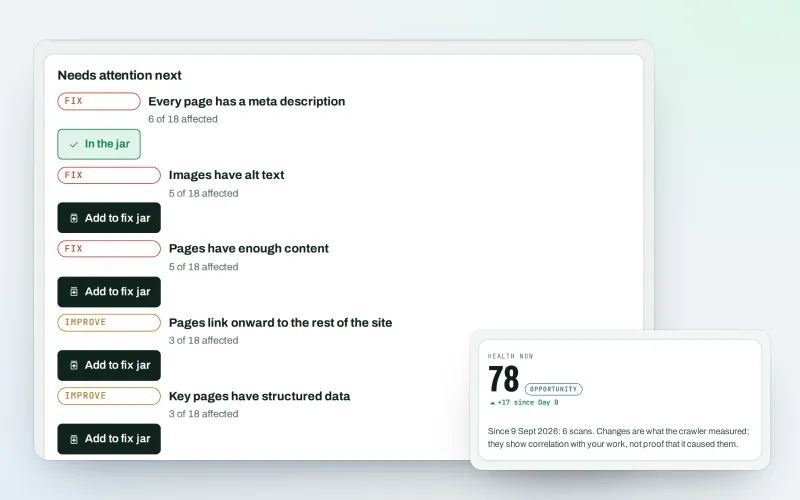
Website health check
See what is wrong with your website, and what to fix first
Explore -
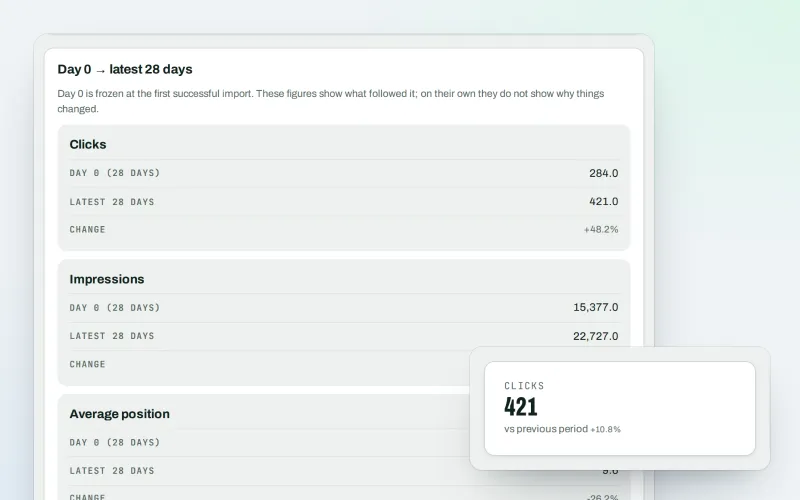
Google data
Your own Search Console and Analytics figures, imported every day
Explore -
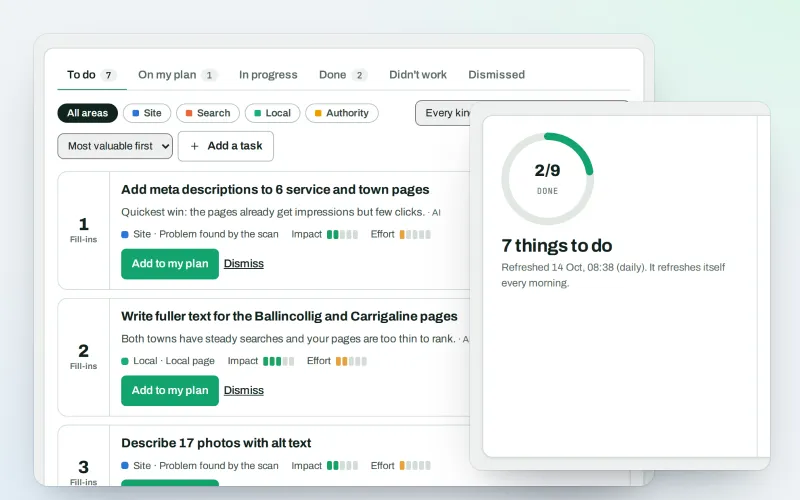
AI Plan
Your SEO to-do list, the biggest difference for the least work first
Explore -
Approve and publish
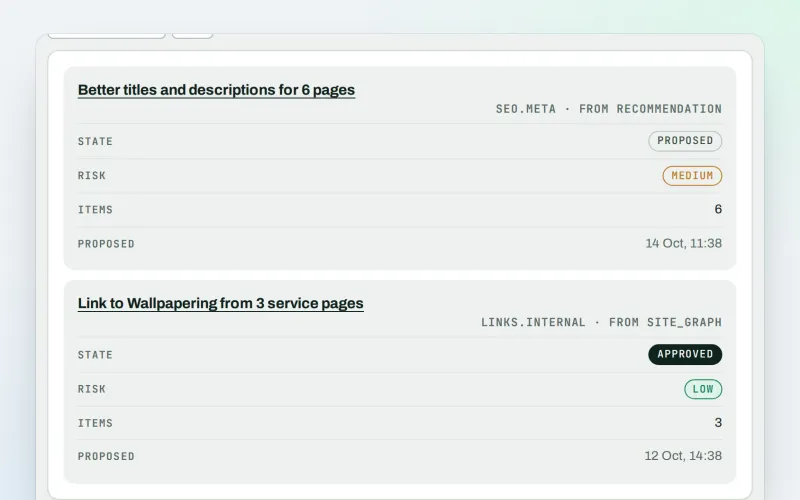
Approve a fix once. SEOmise publishes it, checks it and can undo it
Explore -
Content SEO checks
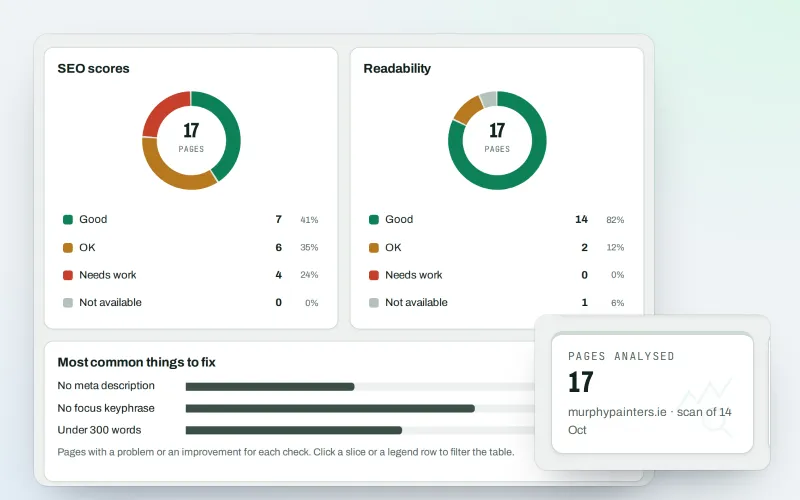
Page-by-page checks for your titles, keyphrases and readability
Explore -
Broken links & 404 fixer Beta
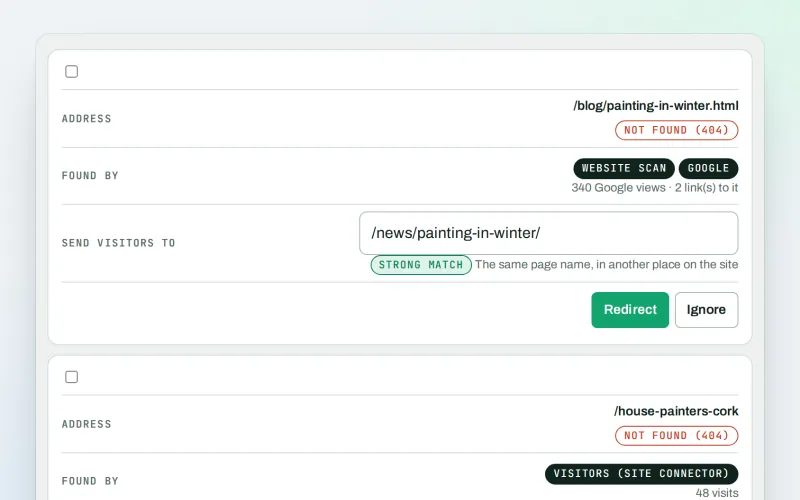
Send visitors from missing pages to the right live page
Explore
Be among the first to try CDN and edge
CDN and edge is in beta. Ask for early access and we will e-mail you when it is ready for you; nothing is bought.
No ranking guarantees: just clear work, with the evidence.
