

- Home
- All modules
- Agencies & developers
- Expert help
Agencies & developers
Expert help Beta
Hire an SEO expert from our team: a consultation, a task, a retainer or a website
Stuck on a step or rather not do it yourself? Hire an SEO expert from any screen: a consultation, a task priced for you, a monthly retainer, a new website or anything in your own words.
Illustration of the screen, without data.
Why it matters
From the problem to what SEOmise does
No time, or not sure where to start
Connecting Google, completing a Business Profile or working through a list of issues takes time and know-how. Sometimes it is quicker to hand it over.
Hire an SEO expert from our team: a consultation, a task, a retainer or a website
- A consultation. One hour on a video call with a specialist about your website, booked at a time that suits you and paid upfront.
- A specific task, priced first. Pick the kind of task or describe it. The team sends a fixed price before anything starts.
- A monthly retainer. The team looks after your website every month. You agree the scope first; nothing is charged until you accept the first month.
How it works
Five steps, start to finish
- Press the lifebuoyIt is on every screen: in the title row, beside each thing that needs attention, and in "Help me do it" when you are stuck on a step. Mise also peeks in from the edge now and then; you can keep him quiet.
- Choose the helpA full-screen window shows what you were looking at and the ways the team can help. Everything is also in the Store under Expert help.
- Pay or ask for a quoteSome help has a fixed price you pay online. The rest starts with a quote, and nothing is charged until you agree.
- Tell the team what they needA support ticket opens. Answer a few questions and give access, ideally by adding the team as a user rather than sharing a password.
- The team does the workFollow progress on your request page. It is marked done when the support ticket is solved.
Features
What you get with Expert help
A consultation
One hour on a video call with a specialist about your website, booked at a time that suits you and paid upfront.
A specific task, priced first
Pick the kind of task or describe it. The team sends a fixed price before anything starts.
A monthly retainer
The team looks after your website every month. You agree the scope first; nothing is charged until you accept the first month.
Website design and redesign
A new website built for search from the first day, or a fresh design that keeps every address or redirects it.
Anything else
A short form in your own words goes straight to the team, who reply with a quote.
Offered where the work is
Small offers can appear on the screens where people get stuck, such as speed, reviews or citations. Banners can be dismissed for good.
One ticket per request
The conversation lives in a support ticket. When you order from a screen, the ticket says where you were, so you do not have to explain twice.
Clear prices or quotes
Each item shows its price, a "from" price or "Quote", and how many working days it usually takes.
What is included
Each item lists what is included and the steps to give the team access.
An encrypted vault for logins
Logins you share are stored encrypted. Staff can only open one with their personal PIN, and you get an e-mail every time.
Secrets deleted after the work
Shared logins are deleted automatically a set number of days after the work is done. You can delete one yourself at any time.
Hire Mise for one task
Every item the tools suggest (a speed fix, an accessibility problem, a missing page, a privacy finding) has "Hire Mise" with its price and the time it takes. Pay per task; the ticket already names the item and its steps.
What it needs
No surprises after you sign up
Turn a card over for the detail.
Someone who manages billing
Someone who manages billing
Only people who manage billing in your workspace can order expert help.
Access for the team
Access for the team
Each item shows how to give access, often by adding the team's support address as a user that you can remove later.
Every platform
Whatever your site runs on
What Expert help does on each kind of website, from SEOmise's site connectors to step-by-step guidance.
WordPress
WordPress and WooCommerceThe team can work through your site connector, or with a separate login you create for them.
Laravel
Sites built on LaravelThe team can work through your site connector, or with a separate login you create for them.
Any PHP site
Custom PHP, CodeIgniter, Symfony, Drupal, JoomlaThe team can work through your site connector, or with a separate login you create for them.
Every other platform
Shopify, Wix, Squarespace, Webflow, static sites and the restWhere nothing is connected, the team works with a separate login you create for them and delete afterwards.
Expert help is in beta
It is not on sale yet, so there are no prices for it. Leave your name and e-mail address and we will tell you as soon as you can use it.
Questions about it?
Ask Mise, our assistant, in the help centre, or book a call and we will tell you where Expert help stands and what you can use today.
Questions
Expert help: common questions
How much does it cost?
Each item in the Store shows its price, a "from" price or "Quote". The SEOmise team sets the prices.
What if I cannot pay online?
When online payment is not available, every request opens a support ticket and the team replies with a quote. Nothing is charged until you agree.
Do I have to share my passwords?
Usually not. Each item shows how to add the team as a user, which you can remove later. If you do share a login, it goes into the encrypted vault.
Who can see a login I share?
Only SEOmise staff who handle these requests, using their personal PIN. Each view is recorded with a reason, and you get an e-mail every time.
Where is the lifebuoy?
On every screen: in the title row next to "Pin to Quick access", beside each item under "Needs attention next", on a fix's page and in "Help me do it" next to "Done, next step". The window says what you were looking at, so the team knows straight away.
Can I stop Mise peeking in?
Yes. Press "Quiet" next to him and he stays away for your account. The assistance window offers to bring him back.
How does a monthly retainer work?
You ask for the retainer you like. The team agrees what is included with you in the support ticket, then sends the first month to accept and pay. Nothing is charged before that.
How long does it take?
Each item shows how many working days it usually takes once the team has what it needs.
My agency gave me a portal login. Can I order this?
People who use an agency's customer portal get their help from that agency instead.
Can I use Expert help now?
Expert help is in beta: it is not on sale yet. Use Ask for early access and we will e-mail you as soon as it is ready for you. Other modules and the plans are on the pricing page.
Works well with
Related modules
-
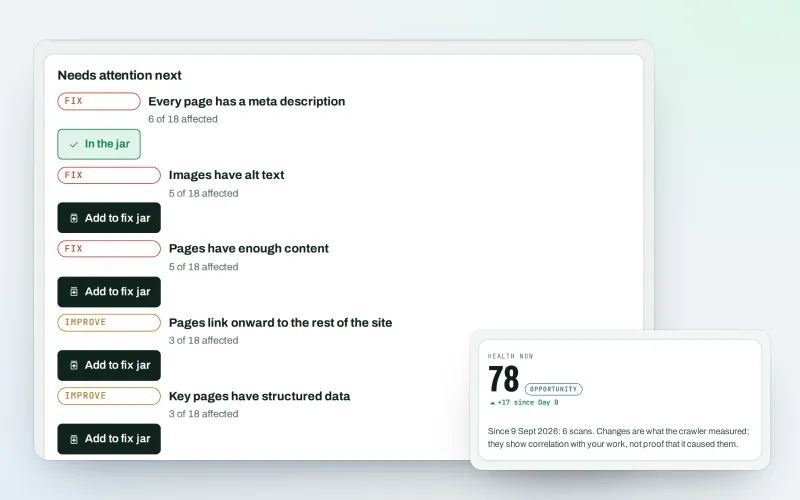
Website health check
A technical SEO audit: see what is wrong with your website, and what to fix first
Explore -
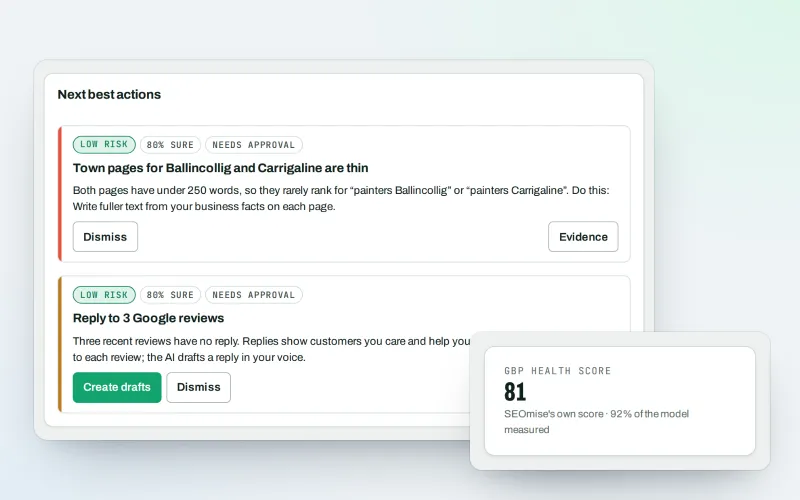
Google Business Profile
Google Business Profile management from one place, with approvals
Explore -
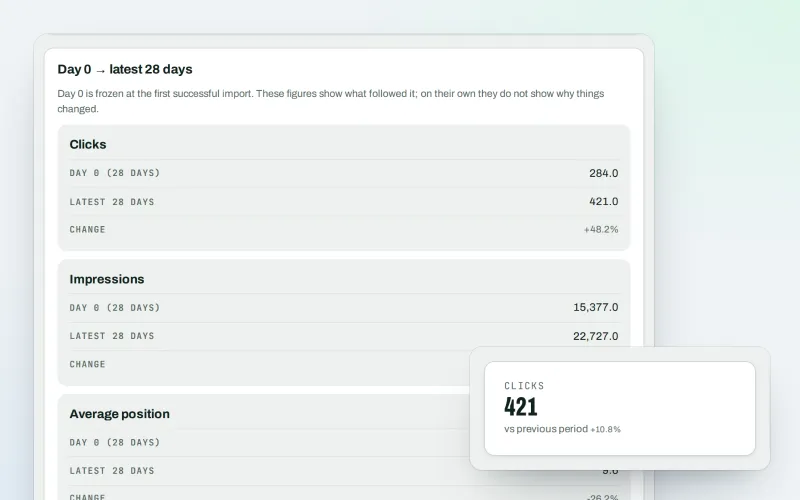
Google data
A Search Console dashboard with your Analytics figures, imported every day
Explore -
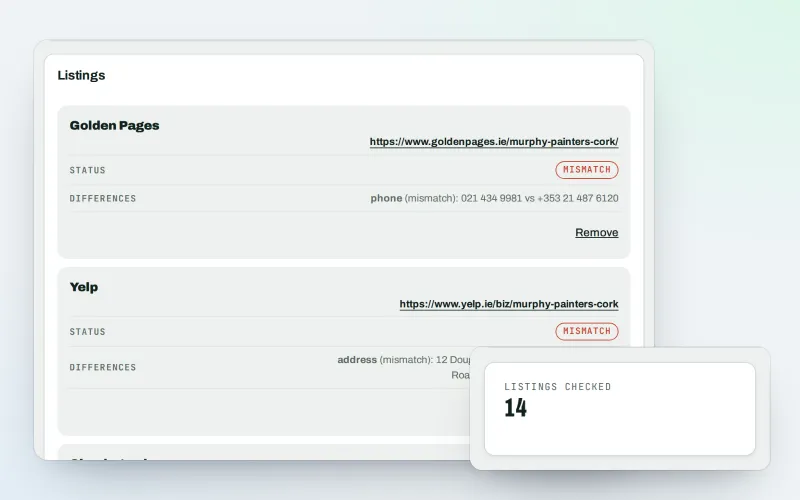
Citations and NAP
A citation checker that keeps your name, address and phone the same everywhere
Explore -
Agency tools
SEO agency software: win clients, work under your brand, give each client a portal
Explore -
Developer API
Use your SEO data in your own systems, dashboards and websites
Explore -
Agency catalogue Beta
An SEO agency directory listing that brings businesses to you
Explore -
Automations Beta
When something happens in SEOmise, do something about it automatically
Explore
Partner with SEOmise Beta
Agencies, resellers, regional companies and creators: offer SEOmise to your clients with a wholesale discount off the list price, or earn a share recommending it.
Be among the first to try Expert help
Expert help is in beta. Ask for early access and we will e-mail you when it is ready for you; nothing is bought.
No ranking guarantees: just clear work, with the evidence.
