

- Home
- All modules
- Visitors & reports
- Website watch
Visitors & reports
Website watch Beta
Know the moment your website goes down or looks hacked
Checked every five minutes. You hear by e-mail or on your phone when your site goes down, its certificate or domain is about to run out, or it looks hacked.

A screen from the SEOmise demo, with sample data.
Why it matters
From the problem to what SEOmise does
You find out last
Websites go down at night, security certificates and domain names run out, and hacked sites quietly fill with spam. Too often the owner hears about it from a customer, days later.
Know the moment your website goes down or looks hacked
- Uptime. Checked every five minutes, with your uptime for the last 24 hours, 7 days and 30 days. Two failed checks in a row count as down, so one blip is not an outage.
- Answer time. A chart of how fast the home page answers over 24 hours or 7 days, with the average, the slowest answer and any checks that got no answer.
- Security certificate. A warning 14 days before the padlock certificate runs out, and an alert if it has expired or is not trusted.
How it works
Three steps, start to finish
- Enter your website's addressStart watching your project's own website with one click. Nothing is installed.
- Checked every five minutesIs it up, and how fast does it answer? The certificate, DNS and software are checked every six hours, and the domain name once a day.
- Alerted when it mattersAn e-mail, and a phone notification if you want one, when something is wrong. Then an all-clear when it is fixed.
Features
What you get with Website watch
Uptime
Checked every five minutes, with your uptime for the last 24 hours, 7 days and 30 days. Two failed checks in a row count as down, so one blip is not an outage.
Answer time
A chart of how fast the home page answers over 24 hours or 7 days, with the average, the slowest answer and any checks that got no answer.
Security certificate
A warning 14 days before the padlock certificate runs out, and an alert if it has expired or is not trusted.
Domain name
The expiry date from the registry, checked once a day, with a warning 30 days before it runs out.
Signs of a hack
Spam words on the home page (pharmacy, casino, loan spam), new scripts from other websites, and the home page sending visitors somewhere else.
Unexpected changes
An alert when more of the home page's wording changes than you allow, or when the domain's DNS settings change. If it was you, mark it as expected.
Software updates
Waiting WordPress and plugin updates, Laravel and PHP versions, and PHP versions that no longer get security fixes, from the SEOmise connector on your site.
Incident history
Every problem found, when it started, how long it lasted and whether an alert went out.
No alert storms
One alert per problem. A site that keeps going up and down alerts at most once every 30 minutes.
Before and after
What changes with Website watch
Before: without Website watch. After: with Website watch. Drag the handle, or use the arrow keys, to compare.
Without Website watch
- A customer tells you the site is down
- The certificate runs out and browsers show a warning
- Spam on a hacked page goes unnoticed for weeks
With Website watch
- An alert after two failed checks, and an all-clear when it is back
- Weeks of warning before the certificate or domain runs out
- Strange scripts, spam words and redirects flagged at once
Illustration of the difference, not a measured result.
What it needs
No surprises after you sign up
Turn a card over for the detail.
Your website's address
Your website's address
The project's own public website. The checks run from outside, so nothing is installed.
People to alert
People to alert
E-mail alerts go to the people who manage the project.
Phone notifications (optional)
Phone notifications (optional)
Where your plan includes them, each person turns them on for their own phone or computer.
The connector (optional)
The connector (optional)
Only for software updates: the WordPress connector, the Laravel connector or the PHP connector reports versions and waiting updates.
Every platform
Whatever your site runs on
What Website watch does on each kind of website, from SEOmise's site connectors to step-by-step guidance.
WordPress
WordPress and WooCommerceEvery check, plus waiting WordPress core and plugin updates from the connector's five-minute pulse.
Laravel
Sites built on LaravelEvery check, plus your Laravel, PHP and connector versions from the connector's check-in.
Any PHP site
Custom PHP, CodeIgniter, Symfony, Drupal, JoomlaEvery check, plus your PHP and connector versions from the PHP connector's check-in.
Every other platform
Shopify, Wix, Squarespace, Webflow, static sites and the restEvery check except software updates works on any site. On Shopify, Wix, Squarespace and similar platforms, the platform keeps its own software up to date.
Website watch is in beta
It is not on sale yet, so there are no prices for it. Leave your name and e-mail address and we will tell you as soon as you can use it.
Questions about it?
Ask Mise, our assistant, in the help centre, or book a call and we will tell you where Website watch stands and what you can use today.
Questions
Website watch: common questions
How often is my site checked?
Every five minutes for uptime and answer time. The certificate, DNS settings and software are read every six hours, or when you press Check now. The domain name's expiry date is asked from the registry once a day.
Will I get an alert for every blip?
No. The site counts as down only after two failed checks in a row. Seeing the same problem again does not send a new alert, a site that keeps flapping alerts at most once every 30 minutes, and you get an all-clear when the problem is gone.
Who gets the alerts?
E-mails go to the people who manage the project. Phone and browser notifications go to people in your workspace who turned them on under Account, Notifications, where your plan includes them. You can switch either off.
How does it spot a big change without keeping my page?
It keeps a small fingerprint of the home page's wording, not the text itself, and compares the two versions. You choose how much has to change before you hear about it.
Why is my domain's expiry date missing?
Some registries do not share expiry dates. Check the date with your domain provider instead.
How long is the history kept?
Checks are kept for 35 days, enough for the 30-day uptime figure. Incidents are kept for a year.
Can I use Website watch now?
Website watch is in beta: it is not on sale yet. Use Ask for early access and we will e-mail you as soon as it is ready for you. Other modules and the plans are on the pricing page.
Works well with
Related modules
-
Website health check
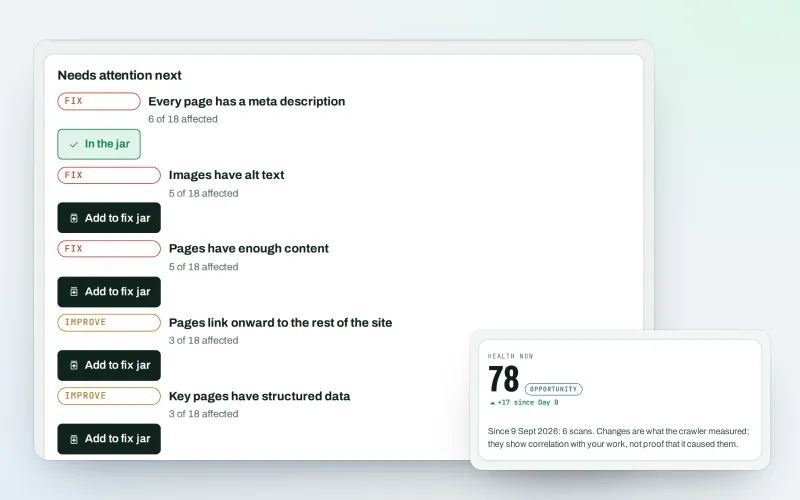
See what is wrong with your website, and what to fix first
Explore -
Cookie and privacy scanner Beta
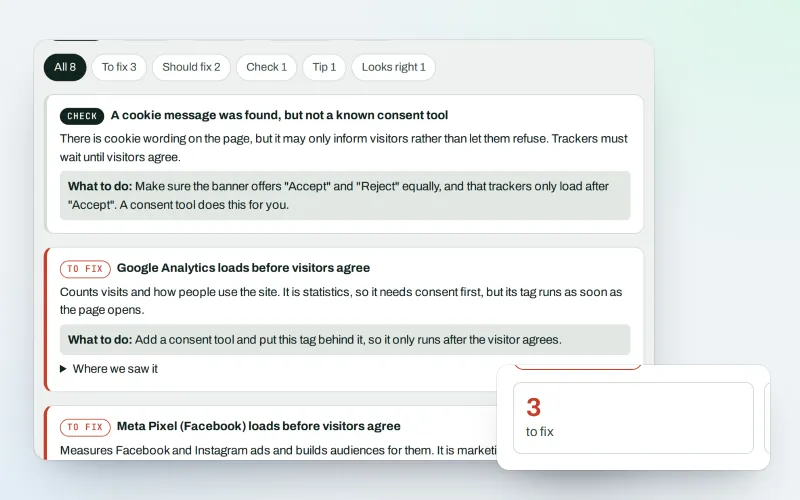
See which trackers load before visitors agree, and how to fix it
Explore -
Phone and browser notifications Beta
Know the moment something needs you, on your phone or computer
Explore -
SEO audit reports
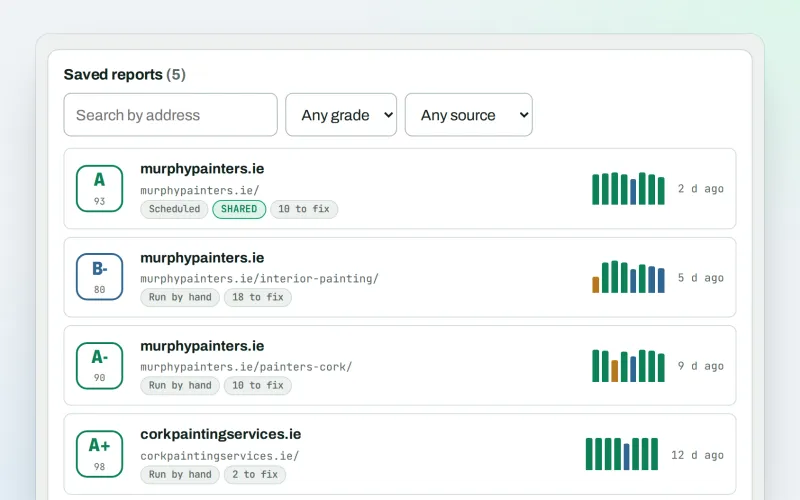
A graded SEO audit of any web address, ready to share or send
Explore -
Live client report links Beta
Send clients one private link to a report that is always up to date
Explore -
Google data
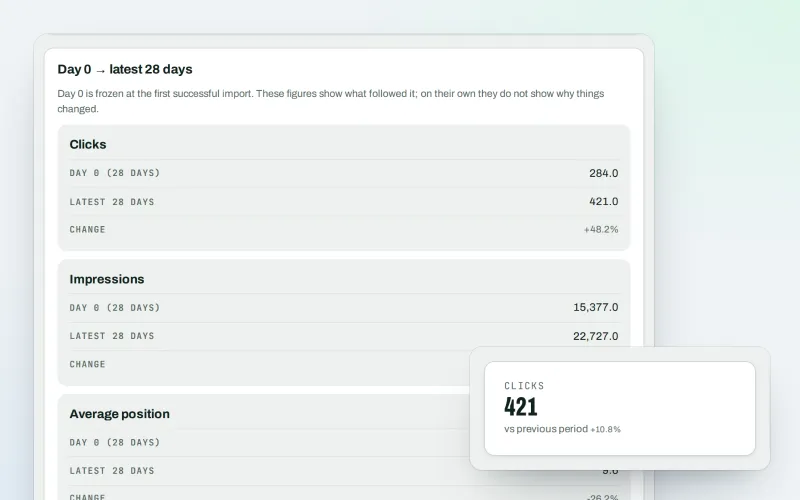
Your own Search Console and Analytics figures, imported every day
Explore -
Live view
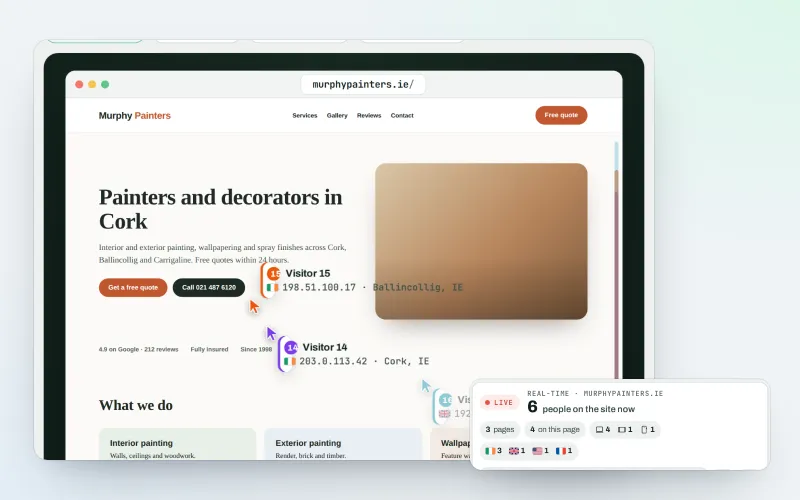
See who is on your website right now, and where they click
Explore -
Client reports
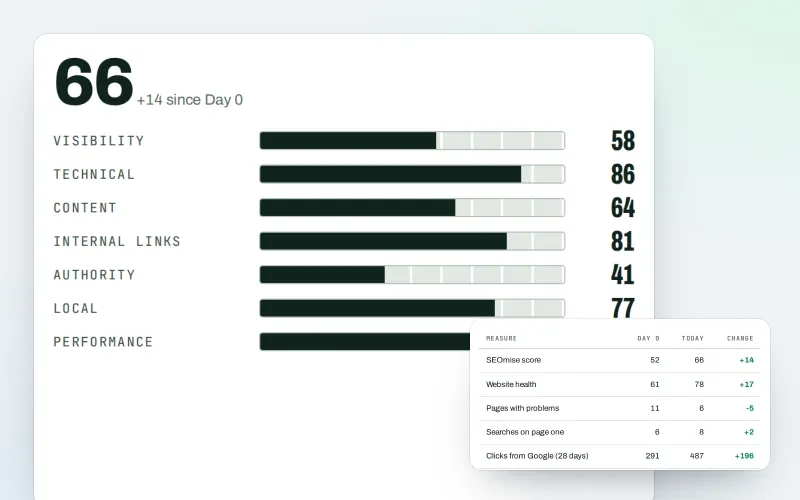
Client-ready SEO reports as a PDF, e-mailed every week or month
Explore
Be among the first to try Website watch
Website watch is in beta. Ask for early access and we will e-mail you when it is ready for you; nothing is bought.
No ranking guarantees: just clear work, with the evidence.
