

- Home
- All modules
- Website health
- Speed fixes
Website health
Speed fixes Beta
Website speed optimisation: find what slows your site down and fix it, safely
Website speed optimisation that finds what slows your pages down and fixes it with your approval, or gives exact steps for your platform, with PageSpeed scores before and after.

A screen from the SEOmise demo, with sample data.
Why it matters
From the problem to what SEOmise does
Pages that feel slow on a phone
Large photos, scripts that hold up the page and files the browser downloads again on every visit make a site slow, especially on a phone. Most fixes are technical, and the wrong setting can break a page.
Website speed optimisation: find what slows your site down and fix it, safely
- Smaller images. Images are compressed with a WebP copy beside each. Through the connector the originals are kept so you can undo it; elsewhere SEOmise makes smaller copies to download.
- Serve the WebP copies. Browsers that take WebP get the smaller copy, and the JPEG or PNG stays for the rest. Hosted platforms decide this themselves.
- Lazy loading and image sizes. Images further down load only when a visitor scrolls near them, and every image keeps its space so the page does not jump.
How it works
Four steps, start to finish
- Scan your websiteSEOmise loads up to five of your public pages and looks at images, scripts, caching and compression. It also works out which platform your site runs on.
- Six fixes, explainedEach fix says what was found, which part of page speed it helps and whether it is worth doing on your site.
- Approve and applyWith a connector, approve a fix and SEOmise applies it to your site through Changes. Without one, follow the steps for your platform.
- Measure before and afterA PageSpeed test of your home page, for phone and computer, runs with the scan when there is no recent one, and again a few minutes after a fix goes live.
Features
What you get with Speed fixes
Smaller images
Images are compressed with a WebP copy beside each. Through the connector the originals are kept so you can undo it; elsewhere SEOmise makes smaller copies to download.
Serve the WebP copies
Browsers that take WebP get the smaller copy, and the JPEG or PNG stays for the rest. Hosted platforms decide this themselves.
Lazy loading and image sizes
Images further down load only when a visitor scrolls near them, and every image keeps its space so the page does not jump.
Defer scripts, only if you ask
Scripts that hold up the page can wait until it has appeared. This stays off unless you switch it on, because it can break menus or forms on some sites.
Browser caching and compression
Rules so browsers keep your images, styles and scripts, and text travels compressed. Applied on Apache and LiteSpeed servers, or given to your host.
Preconnect and preload hints
Tell the browser early which other sites a page needs, such as fonts, and which image matters most.
Undo in one click
Every fix applied through the connector can be undone, and SEOmise checks the change on your live page.
Downloads for every platform
A pack of smaller images to upload and, for PHP sites, the SEOmise PHP connector file with your speed settings inside.
Page speed in plain words
Each fix says whether it helps the main content appear sooner, stops the page jumping or lets it respond sooner.
What it needs
No surprises after you sign up
Turn a card over for the detail.
A public website
A public website
The scan loads your public pages. You see every fix without installing anything.
A connector, to apply fixes
A connector, to apply fixes
The WordPress or Laravel connector, with "Make the site faster" allowed. Without it, you get the steps.
PageSpeed tests in your plan
PageSpeed tests in your plan
Before and after scores use your plan's monthly allowance of PageSpeed tests.
Every platform
Whatever your site runs on
What Speed fixes does on each kind of website, from SEOmise's site connectors to step-by-step guidance.
WordPress
WordPress and WooCommerceAll six fixes through the connector, each approved first and undoable. Caching rules need an Apache or LiteSpeed server.
Laravel
Sites built on LaravelImages, WebP, lazy loading, hints and caching rules through the Laravel connector. Deferring scripts comes as steps.
Any PHP site
Custom PHP, CodeIgniter, Symfony, Drupal, JoomlaDownload the PHP connector file with your speed settings inside, plus smaller images to upload and server rules for your host.
Every other platform
Shopify, Wix, Squarespace, Webflow, static sites and the restSteps for Shopify, Wix, Squarespace, Webflow, BigCommerce and others, with smaller images to download. Press Mark as done: SEOmise checks compression where it can see it and re-tests with PageSpeed a few minutes later while your plan has tests left; the next scan shows what is left.
Speed fixes is in beta
It is not on sale yet, so there are no prices for it. Leave your name and e-mail address and we will tell you as soon as you can use it.
Questions about it?
Ask Mise, our assistant, in the help centre, or book a call and we will tell you where Speed fixes stands and what you can use today.
Questions
Speed fixes: common questions
Could a fix break my site?
Each fix is shown first and needs approval. Deferring scripts, the fix most likely to cause trouble, stays off unless you switch it on, and you can list scripts to leave alone. Every fix applied through the connector can be undone with one click.
Are my original images kept?
Yes, when the connector makes them smaller: the originals stay on your site so the change can be undone. On other platforms you upload the smaller copies yourself, so keep your originals.
How do I know it worked?
SEOmise tests your home page with PageSpeed before, and again a few minutes after a fix goes live. After a fix by hand, press Mark as done: the re-test runs the same way while your plan has PageSpeed tests left that month, and the next scan says whether the fix is still needed. You can also press Scan again and Measure now.
My site is on Shopify or Wix. Is this any use?
Yes. Your platform runs the servers, so caching is handled for you. SEOmise gives the steps that apply on your platform and a pack of smaller copies of the images on your pages.
Do the tests use my allowance?
Yes. Each test counts towards your plan's monthly PageSpeed allowance. When it is used up, tests stop until it resets next month; a larger plan includes more.
Can I use Speed fixes now?
Speed fixes is in beta: it is not on sale yet. Use Ask for early access and we will e-mail you as soon as it is ready for you. Other modules and the plans are on the pricing page.
Works well with
Related modules
-
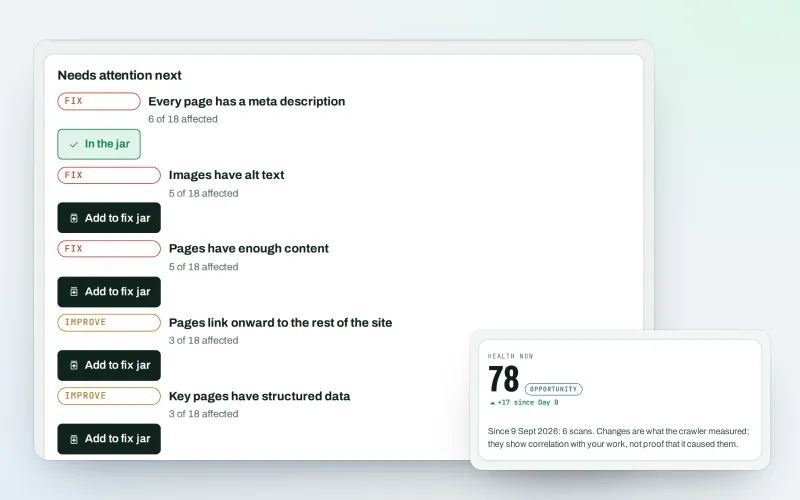
Website health check
A technical SEO audit: see what is wrong with your website, and what to fix first
Explore -
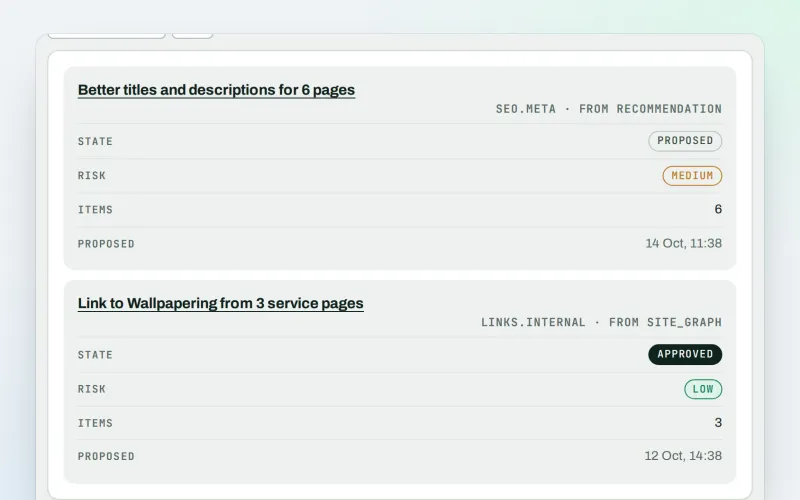
Approve and publish
Approve a fix once, and publish SEO changes that are checked and can be undone
Explore -
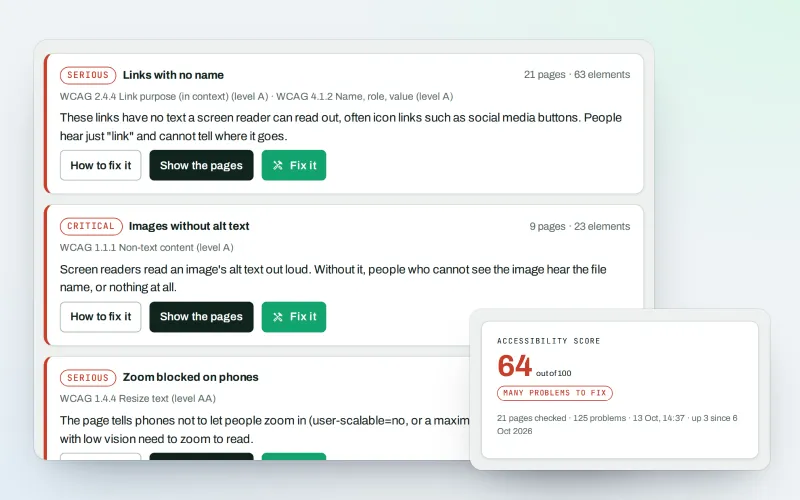
Accessibility check & fix Beta
A website accessibility checker that finds common problems and fixes them
Explore -
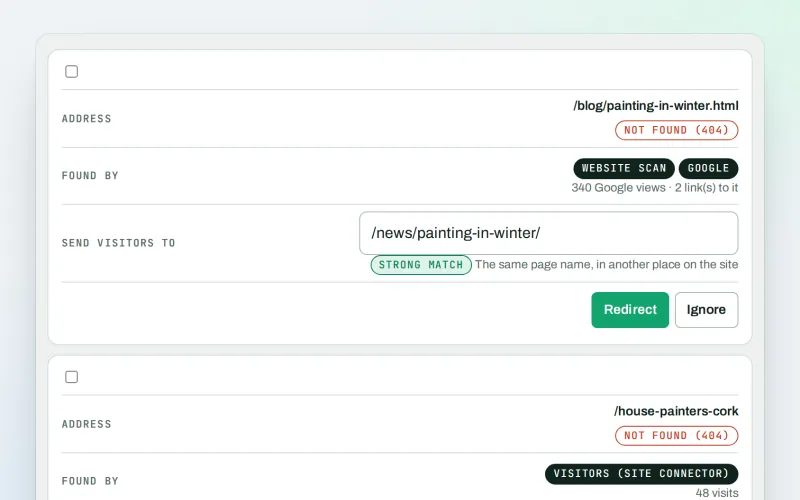
Broken links & 404 fixer Beta
A 404 checker that sends visitors from missing pages to the right live page
Explore -
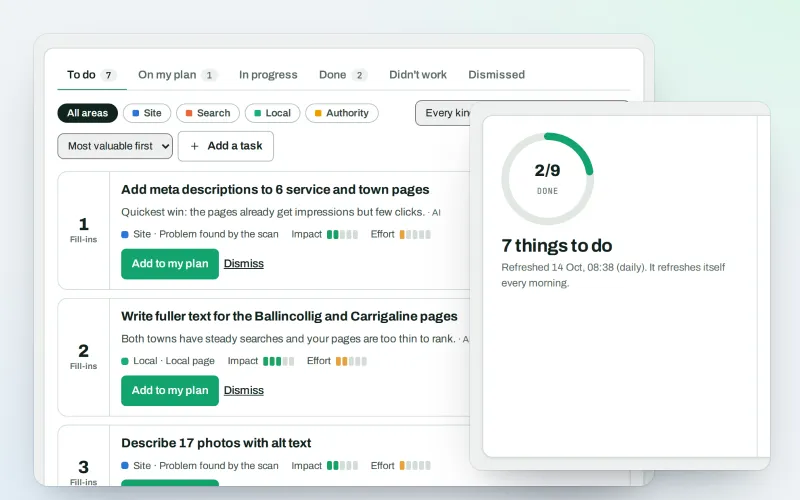
AI Plan
Your SEO action plan: the biggest difference for the least work first
Explore -
Apps & plugins
The SEO plugin, extensions, store apps and downloads for your platforms, in one library
Explore -
ConsentGuard SEO Beta
How your cookie banner affects search engines and measurement. A check, not legal advice
Explore -
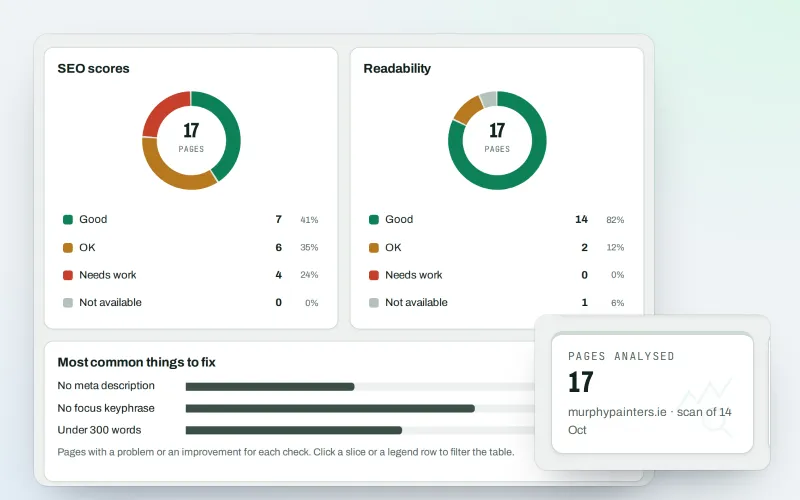
Content SEO checks
A content SEO checker for your titles, keyphrases and readability
Explore
Be among the first to try Speed fixes
Speed fixes is in beta. Ask for early access and we will e-mail you when it is ready for you; nothing is bought.
No ranking guarantees: just clear work, with the evidence.
