

- Home
- All modules
- Website health
- Broken links & 404 fixer
Website health
Broken links & 404 fixer Beta
A 404 checker that sends visitors from missing pages to the right live page
This 404 checker finds the pages people and Google can no longer reach, suggests where each should send visitors, and sets up the redirects once you approve them.

A screen from the SEOmise demo, with sample data.
Why it matters
From the problem to what SEOmise does
Dead ends after every change
After a redesign, a move or a renamed page, old links still point at addresses that no longer exist. Visitors land on an error page (a "404"), and links from other websites lead nowhere.
A 404 checker that sends visitors from missing pages to the right live page
- One list of missing pages. Missing pages from your scans, Google and your visitors together, each with where it was found and which of your pages link to it.
- Broken links on your pages. Links on your own pages that lead to a missing page, so you can fix the link or redirect the page.
- Links to other websites. Links to other sites that no longer work. Sites that turn robots away are not listed as broken.
How it works
Four steps, start to finish
- Find the missing pagesFrom your latest website scan, from Google's reports in Search Console when it is connected, and, with a site connector, from the addresses real visitors asked for.
- Get a suggested new homeSEOmise compares each missing address with your live pages by its words, page name, title and section, and suggests the best match.
- Approve the redirectsWith a connector, the redirects go through Changes for approval. Otherwise, download them in your platform's format and put them in place.
- Check they workSEOmise opens each old address to confirm it now leads to its new page, and that the new page works.
Features
What you get with Broken links & 404 fixer
One list of missing pages
Missing pages from your scans, Google and your visitors together, each with where it was found and which of your pages link to it.
Broken links on your pages
Links on your own pages that lead to a missing page, so you can fix the link or redirect the page.
Links to other websites
Links to other sites that no longer work. Sites that turn robots away are not listed as broken.
Suggestions you can change
Each suggestion is marked as a strong or a possible match. Choose a different page for any of them.
Redirects with approval and undo
Through the connector, your redirects become one change you approve. Undo them all at once or one at a time.
Files for your platform
Apache, nginx, Laravel routes, the SEOmise PHP connector file, a Shopify import, Squarespace URL mappings, Netlify, Vercel or a plain list.
Weekly re-scans
Projects that use the fixer are scanned again every week, so new missing pages and broken links show up without anyone asking.
Export to CSV
Download the list to share it or work through it.
Told about new missing pages
When the weekly scan finds pages that just went missing, the people who manage the project get an e-mail and a bell note, and a To do item to redirect them.
Before and after
What changes with Broken links & 404 fixer
Before: missing pages left alone. After: with the 404 fixer. Drag the handle, or use the arrow keys, to compare.
Missing pages left alone
- Visitors following old links land on an error page
- Broken links turn up when someone mentions them
- Redirects written by hand, one by one
With the 404 fixer
- A suggested live page for each missing address
- Missing pages and broken links in one list
- Redirects approved together, then checked
Illustration of the difference, not a measured result.
What it needs
No surprises after you sign up
Turn a card over for the detail.
A website scan
A website scan
The fixer starts from your latest scan of your website.
A site connector (optional)
A site connector (optional)
To add the missing pages visitors reach and to set up redirects for you. Without one, download the redirects.
Search Console (optional)
Search Console (optional)
Adds the pages Google found missing.
Every platform
Whatever your site runs on
What Broken links & 404 fixer does on each kind of website, from SEOmise's site connectors to step-by-step guidance.
WordPress
WordPress and WooCommerceThe connector reports the missing pages visitors reach and sets up redirects after approval, with undo.
Laravel
Sites built on LaravelThe Laravel connector reports the missing pages visitors reach and sets up redirects after approval, with undo.
Any PHP site
Custom PHP, CodeIgniter, Symfony, Drupal, JoomlaThe PHP connector can report missing pages. Redirects go in a file you upload next to it, or straight through a paired connector where missing pages run through PHP. Apache and nginx lines too.
Every other platform
Shopify, Wix, Squarespace, Webflow, static sites and the restDownload the redirects for Shopify, Squarespace, Netlify, Vercel, Apache or nginx, or as a list or spreadsheet, put them in place, then press Mark as done: SEOmise opens each old address to check it leads to the new page. Check again at any time.
Broken links & 404 fixer is in beta
It is not on sale yet, so there are no prices for it. Leave your name and e-mail address and we will tell you as soon as you can use it.
Questions about it?
Ask Mise, our assistant, in the help centre, or book a call and we will tell you where Broken links & 404 fixer stands and what you can use today.
Questions
Broken links & 404 fixer: common questions
What is a redirect?
An instruction on your site that sends anyone asking for an old address straight on to a new one. Visitors and search engines then reach a working page instead of an error.
Where does the list of missing pages come from?
From your latest website scan, from Google's page reports in Search Console when it is connected, and from the site connector's list of addresses real visitors asked for. Addresses only Google or the connector reported are checked again before they are listed.
What if a suggestion is wrong?
Choose another page before you approve. Suggestions are marked as strong or possible matches. When there is no good match, SEOmise offers the section page or the home page and says why.
Can I undo a redirect?
Yes. Redirects set up through the connector can be undone all together or one at a time. With a downloaded file, remove the lines or the file.
My site is on Wix, Webflow or BigCommerce. What do I get?
Steps for your platform and a list of old and new addresses to copy into its redirect settings, also as a spreadsheet. Then press Mark as done and SEOmise opens each old address to confirm it leads to the new page. Any that do not yet stay on the list with what SEOmise saw, so you can fix them and check again.
Can I use Broken links & 404 fixer now?
Broken links & 404 fixer is in beta: it is not on sale yet. Use Ask for early access and we will e-mail you as soon as it is ready for you. Other modules and the plans are on the pricing page.
Works well with
Related modules
-
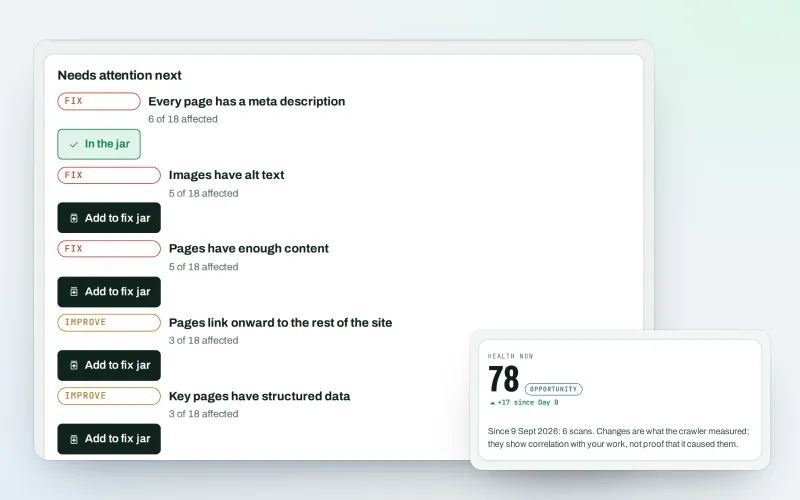
Website health check
A technical SEO audit: see what is wrong with your website, and what to fix first
Explore -
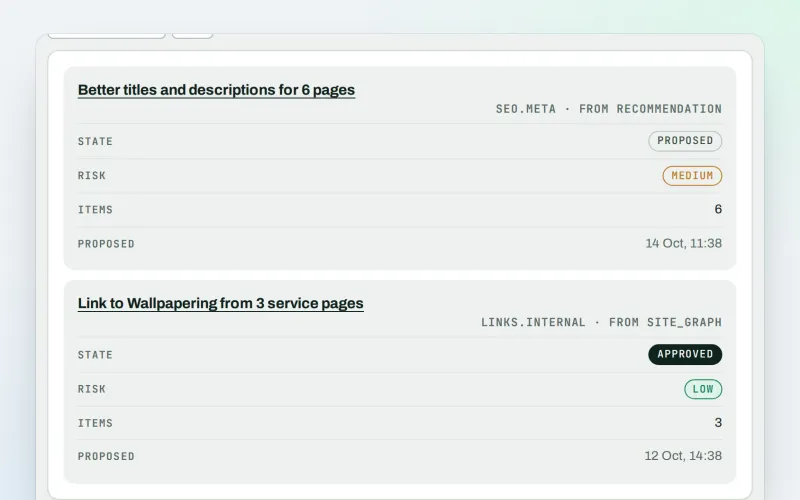
Approve and publish
Approve a fix once, and publish SEO changes that are checked and can be undone
Explore -
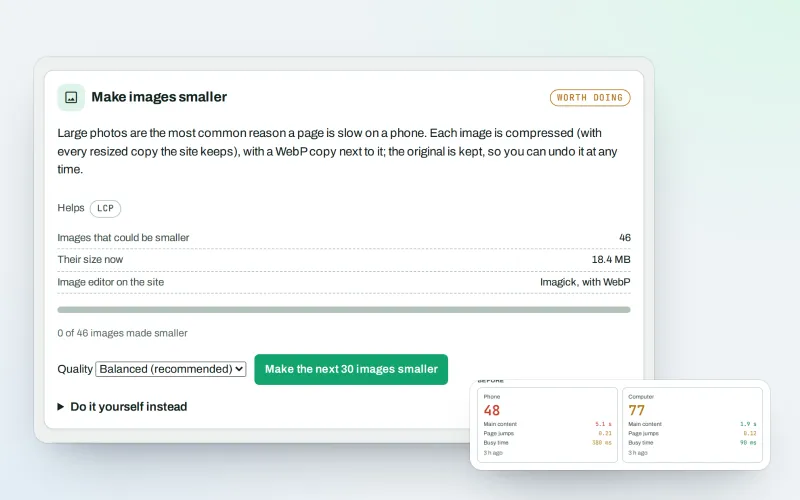
Speed fixes Beta
Website speed optimisation: find what slows your site down and fix it, safely
Explore -
MiseGuard
Website protection in one place: forms, uptime, updates, firewall and backups
Explore -
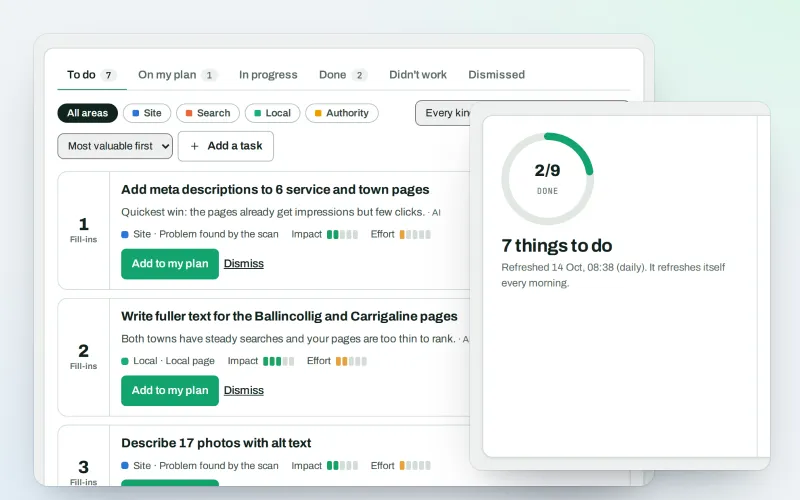
AI Plan
Your SEO action plan: the biggest difference for the least work first
Explore -
Apps & plugins
The SEO plugin, extensions, store apps and downloads for your platforms, in one library
Explore -
ConsentGuard SEO Beta
How your cookie banner affects search engines and measurement. A check, not legal advice
Explore -
Content SEO checks
A content SEO checker for your titles, keyphrases and readability
Explore
Be among the first to try Broken links & 404 fixer
Broken links & 404 fixer is in beta. Ask for early access and we will e-mail you when it is ready for you; nothing is bought.
No ranking guarantees: just clear work, with the evidence.
