







- Home
- All modules
- Search & content
- Content calendar
Search & content
Content calendar Beta
An SEO content calendar planned from your own searches
An SEO content calendar planned from your own keyword clusters and saved questions. Send each item to a draft article or the Page Factory, with a reminder before its date.
Illustration of the screen, without data.
Why it matters
From the problem to what SEOmise does
Good intentions, no plan
Most sites publish in bursts: three articles one week, nothing for two months. The searches worth a page sit in a keyword list, the questions customers ask sit in a notebook, and nobody remembers what was meant to go out on Thursday.
An SEO content calendar planned from your own searches
- Cluster suggestions. Groups of related searches with their monthly searches; a group of mostly buying searches is suggested as a page, any other as an article.
- Questions people ask. The questions you saved from the Wonderwheel that no article answers yet, each one suggested as an article.
- A steady pace. Plan these for me places items on your planning days, two a week on Tuesday and Thursday unless your platform chose otherwise.
How it works
Four steps, start to finish
- See what to writeSuggestions from your keyword clusters, the biggest first, and from the questions you saved from the Wonderwheel. Anything already planned is left out.
- Plan these for meTick the ones you want and pick a start date: they go on your planning days at a steady pace, around what each week already holds.
- Write it when it is dueOpen an item to make a draft article in Articles, or to send a service page to the Page Factory.
- Never miss a dateA reminder e-mail goes out a few days before, to the person it is assigned to.
Features
What you get with Content calendar
Cluster suggestions
Groups of related searches with their monthly searches; a group of mostly buying searches is suggested as a page, any other as an article.
Questions people ask
The questions you saved from the Wonderwheel that no article answers yet, each one suggested as an article.
A steady pace
Plan these for me places items on your planning days, two a week on Tuesday and Thursday unless your platform chose otherwise.
Month view
Each day with what is planned on it, overdue items marked, and a list on phones.
Assign and track
Assign an item to someone in your team and follow it from planned to writing to published, or skip it.
Straight to Articles
One press makes a draft article with the title, main search and your notes. Nothing is written or published until you choose.
Or to the Page Factory
A service page goes to the Page Factory once you confirm the business really offers it.
Reminders by e-mail
A few days before each date, once per date, and each item can switch its own reminder off.
Before and after
What changes with Content calendar
Before: without a calendar. After: with the content calendar. Drag the handle, or use the arrow keys, to compare.
Without a calendar
- Articles in bursts, then silence
- Searches and questions forgotten in lists
- Nobody sure what is due this week
With the content calendar
- A steady pace, planned months ahead
- Every piece tied to real searches
- A reminder before each date
Illustration of the difference, not a measured result.
What it needs
No surprises after you sign up
Turn a card over for the detail.
Searches or questions
Searches or questions
Keyword clusters in your project or questions saved from the Wonderwheel give the suggestions. You can also add items by hand.
Every platform
Whatever your site runs on
What Content calendar does on each kind of website, from SEOmise's site connectors to step-by-step guidance.
WordPress
WordPress and WooCommerceArticles made from the calendar are published through the WordPress connector when you approve them.
Laravel
Sites built on LaravelArticles made from the calendar are published through the Laravel connector when you approve them.
Any PHP site
Custom PHP, CodeIgniter, Symfony, Drupal, JoomlaArticles made from the calendar are published through the universal PHP connector when you approve them.
Every other platform
Shopify, Wix, Squarespace, Webflow, static sites and the restShopify, Wix, Squarespace, Webflow and any other platform: copy the article with the exact steps for your platform, publish it, then mark the item published; the next scan checks the page.
Content calendar is in beta
It is not on sale yet, so there are no prices for it. Leave your name and e-mail address and we will tell you as soon as you can use it.
Questions about it?
Ask Mise, our assistant, in the help centre, or book a call and we will tell you where Content calendar stands and what you can use today.
Questions
Content calendar: common questions
Does the calendar write the articles?
No. It plans them. When an item is due, one press makes a draft article in Articles, where you write it yourself or with AI and approve it before anything goes live.
Where do the suggestions come from?
From your own project: its keyword clusters and the questions you saved from the Wonderwheel. The calendar makes no paid look-ups of its own.
Can I change the pace?
Move any item to another day or add more by hand. How many a week Plan these for me places, and on which days, is set by your platform.
Who gets the reminder?
The person the item is assigned to, or else the people in your team who can write in the project. Each item can switch its own reminder off.
Can I use Content calendar now?
Content calendar is in beta: it is not on sale yet. Use Ask for early access and we will e-mail you as soon as it is ready for you. Other modules and the plans are on the pricing page.
Works well with
Related modules
-
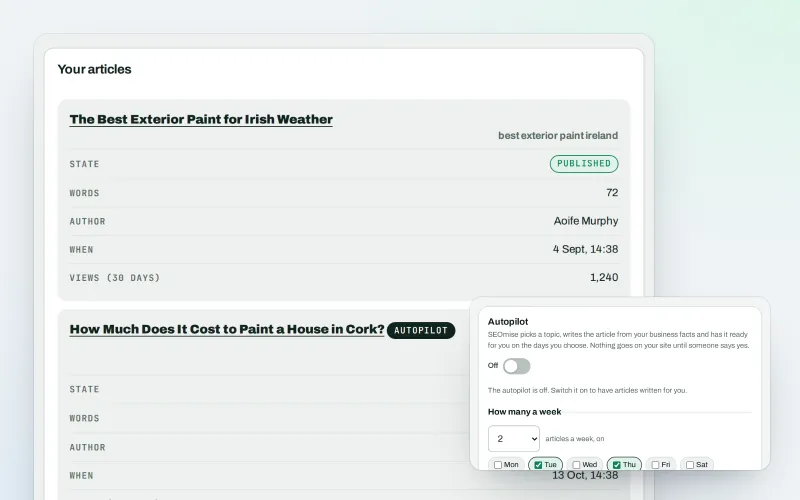
Articles
An AI blog writer that works from your own business facts
Explore -
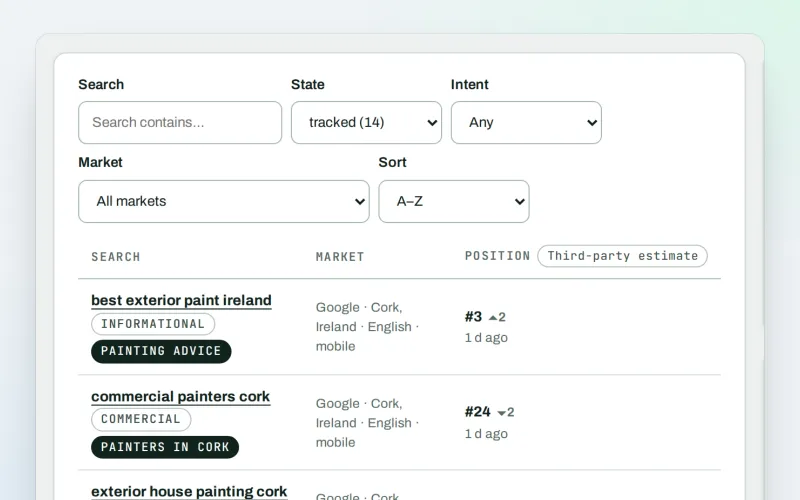
Keywords and rankings
A rank tracker: see where you show up on Google, and which searches to go after
Explore -
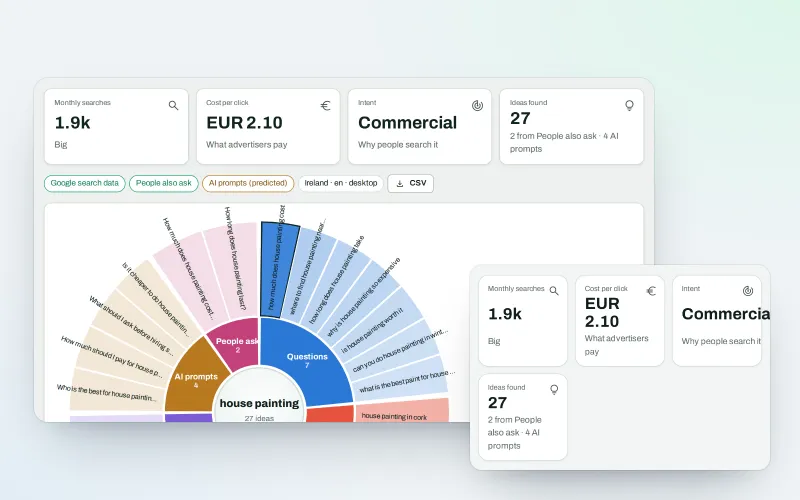
WonderWheel
A content ideas generator: spin a word and see everything people wonder about it
Explore -
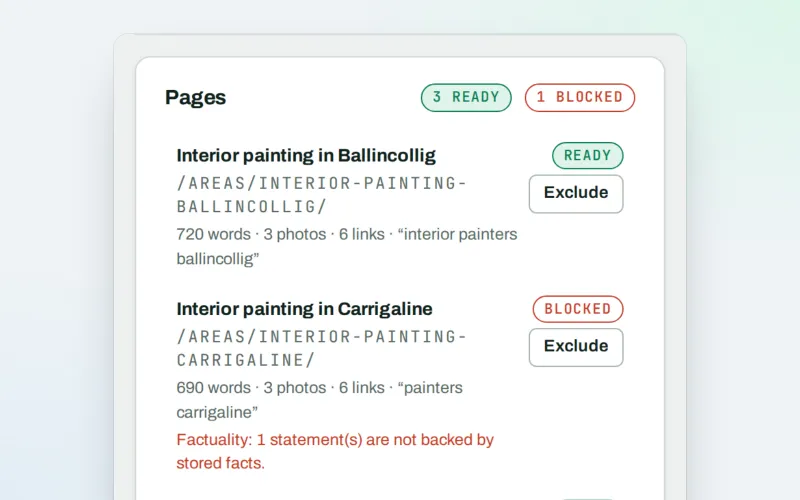
Page Factory
A local page generator: a page for each service in each town you cover
Explore -
Domain Explorer Beta
A domain analysis tool: any website's search and link figures, each with its source
Explore -
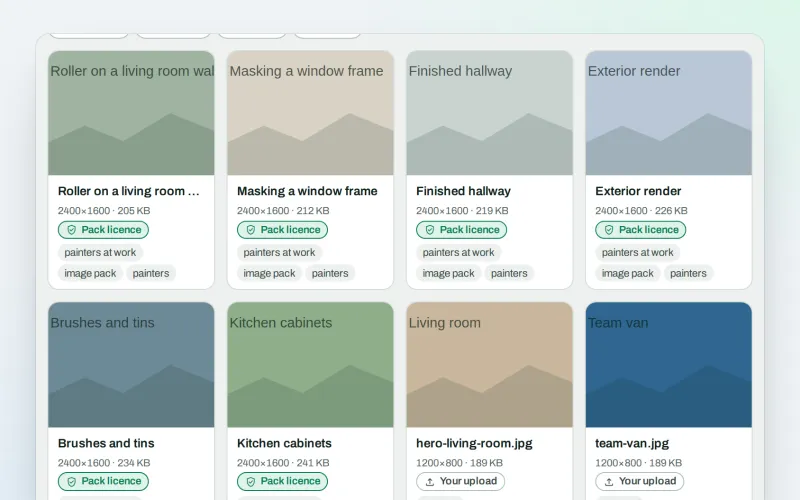
Image packs Beta
Stock photos for websites: ready-made photo sets for your pages and articles
Explore -
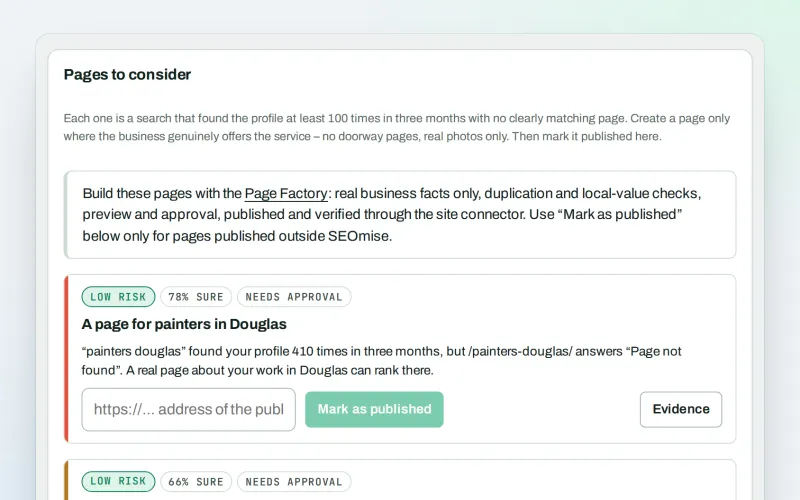
Local pages
Local landing pages for the local searches your website has no page for
Explore -
Media library
Every picture for every project in one place, imported or made for it
Explore
Be among the first to try Content calendar
Content calendar is in beta. Ask for early access and we will e-mail you when it is ready for you; nothing is bought.
No ranking guarantees: just clear work, with the evidence.
