

- Home
- All modules
- Grow
- Landing pages
Grow
Landing pages Beta
A landing page builder for one service or offer, in your site's own look
A landing page builder for your seasonal or special offer, in your site's look: the AI writes it from your facts, you check it, SEOmise publishes it and takes it off when the offer ends.
Illustration of the screen, without data.
Why it matters
From the problem to what SEOmise does
Offers need their own page
An offer buried on the home page, or an ad that lands on a general page, loses people. A page for one offer, with one clear action, sells better, but making one that matches your site takes time, and taking it down when the offer ends is easy to forget.
A landing page builder for one service or offer, in your site's own look
- Nine layouts. Classic offer, seasonal deadline, service with prices, before and after, questions first, local service and areas, booking first, short ad page and service story.
- No made-up claims. Prices, figures, names, reviews and words like "guaranteed" or "award-winning" that are not in your facts are marked for you to check before the page can go live.
- A sales checklist. One goal, a clear offer, a deadline, proof, and the call to action at the top: each one ticked or explained.
How it works
Four steps, start to finish
- Tell it about the offerThe service, the offer (name, discount or price, start and end dates), who it is for, the area, the tone, what visitors should do (call, send the form, book or buy) and proof you confirm is true.
- Your site's lookSEOmise reads the colours, fonts, logo and buttons from a page of your site. You can change any of them, and it checks text stays easy to read.
- Pick a layout, the AI writes itNine layouts, from a classic offer to a short page for ad visitors. The AI writes each section from your facts only and marks anything it added "Check this".
- Approve and publishAn owner or admin approves it. SEOmise publishes it through your site connector, checks it is live and can undo it, or gives you the files and the steps for your platform.
Features
What you get with Landing pages
Nine layouts
Classic offer, seasonal deadline, service with prices, before and after, questions first, local service and areas, booking first, short ad page and service story.
No made-up claims
Prices, figures, names, reviews and words like "guaranteed" or "award-winning" that are not in your facts are marked for you to check before the page can go live.
A sales checklist
One goal, a clear offer, a deadline, proof, and the call to action at the top: each one ticked or explained.
Easy to read
The page is drawn in your colours and checked against the accessibility contrast rules; button text that would be hard to read is corrected.
A form that works anywhere
A plain form, without scripts, that sends enquiries to SEOmise, with a spam trap, limits and the consent line visitors tick.
Enquiries kept safely
Stored encrypted, e-mailed to you as a notice without the answers, exported or deleted on request, and removed after the time you set.
Start and end dates
The page goes live when the offer starts and comes off when it ends, or sends visitors to another page, through the same approved change.
Search or ads
Hidden from search engines for ad-only pages, or listed with its title, description and offer details taken only from your brief. Ad links with campaign tags.
Results
Views from the SEOmise tracker, enquiries, the conversion rate and visits by ad campaign.
Your photos
Pictures from your media library, with alt text, uploaded with the page.
Before and after
What changes with Landing pages
Before: without landing pages. After: with landing pages. Drag the handle, or use the arrow keys, to compare.
Without landing pages
- Offers sent to a general page
- A designer or a day of work for each page
- Old offers left on the site
With landing pages
- A page for each offer, in your site's look
- Written from your facts in minutes, checked by you
- Taken off automatically when the offer ends
Illustration of the difference, not a measured result.
What it needs
No surprises after you sign up
Turn a card over for the detail.
The site connector (optional)
The site connector (optional)
WordPress connector 0.23.0 or Laravel connector 0.17.0 to publish pages with a form. Without it, you get the files and the steps for your platform.
Live view (optional)
Live view (optional)
To read your site's look from a page and preview the new page inside your site. You can also enter the colours and fonts yourself.
Credits
Credits
For the AI writing. You can also write every section yourself.
The SEOmise tracker (optional)
The SEOmise tracker (optional)
For page views and the conversion rate.
Every platform
Whatever your site runs on
What Landing pages does on each kind of website, from SEOmise's site connectors to step-by-step guidance.
WordPress
WordPress and WooCommercePublished as a page with your theme's template, checked live, and undone at the end of the offer.
Laravel
Sites built on LaravelPublished as a page through the Laravel connector when your app takes pages (SeomisePages).
Any PHP site
Custom PHP, CodeIgniter, Symfony, Drupal, JoomlaThe PHP connector cannot create pages: download the page and follow the steps, then SEOmise checks it is live.
Every other platform
Shopify, Wix, Squarespace, Webflow, static sites and the restShopify, Wix, Squarespace, Webflow and every other platform: download the page (HTML, the content alone, Markdown and the photos) with steps for your platform, then SEOmise checks it.
Landing pages is in beta
It is not on sale yet, so there are no prices for it. Leave your name and e-mail address and we will tell you as soon as you can use it.
Questions about it?
Ask Mise, our assistant, in the help centre, or book a call and we will tell you where Landing pages stands and what you can use today.
Questions
Landing pages: common questions
Will the AI make things up?
It is told to use only your facts and your site's own words. SEOmise then checks every section itself: any price, figure, name, review or claim that is not in your facts is marked "Check this", and the page cannot be published until you tick it as true or change it.
Does it look like my website?
Yes. It reads the colours, fonts, buttons and logo from a page of your site, and on WordPress and Laravel the page sits inside your own header and footer.
Where do enquiries go?
To SEOmise, stored encrypted and shown under the page's Enquiries. You get an e-mail that something arrived. With the Lead inbox switched on, they go there instead.
What happens when the offer ends?
By default the page comes off your site at the end date; you can choose to send visitors to another page or leave it up. On sites without a connector, you are told to take it down and SEOmise checks it has gone.
Can I test two versions?
Not on one page: the page has no scripts, so it works on every platform. Make a second landing page at another address with its own ad link and compare the results.
Can agencies use it for clients?
Yes, in each client workspace. The agency's owner or admin approves pages before they go live.
Can I use Landing pages now?
Landing pages is in beta: it is not on sale yet. Use Ask for early access and we will e-mail you as soon as it is ready for you. Other modules and the plans are on the pricing page.
Works well with
Related modules
-
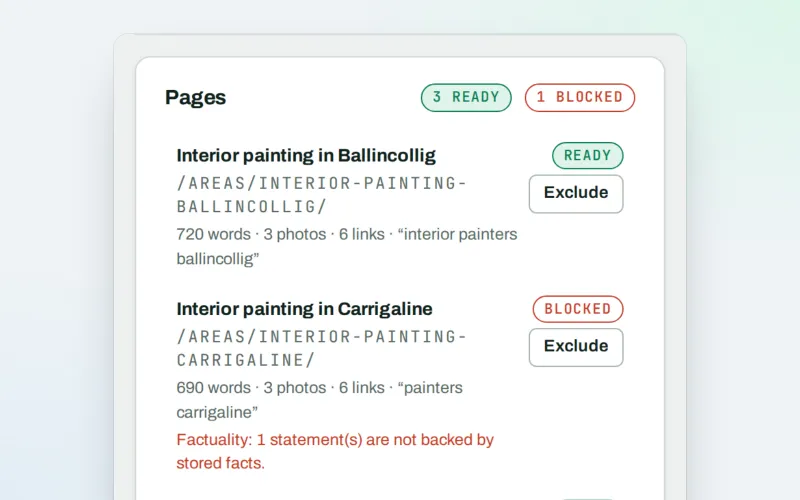
Page Factory
A local page generator: a page for each service in each town you cover
Explore -
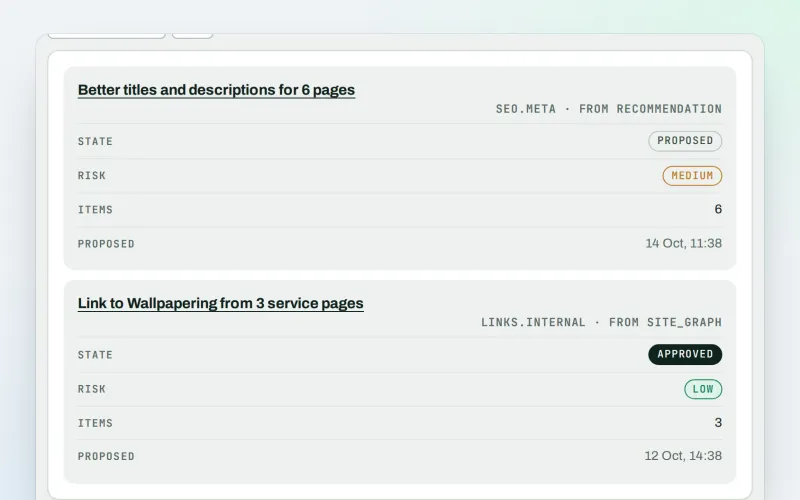
Approve and publish
Approve a fix once, and publish SEO changes that are checked and can be undone
Explore -
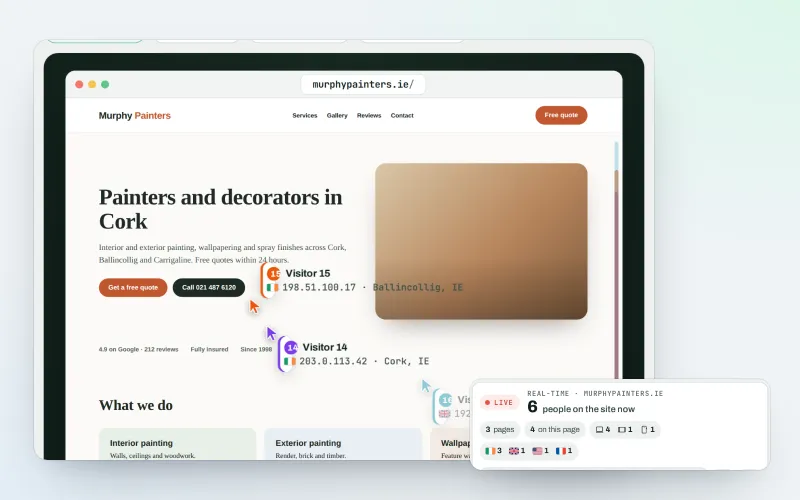
Live view
See real-time website visitors, right now, and where they click
Explore -
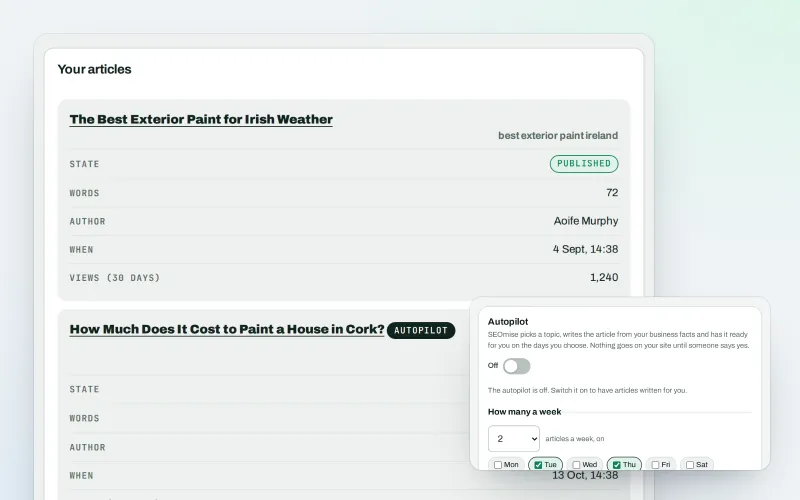
Articles
An AI blog writer that works from your own business facts
Explore -
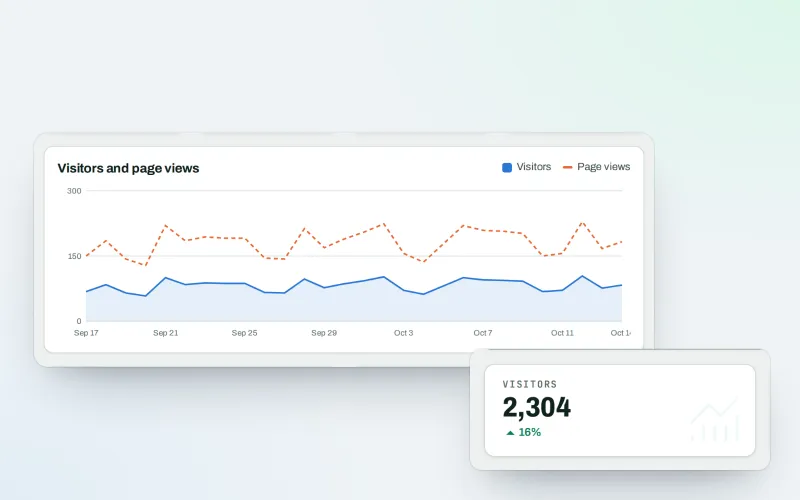
Traffic statistics
Cookie-free analytics: visitor statistics counted on your own website
Explore -
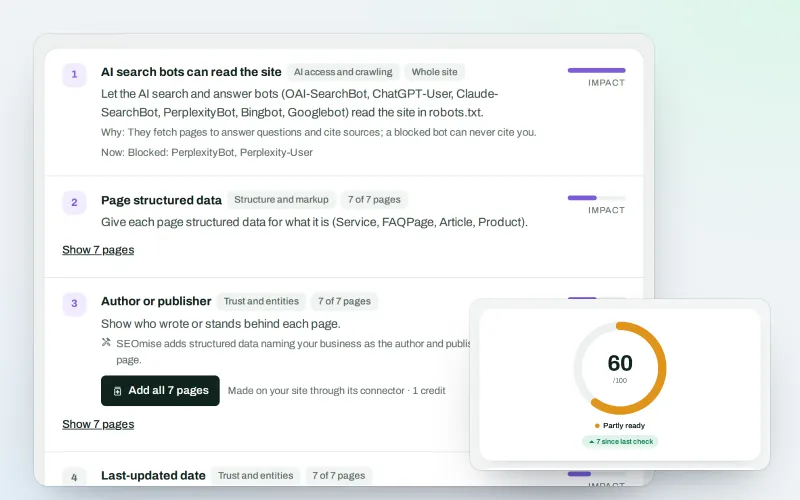
SEO Ai
AI search optimisation: check whether AI assistants can read your site and quote it
Explore -
Articles for Framer and AI site builders
Publish your articles on Framer, Lovable, Bolt, Base44, Replit and v0 sites
Explore -
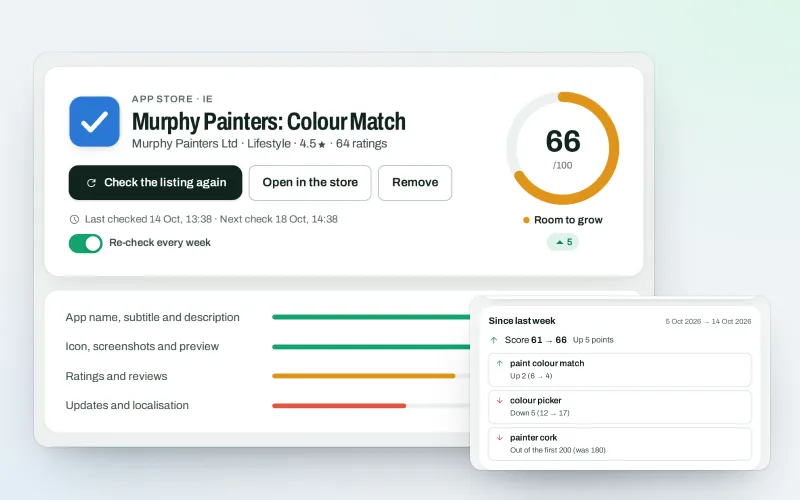
SEOApp
App store optimisation: get your app found in the App Store and Google Play
Explore
Be among the first to try Landing pages
Landing pages is in beta. Ask for early access and we will e-mail you when it is ready for you; nothing is bought.
No ranking guarantees: just clear work, with the evidence.
