

- Home
- All modules
- Grow
- Lead inbox
Grow
Lead inbox Beta
Lead management software: every lead in one inbox, followed up to the sale
Lead management software for leads from your ads, website forms and spreadsheets: call or e-mail in a tap, book a follow-up, send a quote they accept online and see which campaign pays.
Illustration of the screen, without data.
Why it matters
From the problem to what SEOmise does
Leads get lost between the ad and the phone call
Leads arrive in an ad platform, an e-mail and a spreadsheet. Nobody is sure who called whom, follow-ups are forgotten and quotes sit in a sent folder. The quickest business to call back usually wins the job.
Lead management software: every lead in one inbox, followed up to the sale
- Speed to lead. Every lead shows how long it has waited for a first contact, in green, amber or red by the times you choose.
- Your own pipeline. New, Called, No answer, Follow-up, Meeting booked, Quote sent, Confirmed, Converted and Dead to start with. Rename, recolour, reorder and add your own steps.
- Meetings and reminders. Book in your time zone. The person it is for gets a calendar invite and a reminder; the lead gets an invite and a reminder too, only if they agreed to e-mails or texts.
How it works
Four steps, start to finish
- Connect your sourcesConnect your ad accounts where your plan has them, send any website form through a signed web address (directly, or with Zapier or Make), or import a CSV export.
- Hear about every leadThe person whose turn it is, or the whole lead team, is told at once by e-mail, in the app and on their phone.
- Call and follow upTap to call or e-mail, log how the call went, book a follow-up or a meeting with a calendar invite and reminders.
- Quote and winSend a simple quote as a PDF with a link to accept it online, then mark the lead confirmed, converted or dead.
Features
What you get with Lead inbox
Speed to lead
Every lead shows how long it has waited for a first contact, in green, amber or red by the times you choose.
Your own pipeline
New, Called, No answer, Follow-up, Meeting booked, Quote sent, Confirmed, Converted and Dead to start with. Rename, recolour, reorder and add your own steps.
Meetings and reminders
Book in your time zone. The person it is for gets a calendar invite and a reminder; the lead gets an invite and a reminder too, only if they agreed to e-mails or texts.
Simple quotes
Lines, quantities, prices and VAT for your country, in your design. The lead accepts or declines from the e-mail without signing in, and the lead moves to Confirmed.
Share the work
Give new leads to one person or to each member of the lead team in turn, reassign them, and see every change in the lead's history.
Duplicates found
The same person filling in two forms is spotted by e-mail or phone, and you merge them in one click.
What brings the work
Leads, contact rate, meetings, quotes, won and value per source, campaign and ad, with the time to first contact.
Personal data looked after
Names, e-mails, phones, answers and notes are encrypted. Leads are deleted after a period without activity, and a person's data can be exported or erased on request.
Works on your phone
The inbox and every lead work in the SEOmise phone app, with big call and e-mail buttons.
For agencies
Run leads for your clients. Client-level people see only their own leads, and the client portal can show them their leads.
What it needs
No surprises after you sign up
Turn a card over for the detail.
Somewhere leads come from
Somewhere leads come from
Ad accounts you connect, a website form that can send a web request (directly or through Zapier or Make), or a CSV export.
Your plan's allowances
Your plan's allowances
Plans include a number of leads, lead team members and quotes a month. Text message reminders are paid with credits.
Your leads' consent
Your leads' consent
Invites, reminders and quotes go to a lead only when they agreed to that kind of message.
Every platform
Whatever your site runs on
What Lead inbox does on each kind of website, from SEOmise's site connectors to step-by-step guidance.
WordPress
WordPress and WooCommerceAny form plugin that can send a webhook, or Zapier or Make. No plugin from us needed.
Laravel
Sites built on LaravelA few lines in your form's controller send each lead, signed with your secret.
Any PHP site
Custom PHP, CodeIgniter, Symfony, Drupal, JoomlaA few lines of PHP send each lead, signed with your secret.
Every other platform
Shopify, Wix, Squarespace, Webflow, static sites and the restSite builders such as Wix, Squarespace, Shopify and Webflow through Zapier or Make, or a CSV export from any tool.
Lead inbox is in beta
It is not on sale yet, so there are no prices for it. Leave your name and e-mail address and we will tell you as soon as you can use it.
Questions about it?
Ask Mise, our assistant, in the help centre, or book a call and we will tell you where Lead inbox stands and what you can use today.
Questions
Lead inbox: common questions
Which ad platforms does it work with?
Facebook and Instagram lead ads and Google Ads lead forms connect through their own connections where they are switched on for your plan. LinkedIn, TikTok and Microsoft Advertising leads come in as a CSV download until those platforms approve a direct connection. Any other platform or form tool works through Zapier, Make, a signed web request or a CSV export.
Can it tell my ad platform which leads became customers?
Yes, for Facebook and Instagram and for Google Ads, if you switch it on (it starts off). When you mark a lead from that platform as won, the platform is told once, so it can find more people like your customers.
What happens when we reach the plan's leads for the month?
New leads are still kept, never lost. Their details are held until the next month starts or you upgrade.
Can a lead accept a quote without an account?
Yes. The quote e-mail has a private link that works once. It stops working when the quote expires or you withdraw it.
Do you text my leads?
Only when text messages are switched on for your SEOmise account, the lead agreed to texts and their number was confirmed. Each text is paid with credits.
How long are leads kept?
Leads are deleted after two years without activity, and dead leads after six months. You can delete a lead, or everything about a person, at any time.
Can I export my leads?
Yes, as a CSV file from the inbox: the leads you pick or every lead matching your filters.
Can I use Lead inbox now?
Lead inbox is in beta: it is not on sale yet. Use Ask for early access and we will e-mail you as soon as it is ready for you. Other modules and the plans are on the pricing page.
Guides
Lead inbox: how-to guides
Works well with
Related modules
-
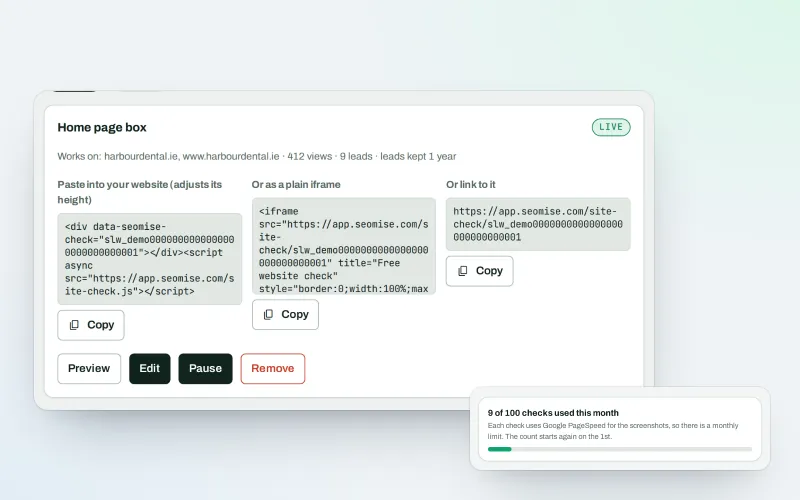
Website-check lead box Beta
An SEO lead generation widget: turn website visitors into leads with a free check
Explore -
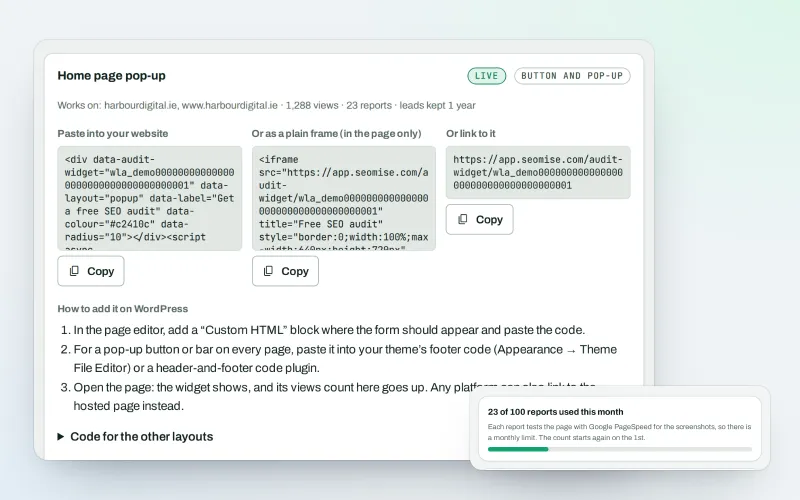
White-label audit widget Beta
A free SEO audit on your website that wins you clients
Explore -
Agency tools
SEO agency software: win clients, work under your brand, give each client a portal
Explore -
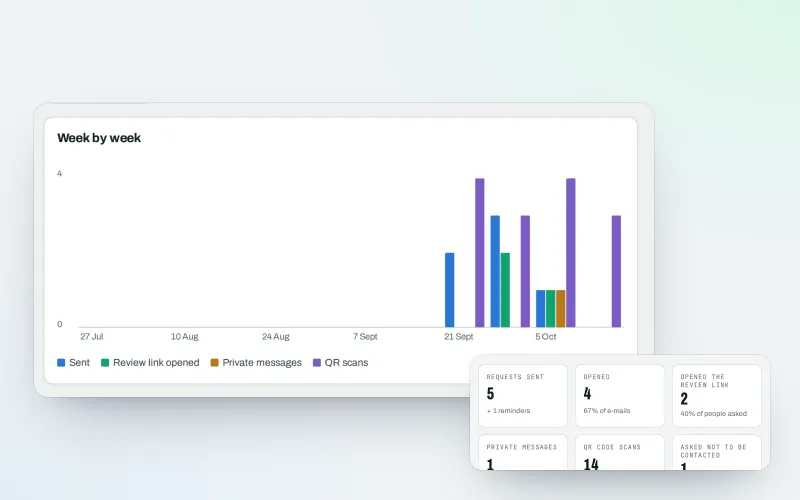
Review booster Beta
Get more Google reviews: ask every customer, fairly and in a few clicks
Explore -
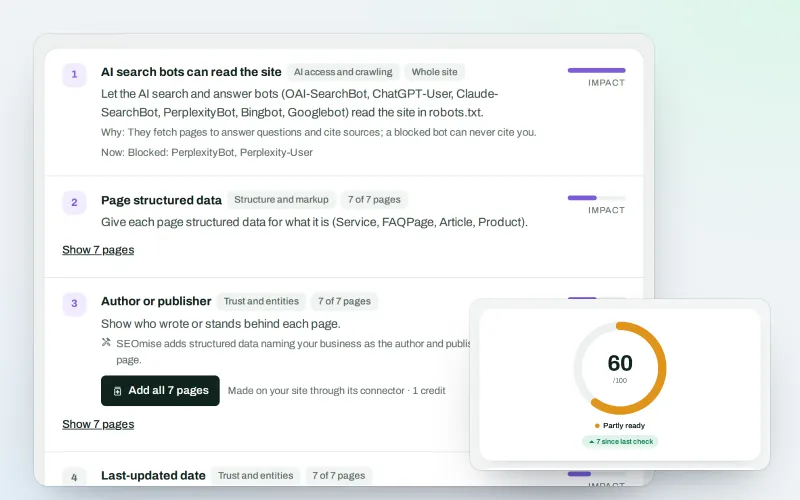
SEO Ai
AI search optimisation: check whether AI assistants can read your site and quote it
Explore -
Articles for Framer and AI site builders
Publish your articles on Framer, Lovable, Bolt, Base44, Replit and v0 sites
Explore -
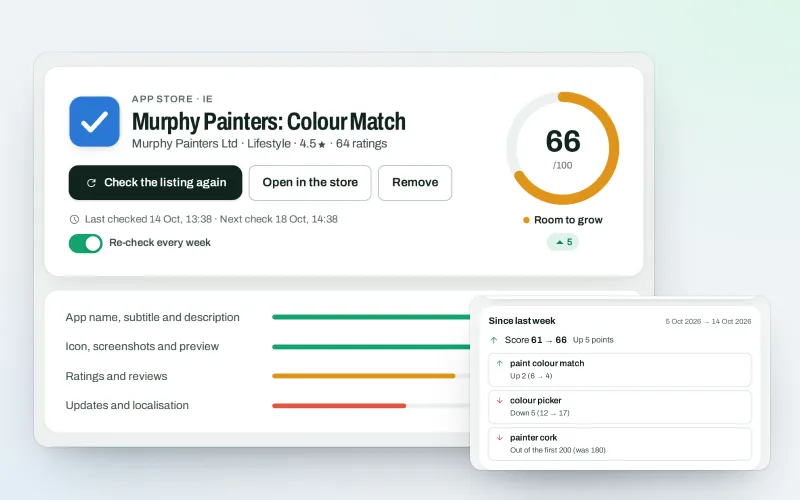
SEOApp
App store optimisation: get your app found in the App Store and Google Play
Explore -
Brand voice
A brand voice generator that studies your competitors, so every AI writer sounds like you
Explore
Be among the first to try Lead inbox
Lead inbox is in beta. Ask for early access and we will e-mail you when it is ready for you; nothing is bought.
No ranking guarantees: just clear work, with the evidence.
