







- Home
- All modules
- Grow
- Video tutorials
Grow
Video tutorials
SEO software video tutorials: short narrated videos that show how each screen works
Short SEO software video tutorials recorded in the real app, with a voice that explains each step, captions on from the start and chapters. Open them from Help, or with Watch how on any screen.
Illustration of the screen, without data.
Why it matters
From the problem to what SEOmise does
Reading about a screen is slower than seeing it
A help article explains a screen in words. Some things are quicker to learn when you watch someone point at the button, press it and show what happens next.
SEO software video tutorials: short narrated videos that show how each screen works
- Tutorials by topic. Every video in one place, in a section per topic, with its length on the tile.
- Narrated. A clear voice explains each scene while the screen shows it.
- Captions on from the start. Watch without sound, or turn the captions off when you listen.
How it works
Three steps, start to finish
- Open HelpPress Help, then Video tutorials, or Watch how when a tutorial explains the screen you are on.
- Watch the screen in actionA recording of the real app with a voice that explains each step and captions on screen.
- Do it yourselfOpen the screen from the tutorial and follow the same steps on your own project.
Features
What you get with Video tutorials
Tutorials by topic
Every video in one place, in a section per topic, with its length on the tile.
Narrated
A clear voice explains each scene while the screen shows it.
Captions on from the start
Watch without sound, or turn the captions off when you listen.
Chapters
Jump straight to the step you need.
Your own speed
Play slower or faster, from three quarters to twice the normal speed.
Watch how, where you are
The Help panel shows the tutorials of the screen you have open.
Linked to the help
Each tutorial links to its help article and to the screen it explains.
Some on the help pages
Tutorials about getting started also play on the public help centre, before you sign up.
Before and after
What changes with Video tutorials
Before: learning from text alone. After: with video tutorials. Drag the handle, or use the arrow keys, to compare.
Learning from text alone
- Looking for the button an article names
- Guessing what a screen does
- Waiting for someone to show you
With video tutorials
- See the button pressed and what follows
- Captions and chapters for the part you need
- A tutorial on the screen it explains
Illustration of the difference, not a measured result.
Every platform
Whatever your site runs on
What Video tutorials does on each kind of website, from SEOmise's site connectors to step-by-step guidance.
WordPress
WordPress and WooCommerceThe tutorials show the app, which works the same for every website platform.
Laravel
Sites built on LaravelThe tutorials show the app, which works the same for every website platform.
Any PHP site
Custom PHP, CodeIgniter, Symfony, Drupal, JoomlaThe tutorials show the app, which works the same for every website platform.
Every other platform
Shopify, Wix, Squarespace, Webflow, static sites and the restShopify, Wix, Squarespace, Webflow and every other platform: the screens are the same, and the steps for each platform are in the help.
Where Video tutorials is included
Video tutorials is not part of a public plan at the moment.
See pricingNot sure it fits?
Ask Mise, our assistant, in the help centre, or book a call and we will show you Video tutorials on a site like yours.
Questions
Video tutorials: common questions
Where do I find the tutorials?
Press Help in the app, then Video tutorials. On a screen that has a tutorial, the Help panel shows it under Watch how.
Can I watch without sound?
Yes. Captions are on when a video starts, and every scene has its own caption.
Do they cost anything?
No. The tutorials are part of every account.
Which plans include Video tutorials?
Plans and add-ons are on the pricing page. If Video tutorials is not listed there yet, ask us how to get it.
Works well with
Related modules
-
Guided workspace
SEO for beginners, one mission at a time, with "Do it for me" on every step
Explore -
Expert help Beta
Hire an SEO expert from our team: a consultation, a task, a retainer or a website
Explore -
Support
SEO software support: answers, tickets and a person to talk to
Explore -
Website health check
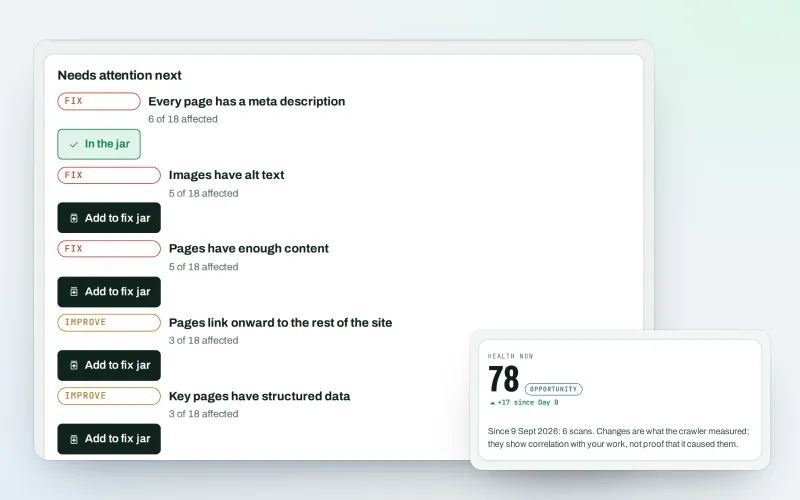
A technical SEO audit: see what is wrong with your website, and what to fix first
Explore -
SEO Ai
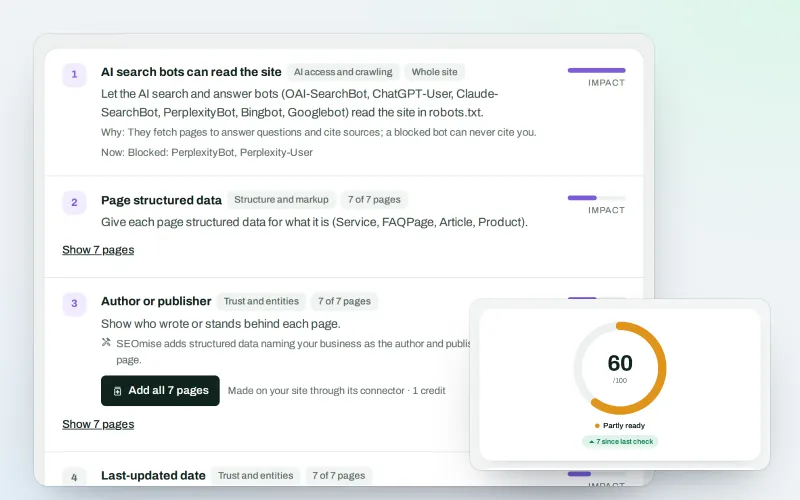
AI search optimisation: check whether AI assistants can read your site and quote it
Explore -
SEOApp
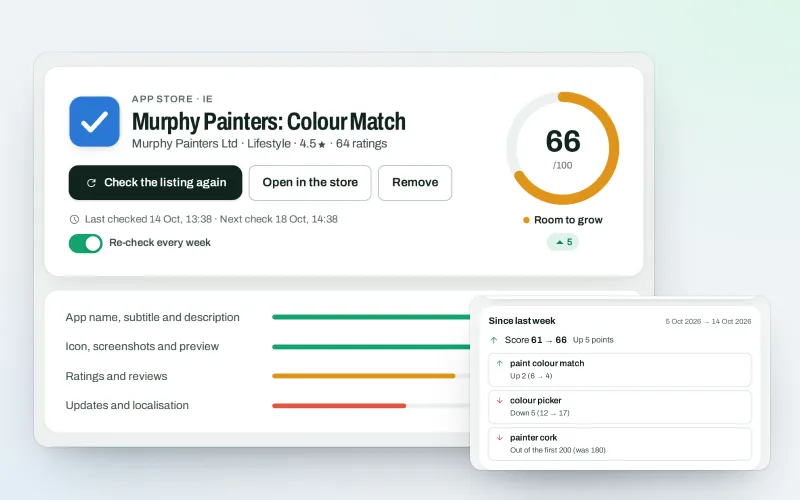
App store optimisation: get your app found in the App Store and Google Play
Explore -
Publish to Shopify, Webflow and Wix Beta
Articles and local pages straight to your Shopify store, Webflow site or Wix blog
Explore -
Impact Intelligence Beta
An SEO dashboard for your figures, how fresh they are and what to improve next
Explore
Try Video tutorials on your own site
Add your site; your first scan becomes your Day 0 baseline. Nothing is bought or published without your approval.
No ranking guarantees: just clear work, with the evidence.
