

- Home
- All modules
- Local
- Apple and Bing listings
Local
Apple and Bing listings
Apple Business Connect and Bing Places, set up step by step with the same details
Set up Apple Business Connect and Bing Places with exact steps and a copy button for each business detail, then check the listing against your details.
Illustration of the screen, without data.
Why it matters
From the problem to what SEOmise does
Two listings that often get missed
Apple Maps, Siri and Bing read their own listings, not your Google profile. Setting them up is easy to put off, and a detail typed differently makes your listings disagree.
Apple Business Connect and Bing Places, set up step by step with the same details
- Exact steps. Plain steps for each platform, written for the person doing it.
- A copy button for every detail. The same spelling everywhere keeps your listings consistent.
- Name, address and phone check. The listing is checked like every other citation: exact, an acceptable variant, or different, with both values.
How it works
Four steps, start to finish
- Copy your detailsYour name, address, phone, website, category and opening hours, each with a copy button.
- Follow the stepsOpen Apple Business Connect or Bing Places and follow the exact steps: sign in, claim, paste each detail and verify.
- Press "I've done it"Paste your listing's address if you have it, and say if you had to enter something different.
- See the checkThe listing is compared with your details, and any difference is shown field by field.
Features
What you get with Apple and Bing listings
Exact steps
Plain steps for each platform, written for the person doing it.
A copy button for every detail
The same spelling everywhere keeps your listings consistent.
Name, address and phone check
The listing is checked like every other citation: exact, an acceptable variant, or different, with both values.
Check again at any time
Run the check again after a correction.
Every platform
Done on Apple's and Microsoft's own sites, so it works the same whatever your website runs on.
What it needs
No surprises after you sign up
Turn a card over for the detail.
Your business details
Your business details
From your Google Business Profile, or entered by hand under Local.
Every platform
Whatever your site runs on
What Apple and Bing listings does on each kind of website, from SEOmise's site connectors to step-by-step guidance.
WordPress
WordPress and WooCommerceDone on Apple Business Connect and Bing Places, so nothing is installed on your website.
Laravel
Sites built on LaravelDone on Apple Business Connect and Bing Places, so nothing is installed on your website.
Any PHP site
Custom PHP, CodeIgniter, Symfony, Drupal, JoomlaDone on Apple Business Connect and Bing Places, so nothing is installed on your website.
Every other platform
Shopify, Wix, Squarespace, Webflow, static sites and the restExact steps for every platform, then a check of the listing.
Where Apple and Bing listings is included
Included in these plans. Limits, such as pages per scan or credits a month, are on the pricing page.
See pricingNot sure it fits?
Ask Mise, our assistant, in the help centre, or book a call and we will show you Apple and Bing listings on a site like yours.
Questions
Apple and Bing listings: common questions
Does SEOmise create the listings for me?
No. Apple and Microsoft offer no way for SEOmise to do it for you, so the guide walks you through it and checks the result.
What is checked?
The name, address, phone and website you entered (and the listing page, where our crawler may read it), against your business details.
Which plans include Apple and Bing listings?
Apple and Bing listings is included in the Business and Agency plans. Prices and limits are on the pricing page.
Works well with
Related modules
-
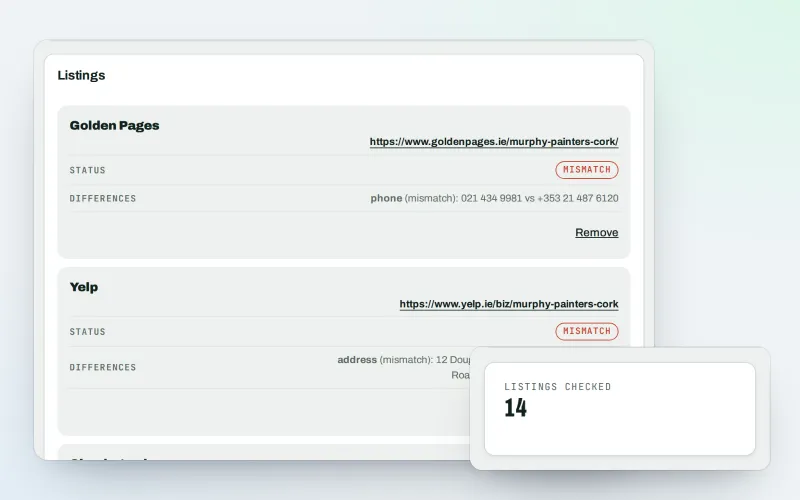
Citations and NAP
A citation checker that keeps your name, address and phone the same everywhere
Explore -
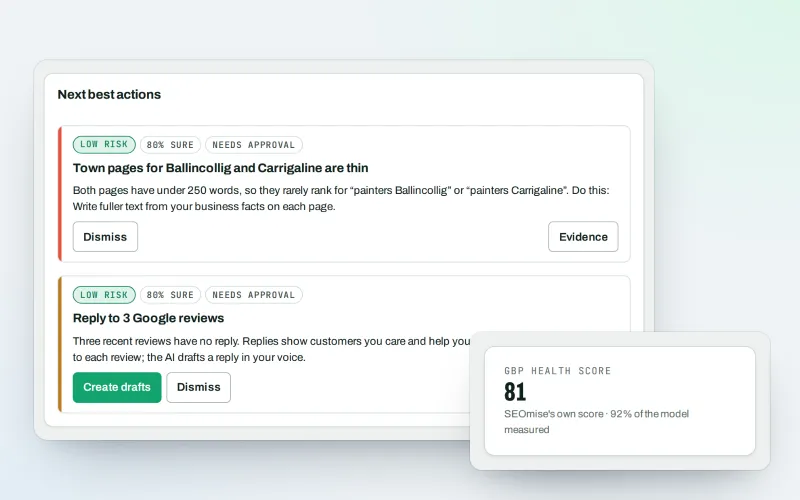
Google Business Profile
Google Business Profile management from one place, with approvals
Explore -
Local Intelligence
Multi-location SEO: all your business locations on one screen, with access per location
Explore -
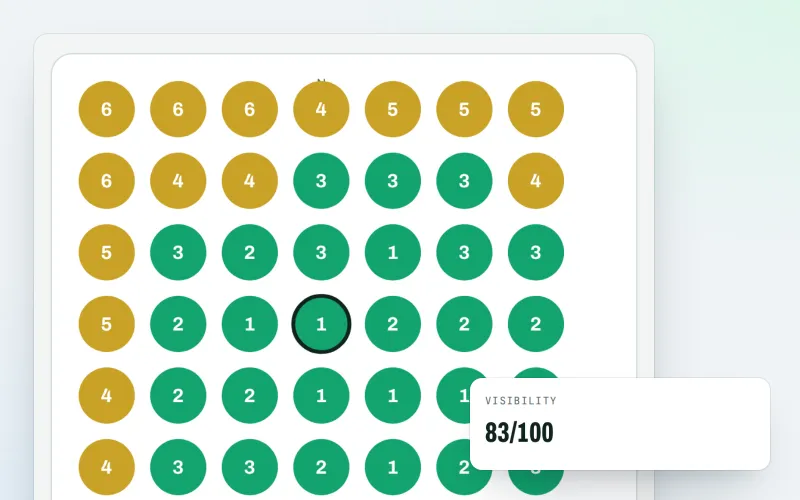
Map rank grid
A Google Maps rank tracker: see where your business appears across your area
Explore -
Listings sync Beta
Your business details on directories, Apple, Bing and more, kept the same everywhere
Explore -
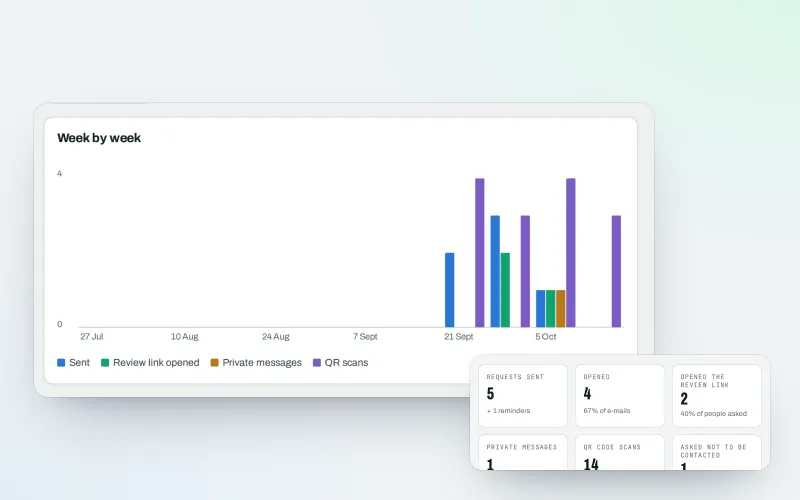
Review booster Beta
Get more Google reviews: ask every customer, fairly and in a few clicks
Explore -
Business Profile import
Bring your Google Business Profile performance figures in from the report you download
Explore -
Share of map top 3
How often you are in the Google Maps top 3 across your area, scan after scan
Explore
Try Apple and Bing listings on your own site
Add your site; your first scan becomes your Day 0 baseline. Nothing is bought or published without your approval.
No ranking guarantees: just clear work, with the evidence.
