







- Home
- All modules
- Grow
- Social
Grow
Social Beta
A social media scheduler: write once, queue and post to every channel
A social media scheduler: write a post once, adjust it for each network and queue it into your posting times. See the week on a calendar, ask for approval, and let SEOmise post it.
Illustration of the screen, without data.
Why it matters
From the problem to what SEOmise does
Posting everywhere takes longer than writing the post
The same news goes to Facebook, Instagram, LinkedIn and Google, each with its own length and picture rules. Posts are written in a hurry, forgotten on busy days, and nobody is sure what went out where.
A social media scheduler: write once, queue and post to every channel
- Your own posting times. Choose the days and times for each channel in your time zone. "Add to queue" fills the next free one; drag posts to put the queue in a new order.
- Week and month calendar. Every scheduled and posted post across your channels. Drag a post to another day to move it.
- Pictures from your library. Pick pictures from your media library or upload new ones; the composer says how many each network takes and which need one.
How it works
Four steps, start to finish
- Add your channelsAdd the Pages, profiles and accounts you post to. Any network works straight away in manual mode; networks with an approved connection post by themselves.
- Write onceOne composer for every channel, with each network's limit and picture rules shown as you type, and a tab per network to adjust the words.
- Queue itAdd it to the queue and it takes the next of your posting times, or choose a time, or share it now.
- Posted or remindedAt the time SEOmise posts it, or sends you a reminder with the text to copy, the pictures to download and a button to open the network.
Features
What you get with Social
Your own posting times
Choose the days and times for each channel in your time zone. "Add to queue" fills the next free one; drag posts to put the queue in a new order.
Week and month calendar
Every scheduled and posted post across your channels. Drag a post to another day to move it.
Pictures from your library
Pick pictures from your media library or upload new ones; the composer says how many each network takes and which need one.
Links with a preview
Paste a link and see its title and description before you post.
Help with the words
Rewrite, make it shorter, add hashtags or write one version per network with AI, paid with credits. You read every word before it goes out.
Approvals for teams and agencies
Switch approvals on and posts wait for a manager or the client. Talk it through in the post's comments; editing an approved post asks for approval again.
Ideas board
Jot down ideas as simple notes and turn one into a post when you are ready.
Manual mode for every network
Networks without an approved connection still work: copy the text, download the pictures, open the network, then mark it as posted. Overdue posts stand out.
What went out
Posts posted per channel and week, automatically and by hand.
Works on your phone
Write, queue and mark posts as posted from your phone.
What it needs
No surprises after you sign up
Turn a card over for the detail.
Your social accounts
Your social accounts
The Pages, profiles and accounts you already post to. Manual mode needs nothing else.
A connection for automatic posting
A connection for automatic posting
Automatic posting to a network needs your sign-in to it and that network's approval of SEOmise's app; Google Business Profile uses your Google connection in SEOmise.
Your plan's allowances
Your plan's allowances
Plans include a number of channels and posts waiting at a time. AI help is paid with credits.
Every platform
Whatever your site runs on
What Social does on each kind of website, from SEOmise's site connectors to step-by-step guidance.
WordPress
WordPress and WooCommerceWorks the same whatever your website runs on: posts go to your social accounts, not your site.
Laravel
Sites built on LaravelWorks the same: nothing to install on a Laravel site.
Any PHP site
Custom PHP, CodeIgniter, Symfony, Drupal, JoomlaWorks the same for any PHP website.
Every other platform
Shopify, Wix, Squarespace, Webflow, static sites and the restShopify, Wix, Squarespace, Webflow and every other platform: nothing to install.
Social is in beta
It is not on sale yet, so there are no prices for it. Leave your name and e-mail address and we will tell you as soon as you can use it.
Questions about it?
Ask Mise, our assistant, in the help centre, or book a call and we will tell you where Social stands and what you can use today.
Questions
Social: common questions
Which networks can I use?
Facebook Pages, Instagram business accounts, LinkedIn pages and profiles, Google Business Profile, X, Pinterest, TikTok, YouTube, Threads, Bluesky and Mastodon. Every one works in manual mode; automatic posting depends on each network approving SEOmise's app.
What is manual mode?
At the posting time SEOmise sends you a reminder (in the app and by e-mail, as you choose) with the post ready: copy the text, download the pictures, open the network and post it, then press "Mark as posted". You can add the post's address too.
Which networks post automatically?
Google Business Profile posts automatically when your location is connected to Google in SEOmise. Facebook, Instagram and LinkedIn post automatically once those networks approve SEOmise's app; until then they work in manual mode and show the Beta badge, and under Social → Channels you can ask for early access to be told as soon as they post by themselves.
Can a client approve posts first?
Yes. Switch approvals on: posts from people who do not approve wait for someone with the Approver, Admin or Owner role, including a client's own approvers for their projects. Nothing goes out before it is approved, and changing an approved post asks again.
Do you post videos?
The media library holds pictures. For a video, write the post in SEOmise and add the video on the network itself when you post it.
Do you show likes and reach?
Not yet: Insights counts the posts that went out per channel and week. SEOmise does not buy extra data to show engagement.
How long are old posts kept?
Posts that went out, or could not be sent, are kept for two years after their last change and then deleted with their comments (staff can change this). Drafts and posts still waiting are never deleted by themselves.
Is my sign-in safe?
Network sign-ins are stored encrypted and never shown again. You can forget a sign-in at any time; its channels stay in manual mode.
Can I use Social now?
Social is in beta: it is not on sale yet. Use Ask for early access and we will e-mail you as soon as it is ready for you. Other modules and the plans are on the pricing page.
Works well with
Related modules
-
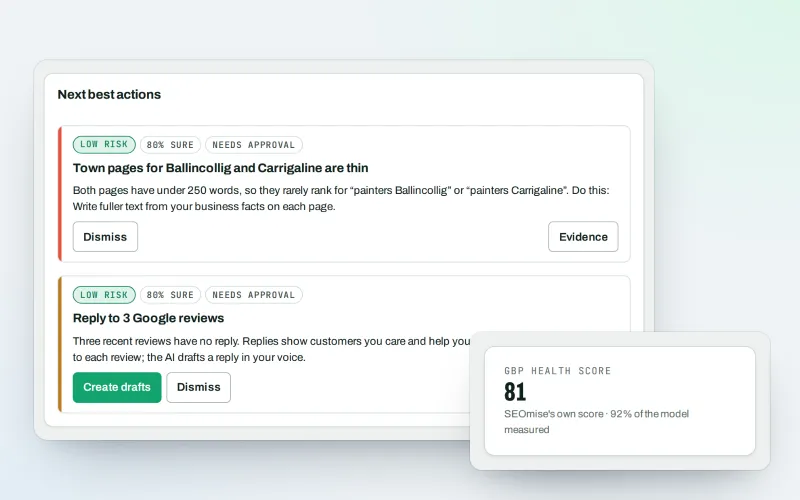
Google Business Profile
Google Business Profile management from one place, with approvals
Explore -
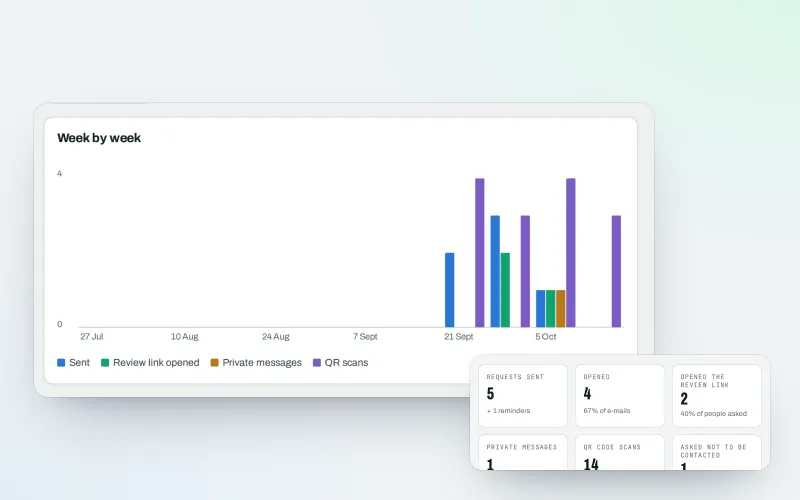
Review booster Beta
Get more Google reviews: ask every customer, fairly and in a few clicks
Explore -
Lead inbox Beta
Lead management software: every lead in one inbox, followed up to the sale
Explore -
Media library
Every picture for every project in one place, imported or made for it
Explore -
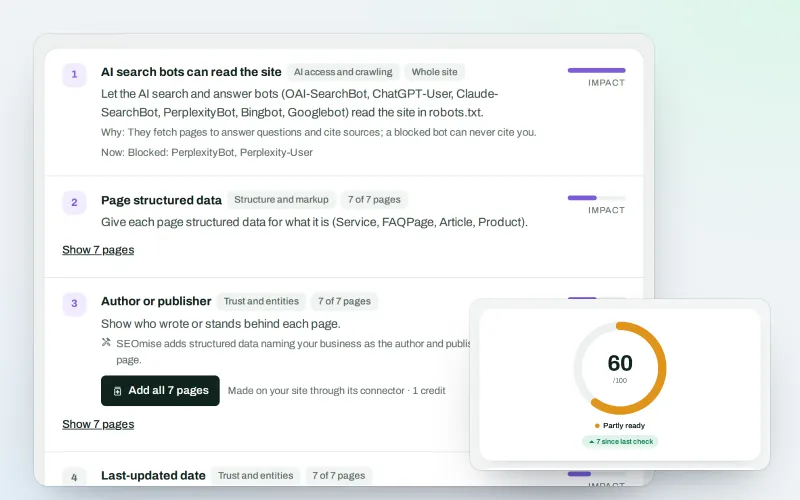
SEO Ai
AI search optimisation: check whether AI assistants can read your site and quote it
Explore -
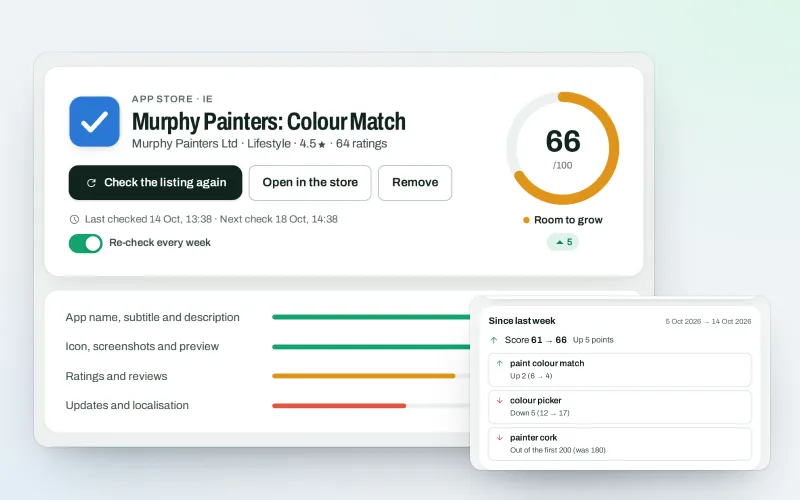
SEOApp
App store optimisation: get your app found in the App Store and Google Play
Explore -
Guided workspace
SEO for beginners, one mission at a time, with "Do it for me" on every step
Explore -
Publish to Shopify, Webflow and Wix Beta
Articles and local pages straight to your Shopify store, Webflow site or Wix blog
Explore
Be among the first to try Social
Social is in beta. Ask for early access and we will e-mail you when it is ready for you; nothing is bought.
No ranking guarantees: just clear work, with the evidence.
