

- Home
- All modules
- Website health
- Fixes on Webflow and Wix
Website health
Fixes on Webflow and Wix Beta
Webflow and Wix SEO fixes applied for you: approved, checked live, undoable
Approve a fix and SEOmise applies it through Webflow's or Wix's own API: titles, descriptions and alt text on Webflow, redirects and blog post titles on Wix.
Illustration of the screen, without data.
Why it matters
From the problem to what SEOmise does
Fixes copied by hand, page by page
An audit says 30 pages need a better title and 60 images have no alt text. On Webflow or Wix that means opening every page's settings, every asset and every redirect by hand.
Webflow and Wix SEO fixes applied for you: approved, checked live, undoable
- Webflow titles and descriptions. The SEO title and meta description in each page's settings, with the sharing tags set to follow them.
- Webflow CMS pages. Blog posts and other collection pages: the item fields your template uses for SEO, found by name or chosen once.
- Webflow image alt text. Alt text on the site's assets, matched to the pictures the scan found on your pages.
How it works
Four steps, start to finish
- Connect your siteConnect Webflow, or add SEOmise's Wix app, and approve the permissions it asks for (Settings → Connect your website → Hosted publishing).
- Review the changeEach fix shows what the page says now and what it will say. Edit it, then approve it.
- Applied through the APISEOmise sends it with Webflow's or Wix's own API and keeps the earlier values. On Webflow it waits for you to publish the site.
- Checked and undoableSEOmise looks at your live site to confirm it. Undo puts the earlier values back, the whole change or one item.
Features
What you get with Fixes on Webflow and Wix
Webflow titles and descriptions
The SEO title and meta description in each page's settings, with the sharing tags set to follow them.
Webflow CMS pages
Blog posts and other collection pages: the item fields your template uses for SEO, found by name or chosen once.
Webflow image alt text
Alt text on the site's assets, matched to the pictures the scan found on your pages.
Staged until you publish
Changes wait in Webflow until you publish the site, so your designer's other work never goes live by surprise.
Wix redirects
Old addresses sent to the right page with Wix's own permanent (301) redirects, live at once.
Wix blog post SEO
The SEO title and description of your Wix blog posts.
Undo, item by item
SEOmise keeps what each field said before. If someone edited it on the platform since, undo asks before it overwrites.
The rest, step by step
What the platform's API cannot change comes with the exact steps for Webflow or Wix, or our team does it for you.
Before and after
What changes with Fixes on Webflow and Wix
Before: by hand. After: through the API. Drag the handle, or use the arrow keys, to compare.
By hand
- One page's settings at a time
- No record of what each field said before
- No check that the change is live
Through the API
- A whole list of fixes approved at once
- Earlier values kept for undo
- Each change checked on your live site
Illustration of the difference, not a measured result.
What it needs
No surprises after you sign up
Turn a card over for the detail.
A Webflow or Wix site
A Webflow or Wix site
Connected to the project (Webflow's approval, or SEOmise's Wix app linked), with the fix permissions approved.
Someone who may publish
Someone who may publish
An owner or admin of the workspace approves the changes.
Every platform
Whatever your site runs on
What Fixes on Webflow and Wix does on each kind of website, from SEOmise's site connectors to step-by-step guidance.
WordPress
WordPress and WooCommerceWordPress sites get these fixes and more through the SEOmise Connector plugin.
Laravel
Sites built on LaravelLaravel sites get them through the SEOmise Laravel connector.
Any PHP site
Custom PHP, CodeIgniter, Symfony, Drupal, JoomlaOther PHP sites get them through the one-file PHP connector.
Every other platform
Shopify, Wix, Squarespace, Webflow, static sites and the restEvery other platform, and what Webflow's and Wix's APIs cannot change, gets the exact steps for its own editor, checked by the next scan.
Fixes on Webflow and Wix is in beta
It is not on sale yet, so there are no prices for it. Leave your name and e-mail address and we will tell you as soon as you can use it.
Questions about it?
Ask Mise, our assistant, in the help centre, or book a call and we will tell you where Fixes on Webflow and Wix stands and what you can use today.
Questions
Fixes on Webflow and Wix: common questions
Why does Webflow wait for me to publish?
Webflow publishes everything staged at once, including your designer's unfinished work. SEOmise saves fixes as staged and shows them as live when you publish (an admin can let SEOmise publish instead).
What can it not change?
Canonical addresses and robots tags, structured data, Webflow pages in folders, Wix pages other than blog posts and Wix image alt text. Those come with the exact steps, and "Do it for me" hands them to our team.
Can it add redirects on Webflow?
Webflow's API takes redirects only for sites in an Enterprise workspace. Everyone else gets the steps for Site settings → Publishing → 301 redirects.
Is it available now?
It is in Beta until the Webflow and Wix apps are approved. Ask for early access; until then every fix comes with the steps for your editor.
Can I use Fixes on Webflow and Wix now?
Fixes on Webflow and Wix is in beta: it is not on sale yet. Use Ask for early access and we will e-mail you as soon as it is ready for you. Other modules and the plans are on the pricing page.
Guides
Fixes on Webflow and Wix: how-to guides
Works well with
Related modules
-
Publish to Shopify, Webflow and Wix Beta
Articles and local pages straight to your Shopify store, Webflow site or Wix blog
Explore -
Fixes on Shopify Beta
Shopify SEO fixes applied for you: approved first, checked on your live store, undoable
Explore -
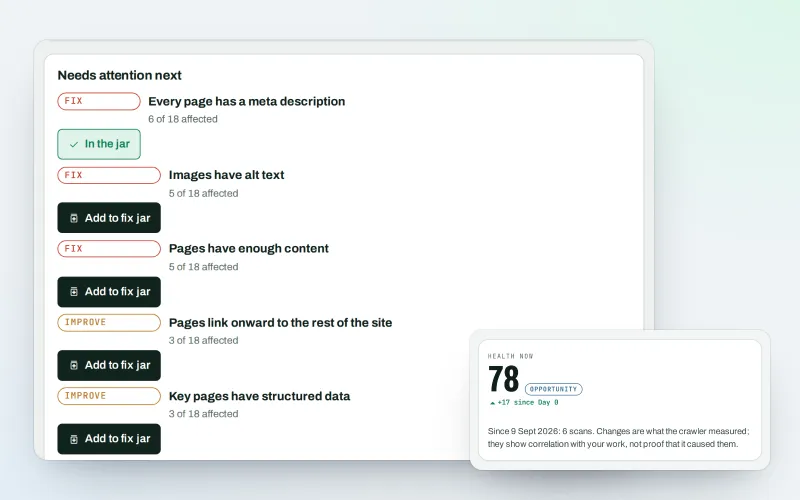
Website health check
A technical SEO audit: see what is wrong with your website, and what to fix first
Explore -
Fix jar and task notes
SEO task management: every fix in one jar, with a dated record of each
Explore -
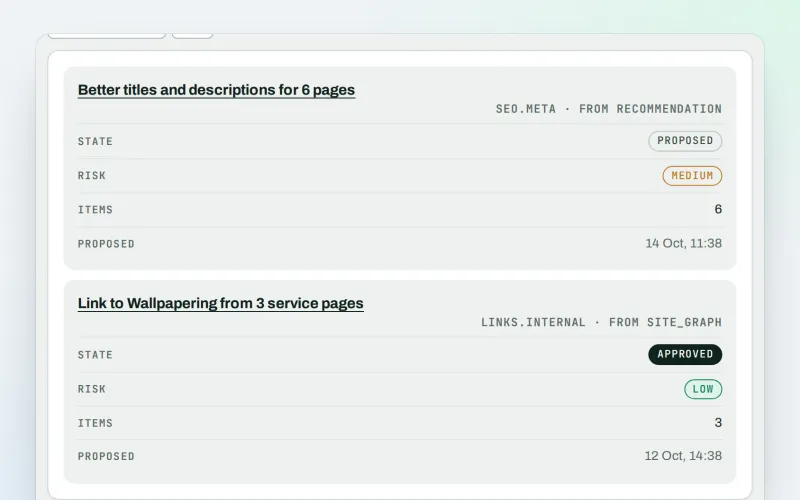
Approve and publish
Approve a fix once, and publish SEO changes that are checked and can be undone
Explore -
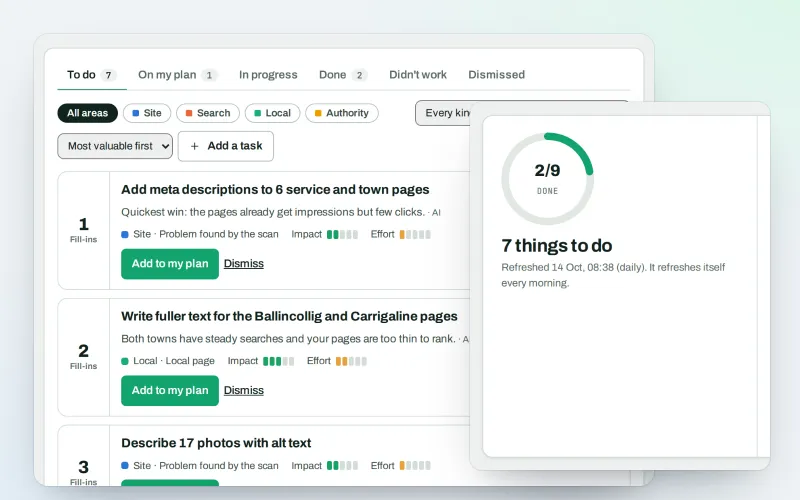
AI Plan
Your SEO action plan: the biggest difference for the least work first
Explore -
Apps & plugins
The connector for your site's platform and SEOmise on your browser, computer and phone
Explore -
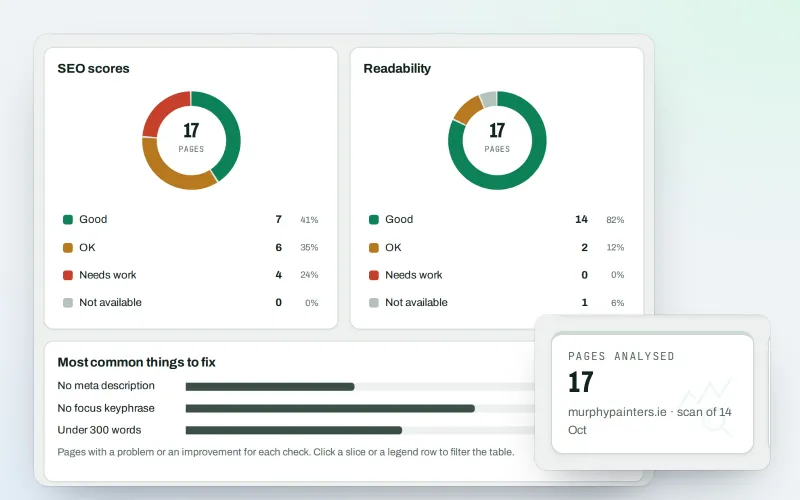
Content SEO checks
A content SEO checker for your titles, keyphrases and readability
Explore
Be among the first to try Fixes on Webflow and Wix
Fixes on Webflow and Wix is in beta. Ask for early access and we will e-mail you when it is ready for you; nothing is bought.
No ranking guarantees: just clear work, with the evidence.
