

- Home
- All modules
- Local
- Business Profile import
Local
Business Profile import
Bring your Google Business Profile performance figures in from the report you download
Import the Performance report from Google's Business Profile Manager: views on Search and Maps, calls, website clicks and directions show on your Local screens with source and period.
Illustration of the screen, without data.
Why it matters
From the problem to what SEOmise does
Your profile figures live in a download
Business Profile Manager lets you download a Performance report for your locations, but a spreadsheet on your computer does not sit beside your website figures, your reports or your next steps. Until an automatic connection to Google is available, those figures are easy to lose track of.
Bring your Google Business Profile performance figures in from the report you download
- The real report, read by its headers. The Performance report's columns (Google Search and Maps on phone and computer, calls, messages, bookings, directions, website clicks, food orders, menu clicks and hotel bookings) map to the same figures an automatic connection would give.
- Other layouts and languages. A renamed or extra column is mapped once in the wizard and the mapping is kept, with a version, for files with the same columns. Our team can add other names for known columns without waiting for an update.
- Withheld is not zero. Where Google withholds a small figure (*** or "< 15") or a cell is blank, the figure is stored as missing with the reason and is never shown or added as 0. A 0 in the file stays a real 0.
How it works
Four steps, start to finish
- Download the Performance reportIn Business Profile Manager, download the Performance report for the period you want, for one location or many. Keep the file as Google made it: its name carries the period.
- Upload itCSV or Excel. SEOmise reads the columns by their names, skips Google's description row, takes the dates from the file name and shows a preview of the rows before anything is imported.
- Check the columns and locationsKnown columns are recognised by themselves. A column SEOmise does not know yet is mapped once (to a figure, or ignored) and remembered for the next file laid out the same way. Each location in the file is matched by store code, or by name and address, and you confirm it.
- See the figures where you workThe Local overview, the Local searches screen, Local Intelligence and the Business Profile performance report show the figures with their source and period, never mixed with daily ones.
Features
What you get with Business Profile import
The real report, read by its headers
The Performance report's columns (Google Search and Maps on phone and computer, calls, messages, bookings, directions, website clicks, food orders, menu clicks and hotel bookings) map to the same figures an automatic connection would give.
Other layouts and languages
A renamed or extra column is mapped once in the wizard and the mapping is kept, with a version, for files with the same columns. Our team can add other names for known columns without waiting for an update.
Withheld is not zero
Where Google withholds a small figure (*** or "< 15") or a cell is blank, the figure is stored as missing with the reason and is never shown or added as 0. A 0 in the file stays a real 0.
Re-imports never count twice
The same file again is recognised and refused. A new file for the same period changes only the figures that differ, each as a new revision, and every import can be undone.
Many locations in one file
Each row is matched to a location of the project you confirm, or creates a location entered by you. Agencies keep each client's figures in that client's workspace.
Read, never run
Files are size-limited, virus-scanned where a scanner is set up, and read as values only: formulas, macros and links in a spreadsheet are never run, and exports are protected against spreadsheet formulas.
Before and after
What changes with Business Profile import
Before: a report in a download folder. After: with the import. Drag the handle, or use the arrow keys, to compare.
A report in a download folder
- Profile figures in a spreadsheet nobody opens again
- No link between profile views, calls and the website's figures
- Reports that leave the Business Profile out
With the import
- Figures per location on the Local screens and in reports
- Each figure labelled with its source and period
- Withheld figures shown as missing, never as zero
Illustration of the difference, not a measured result.
What it needs
No surprises after you sign up
Turn a card over for the detail.
Access to Business Profile Manager
Access to Business Profile Manager
Someone who manages the profile downloads the Performance report. SEOmise never signs in to Google for this.
A plan with Local SEO
A plan with Local SEO
The import comes with the plans that include Google Business Profile. Only people who manage the workspace's data can upload or undo an import.
Every platform
Whatever your site runs on
What Business Profile import does on each kind of website, from SEOmise's site connectors to step-by-step guidance.
WordPress
WordPress and WooCommerceThe report comes from Google, so nothing is installed on your website.
Laravel
Sites built on LaravelThe report comes from Google, so nothing is installed on your website.
Any PHP site
Custom PHP, CodeIgniter, Symfony, Drupal, JoomlaThe report comes from Google, so nothing is installed on your website.
Every other platform
Shopify, Wix, Squarespace, Webflow, static sites and the restEvery platform works the same way: you download the report from Google and upload it here.
Where Business Profile import is included
Included in these plans. Limits, such as pages per scan or credits a month, are on the pricing page.
See pricingNot sure it fits?
Ask Mise, our assistant, in the help centre, or book a call and we will show you Business Profile import on a site like yours.
Questions
Business Profile import: common questions
Is this the same as connecting Google?
No. It is the temporary route while automatic access to Google's Business Profile API is pending. The figures are as fresh as the last report you uploaded; upload the next one when you want newer figures.
Why are the figures not shown day by day?
Google's Performance report holds totals for the period you chose when downloading it. SEOmise keeps them as totals for that period and never spreads them over days.
What if I upload a report for a period I imported before?
The same file is refused as already imported. A different file for the same period updates only the figures that changed, and the import history shows it. Nothing is counted twice.
How long are the imported figures kept?
They are your own copy, so they are kept while your workspace exists unless you undo the import or remove the location. The file itself is not kept.
What happens when we connect Google later?
When the location entered by hand is replaced by the Google location, its imported figures and import history move with it.
Which plans include Business Profile import?
Business Profile import is included in the Business and Agency plans. Prices and limits are on the pricing page.
Guides
Business Profile import: how-to guides
Works well with
Related modules
-
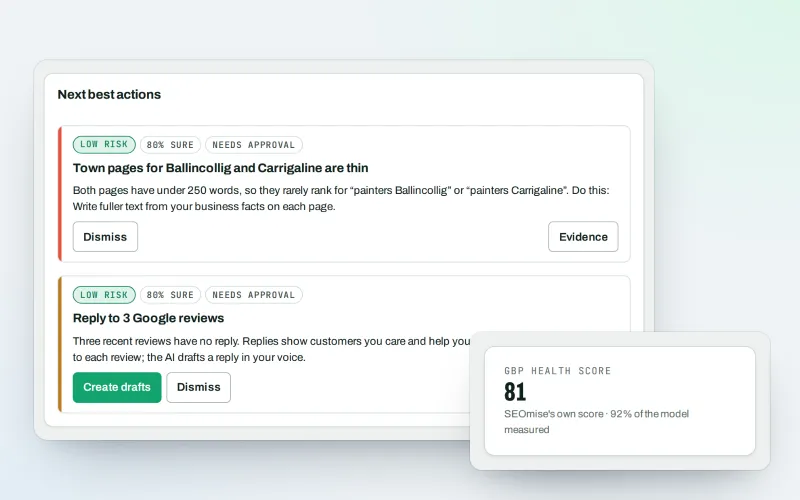
Google Business Profile
Google Business Profile management from one place, with approvals
Explore -
Local Intelligence
Multi-location SEO: all your business locations on one screen, with access per location
Explore -
Reports centre
An SEO reporting tool: every report in one gallery, as a branded PDF or a link
Explore -
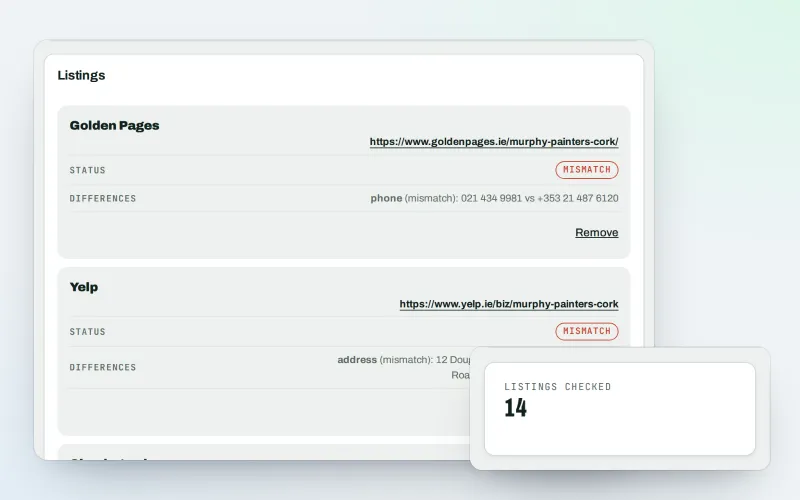
Citations and NAP
A citation checker that keeps your name, address and phone the same everywhere
Explore -
Listings sync Beta
Your business details on directories, Apple, Bing and more, kept the same everywhere
Explore -
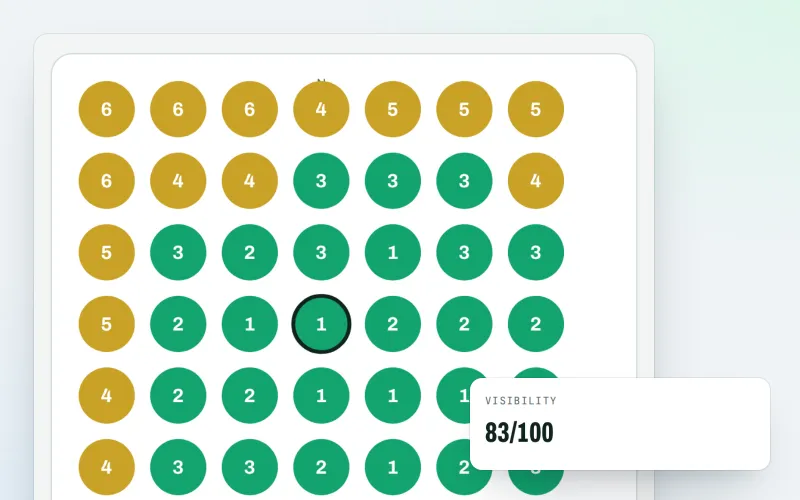
Map rank grid
A Google Maps rank tracker: see where your business appears across your area
Explore -
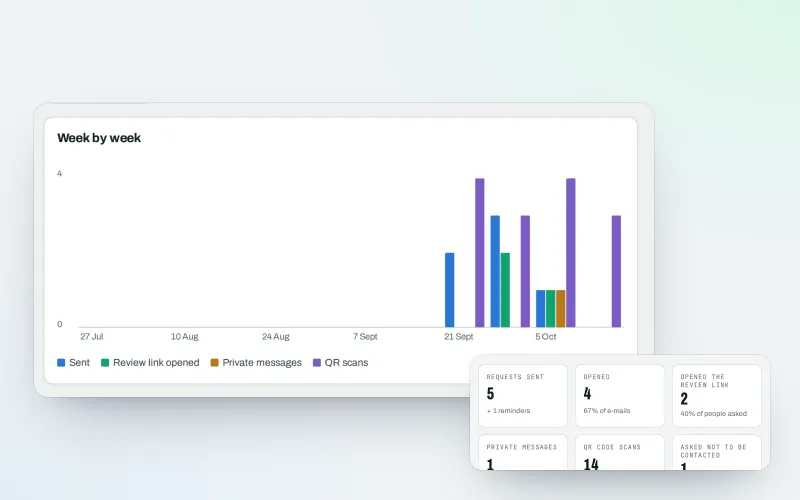
Review booster Beta
Get more Google reviews: ask every customer, fairly and in a few clicks
Explore -
Apple and Bing listings
Apple Business Connect and Bing Places, set up step by step with the same details
Explore
Try Business Profile import on your own site
Add your site; your first scan becomes your Day 0 baseline. Nothing is bought or published without your approval.
No ranking guarantees: just clear work, with the evidence.
