

- Home
- All modules
- Visitors & reports
- Free report switch-over
Visitors & reports
Free report switch-over
Moving from another reporting tool? We rebuild your client reports for free
A free report switch-over: tell us which reports you send and to whom. Our team rebuilds them as Reports centre templates with your brand and schedules, then checks them with you.
Illustration of the screen, without data.
Why it matters
From the problem to what SEOmise does
Rebuilding every report by hand holds a switch back
An agency with many clients has many reports, each with its own sections, schedule and recipients. Rebuilding them is the work that keeps people on a tool they would rather leave.
Moving from another reporting tool? We rebuild your client reports for free
- Free. No charge for the switch-over. The number of reports included and the time we aim for are shown on the form.
- A request you can follow. Asked from the app, it is an Assistance request with its own support ticket, checklist and progress.
- Your brand. Reports and their links carry your brand with white label.
How it works
Three steps, start to finish
- Tell us what you sendWhich reports, to how many clients and how often, with a link to an example if you have one. From Reports in the app, or from the website before you have an account.
- We rebuild themAs Reports centre templates with your cover and brand, schedules and recipients set up as before, and your own figures brought in from a file or a sheet.
- You check themWe go through them with you in the request before the first report goes out.
Features
What you get with Free report switch-over
Free
No charge for the switch-over. The number of reports included and the time we aim for are shown on the form.
A request you can follow
Asked from the app, it is an Assistance request with its own support ticket, checklist and progress.
Your brand
Reports and their links carry your brand with white label.
Your own figures
Calls, sales and ad spend from a CSV file or a Google Sheet show in the reports like any other figures.
What it needs
No surprises after you sign up
Turn a card over for the detail.
The Reports centre
The Reports centre
Asking from the app needs the Reports centre in your plan; from the website, anyone can ask first.
Where Free report switch-over is included
Included in these plans. Limits, such as pages per scan or credits a month, are on the pricing page.
See pricingNot sure it fits?
Ask Mise, our assistant, in the help centre, or book a call and we will show you Free report switch-over on a site like yours.
Questions
Free report switch-over: common questions
Do I need an account to ask?
No. Ask on the switch-over page and we e-mail you. With an account, ask from Reports so the request opens in your workspace straight away.
Do you need my login for the old tool?
No. A shared link or a PDF of an example report is enough. Never paste a password into the form.
Which plans include Free report switch-over?
Free report switch-over is included in the Free, Personal, Business and Agency plans. Prices and limits are on the pricing page.
Works well with
Related modules
-
Reports centre
An SEO reporting tool: every report in one gallery, as a branded PDF or a link
Explore -
Your own figures in client reports
Calls, sales, ad spend: bring in any figures from a CSV file or a Google Sheet
Explore -
Live client report links
Live SEO reports: send clients one private link that is always up to date
Explore -
Agency tools
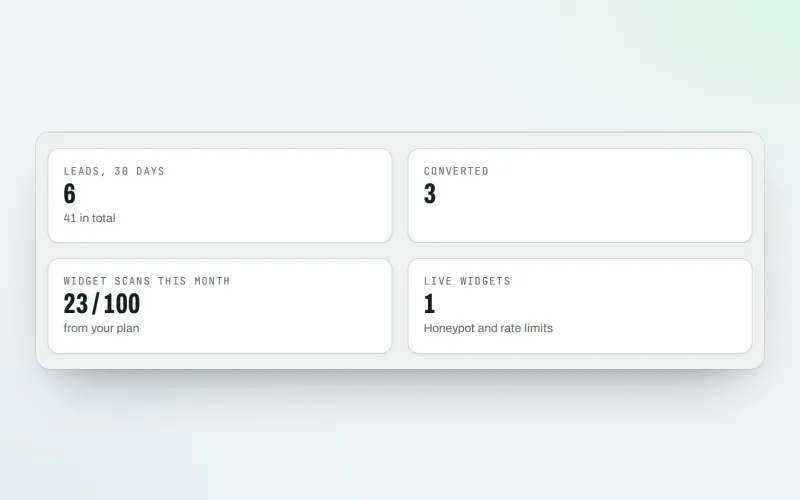
SEO agency software: win clients, work under your brand, give each client a portal
Explore -
SEO audit reports
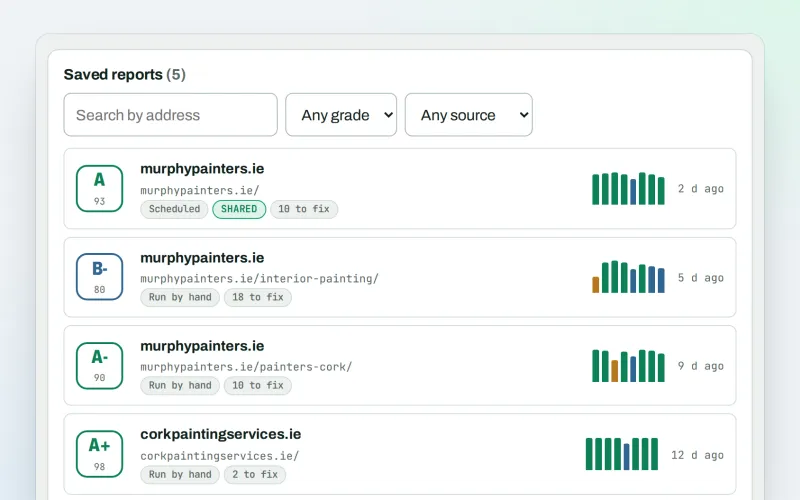
A graded SEO audit of any web address, ready to share or send
Explore -
Client update e-mails
Client SEO updates by e-mail: rankings up, rankings down and the work done
Explore -
Google data
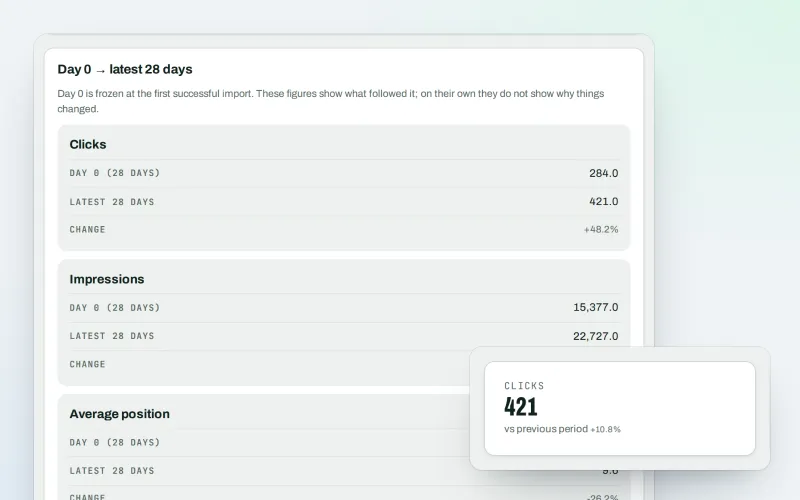
A Search Console dashboard with your Analytics figures, imported every day
Explore -
Live view
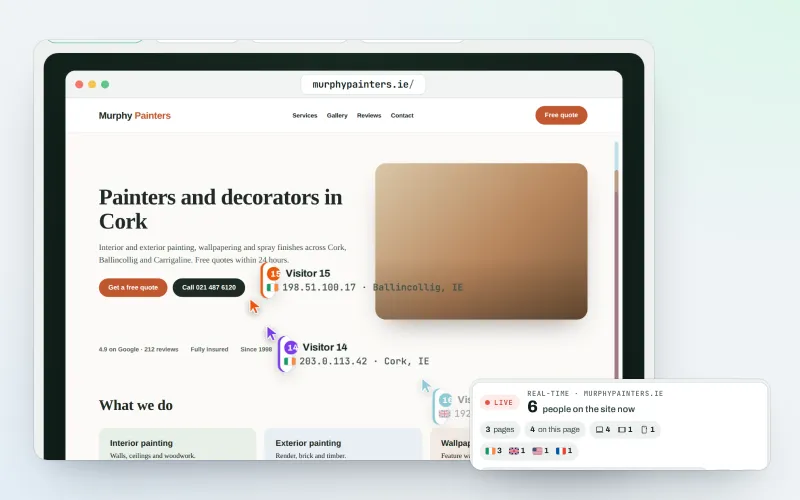
See real-time website visitors, right now, and where they click
Explore
Try Free report switch-over on your own site
Add your site; your first scan becomes your Day 0 baseline. Nothing is bought or published without your approval.
No ranking guarantees: just clear work, with the evidence.
