

MiseGuard Solo Beta
€14.99 a month
Every area for one website.
€149 a year.
Website health
Website protection in one place: forms, uptime, updates, firewall and backups
Website protection in one place and one app: clean form e-mails, uptime, updates and vulnerabilities, a firewall with a malware scan, backups, your CDN, your domain's e-mail and privacy.
Illustration of the screen, without data.
Why it matters
A spam plugin for the contact form, an uptime monitor, an update manager, a firewall, a malware scanner, a backup service, a DNS checker and a cookie scanner, each with its own login and its own bill. And still the form fills your inbox with pitches, and you hear about an attack from a customer.
How it works
Features
Every form message checked for spam, sales pitches, phishing and viruses. Real enquiries forwarded with the visitor as Reply-To; pitches in one daily digest; spam and harmful messages in a quarantine. Never loses a lead: if we do not answer in seconds, your site sends its e-mail as before.
Your site checked every five minutes, with uptime over 24 hours, 7 and 30 days. Warned weeks before the security certificate or the domain name runs out, and when the home page changes, strange scripts or spam appear, or the DNS changes.
Versions, plugins, themes and packages across every site, the updates waiting, plugins closed or abandoned, and known vulnerabilities with the version that fixes them. Safe updates after a restore point, put back by themselves if a page breaks.
A translated subset of the OWASP Core Rule Set, virtual patches until you update, login protection, bad bots refused while real search engines get through, and your own address and country lists. A daily malware scan with YARA and ClamAV, and each finding fixed with a restore point and undo. It learns for a week before it blocks. In early access: ask for it with "Ask for early access" on this page.
Daily and on-demand backups of the database and files, encrypted with a key for each site, kept 30 days in the EU or in your own storage, checked and test-restored every month. Restore the whole site, the database or chosen files. Hourly backups are an extra. In early access: ask for it with "Ask for early access" on this page.
How your CDN serves the site: DNS, certificate, cache headers and answer times, and with your own Cloudflare or Bunny key the traffic, cache and security figures. Recommendations you approve, with a check afterwards and one-click undo. Never DNS. In early access: ask for it with "Ask for early access" on this page.
Mail servers, SPF, DKIM and DMARC, mail transport security and the registration, from public records, with the evidence for each finding, the record to copy for your DNS host and a recheck.
Trackers that load before visitors agree, the consent banner, your privacy and cookie policy links and forms, checked against the rules in Ireland, the UK and the EU, with a cookie list for your cookie policy, re-checked monthly. A guide, not legal advice.
One switch for each protection on each site, and under it Relaxed, Recommended or Strict. Each setting is a plain question with what it means and the risk either way, a sentence says what your choices do before you save ("someone who types 5 wrong passwords is locked out for 30 minutes"), every change can be undone, and the same settings are in your WordPress admin: the newest change counts.
MiseGuard has its own plugin for WordPress, its own Laravel package and one PHP file for any other PHP site. Each takes only MiseGuard's work: it never changes your pages and adds no tracking script. A site that already runs the SEOmise connector needs none of them.
Every attack blocked (what kind, from where), every password-guessing address locked out, every spam message stopped and real enquiry delivered, every scan, backup and outage, each in one plain sentence. With the figures and a protection score that says how it is worked out, in the hub, the plugin's Dashboard, its own app for your phone and desktop (installed from your browser), and a weekly e-mail.
The MiseGuard Chrome extension counts the sites that need attention on its icon, shows each site's uptime, issues, recent scans and mail figures in one click, tells you when a site goes down, malware is found or a backup fails, and shows the public security facts of any website you open. You pair it with a code you approve: it never sees your password. The extension is in early access: ask for it with "Ask for early access" on this page.
Before and after
Before: eight tools and eight logins. After: one place, one score a site. Drag the handle, or use the arrow keys, to compare.
Illustration of the difference, not a measured result.
Prices
Solo looks after one website; Agency looks after many: a base price for the first sites, then a price for each extra site. Both have the forms filter, uptime, updates, the firewall, backups, the CDN, domain and e-mail, and privacy, and the same app.
€14.99 a month
Every area for one website.
€149 a year.
€29.99 a month
Every area for each of your sites, with client groups and a report per client.
Includes 3 sites, then €7.99 a site a month. By the year: €299, then €79 a site.
Hourly backups are an extra on either package. A 14-day free trial on both.
What it needs
Turn a card over for the detail.
WordPress gets every area; Laravel its packages, the firewall middleware and the form address; every other platform the areas that work from outside and exact steps for the rest.
Every area for one site, at one price a month.
Every area for each site: one base price that includes your first few sites, then a small price for each extra site, with your clients' sites grouped and a report for each client. Moving from Solo to Agency keeps everything.
Every platform
What MiseGuard does on each kind of website, from SEOmise's site connectors to step-by-step guidance.
Every area through the WordPress connector: the forms of Contact Form 7, WPForms, Gravity Forms, Elementor, Ninja Forms, Fluent Forms and Formidable, updates, backups, and the firewall before every other plugin with the Pro connector.
The firewall as a Laravel middleware, PHP, Laravel and Composer packages with their versions, uptime, the CDN, the domain and privacy; the contact form sends to the address we give your site.
Uptime, the certificate and the domain, the CDN, the domain's e-mail set-up and privacy; your form script sends to the address we give your site; the firewall at the edge or your host's, with the steps.
Shopify, Wix, Squarespace, Webflow, Framer and every other platform: uptime, the CDN, the domain, privacy and the forms (the form's "send to" address), with the edge firewall or the exact steps for your host's firewall and backups.
Included in this plan. Limits, such as pages per scan or credits a month, are on the pricing page.
On its own: MiseGuard Beta. Ask for early access
See pricingAsk Mise, our assistant, in the help centre, or book a call and we will show you MiseGuard on a site like yours.
Questions
Both have every area and the same app. Solo looks after one website. Agency looks after as many as you need: a base price includes the first few sites and each extra site has its own small price; it groups your clients' sites and makes a report for each client.
Yes: move to Agency from the overview and everything stays. The difference is prorated on your next invoice.
Your website waits a few seconds for our answer. Without it, your form sends its e-mail exactly as it always did, and the message is recorded with us later. A lead is never lost.
It starts in learning mode: for a week it only logs what it would block, and signed-in administrators are never blocked by its rules. One click switches it off, in the app or on the connector's settings in WordPress; if you cannot reach either, delete one file by SFTP and it stops at once.
In SEOmise's storage in the EU by default, locked against changes for the days you keep them, or in your own S3-compatible storage or Dropbox. Every part is encrypted on your site with its own key before it leaves.
No. WordPress gets the most; Laravel gets the firewall middleware and its packages; every other platform gets uptime, the CDN, the domain, privacy and the forms through the address we give your site, with exact steps for the rest.
MiseGuard has its own plugin for WordPress, its own Laravel package and one PHP file for any other PHP site. Each takes only MiseGuard's work: it never changes your pages and adds no tracking script. A site that already runs the SEOmise connector needs none of them. No plugin needed: MiseGuard watches the site from outside, your forms send to the address MiseGuard gives your site, and the firewall runs at the CDN & edge.
Each site up or down now and its uptime over 24 hours, 7 and 30 days; anything that needs you; attacks blocked; recent malware scans and form checks; and how many messages were checked, held, deleted and delivered. It installs from your browser on a phone or a computer.
Solo is one price a month for one site. Agency is a base price that includes the first few sites, then a price for each extra site, a month or a year; you choose how many sites when you sign up and add or remove sites later. Both have a free trial. Hourly backups are an extra on either. The prices are on the pricing page.
Yes: the MiseGuard Chrome extension (Chrome and Microsoft Edge). It shows your sites' status and figures, notifies you of a site down, malware or a failed backup, and checks the public security facts of the website you are on. It can check a site again and open it in MiseGuard, but it cannot change your sites.
Only the name of the website in the open tab, when you click its icon, to tell you about that website. It has no access to the pages you visit, and nothing about other people's websites is kept beyond a short cache.
No. Each protection starts on Recommended. If you want to change something, each setting is a plain question with what it means, the risk either way and the recommended answer, and a sentence shows what your choices do before you save. Every change can be undone.
The Activity screen and the plugin's Dashboard in WordPress list everything MiseGuard did for each site: attacks blocked, logins protected, spam stopped, scans, backups and outages. The protection score shows what takes points off and how to fix it, and each Monday an e-mail sums up the week.
MiseGuard is included in the Agency plan. Prices and limits are on the pricing page.
Works well with
Lead management software: every lead in one inbox, followed up to the sale
ExploreForms, pop-ups and call buttons on your site that fill your Lead inbox
Explore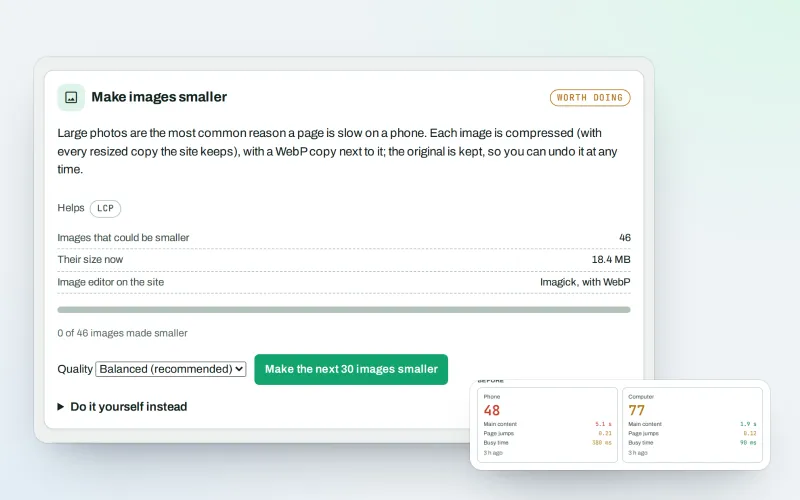
Website speed optimisation: find what slows your site down and fix it, safely
ExploreThe connector for your site's platform and SEOmise on your browser, computer and phone
Explore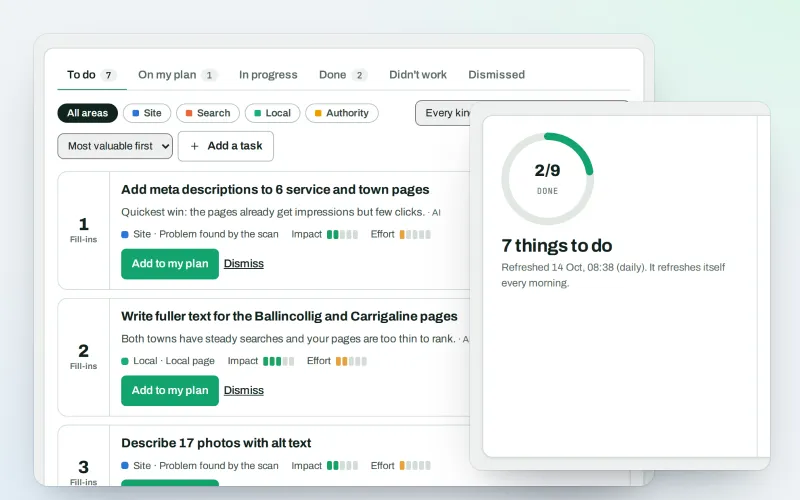
Your SEO action plan: the biggest difference for the least work first
Explore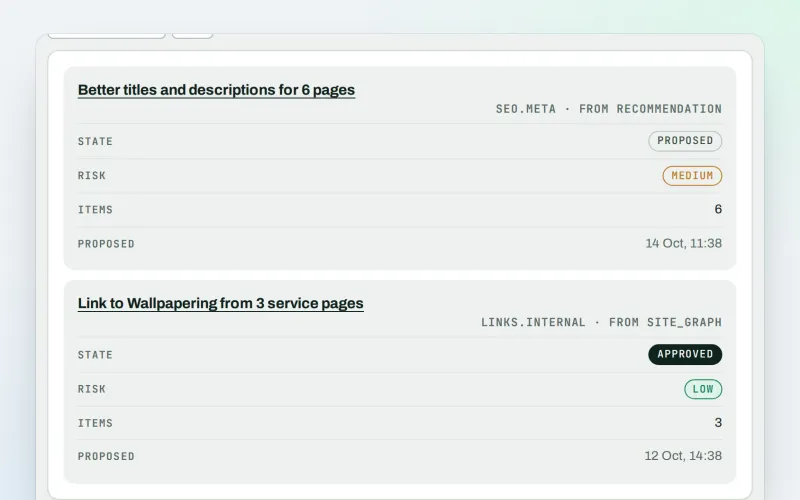
Approve a fix once, and publish SEO changes that are checked and can be undone
Explore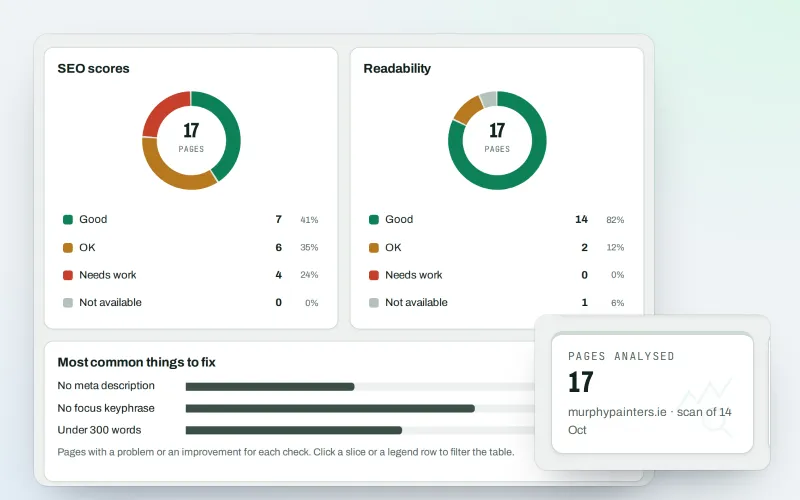
A content SEO checker for your titles, keyphrases and readability
ExploreYour first SEO fix ready to approve and an article draft within minutes of connecting
ExploreAdd your site; your first scan becomes your Day 0 baseline. Nothing is bought or published without your approval.
No ranking guarantees: just clear work, with the evidence.
Your guide to SEOmise

Hi, I am Mise 👋 I help businesses get found on Google, on Google Maps and in AI answers. Ask me what SEOmise can do for you, or let me check your website for free right now.
Mise is an AI assistant and can be wrong. Raise a ticket to reach a person. Questions are kept to improve the help; see the privacy policy.